Before/After Image Slider
Before/after image comparison view with an auto-oscillating slider divider and drag gesture support
Free
Free with a ShipSwift account.
Copies a short instruction with your private download link. Paste it into your agent: it downloads the whole skill (the source code, the setup steps and the mistakes we already made for you) and builds the screen.
Works with
+70
What it does
Before/after image comparison view with an auto-oscillating slider divider. The slider sweeps back and forth to reveal the "before" and "after" images, with optional Before/After labels. Supports drag gesture for manual comparison.
What you get
- ✓127 lines of source code, ready to paste
- ✓Source Code
- ✓Usage
animationslidercomparisonimageSwiftUI
Usage
// Basic usage with two images
SWBeforeAfterSlider(
    before: Image("photo_before"),
    after: Image("photo_after")
)

// Customized size, aspect ratio, and animation speed
SWBeforeAfterSlider(
    before: Image("old"),
    after: Image("new"),
    width: 300,
    aspectRatio: 16.0 / 9.0,
    cornerRadius: 16,
    speed: 1.2,
    showLabels: false,
    beforeLabel: "Old",
    afterLabel: "New"
)

// Supports drag gesture — drag the slider to compare manually,
// auto-animation resumes seamlessly after release.
More in Effects and animation
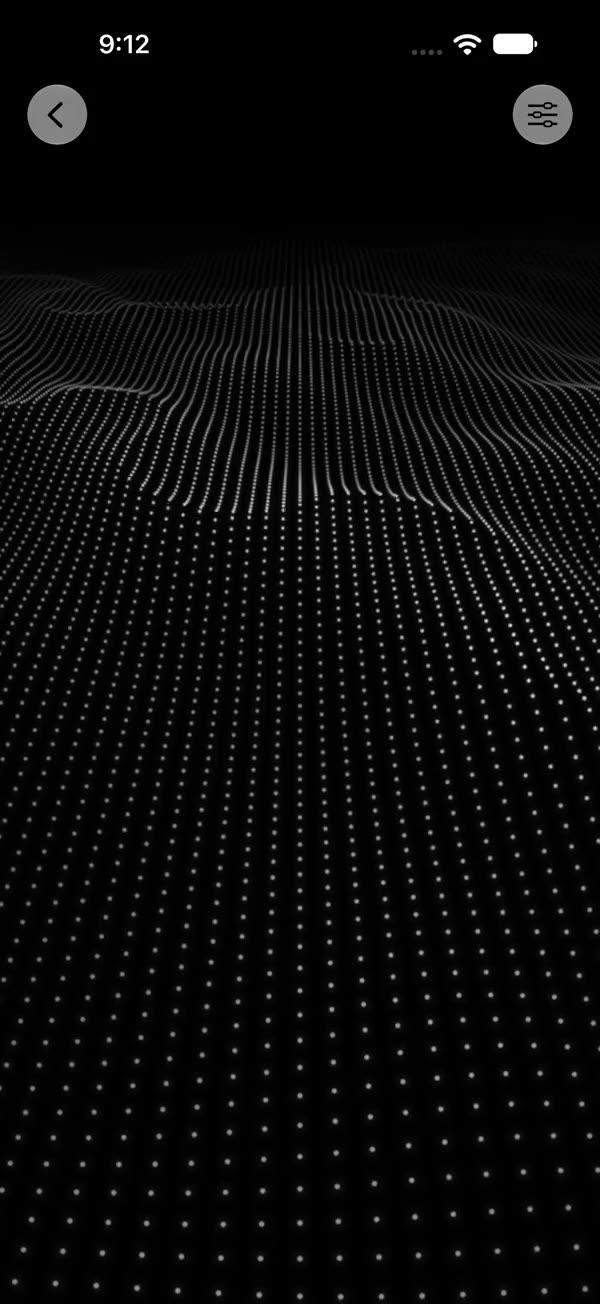
Metal dot fields
FreeMetal shaders: fields of dots that roll like waves and flow into living patterns, all drawn on the GPU.
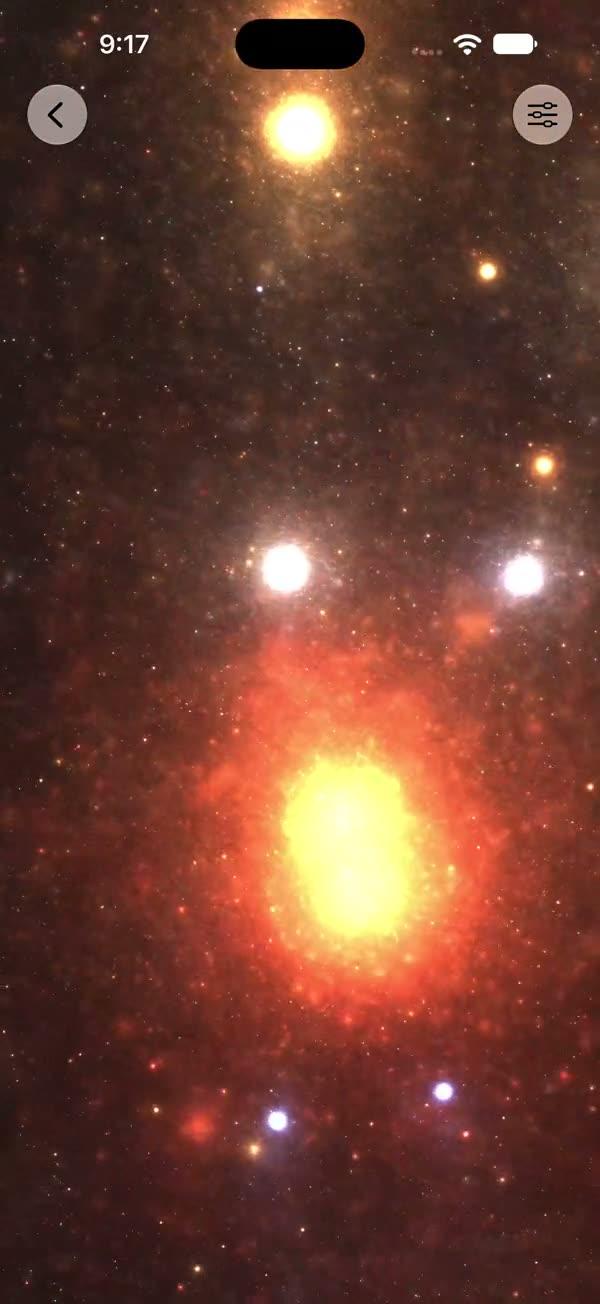
Deep-space starfield
FreeA deep-space starfield in Metal: glowing nebulae drift past twinkling stars.
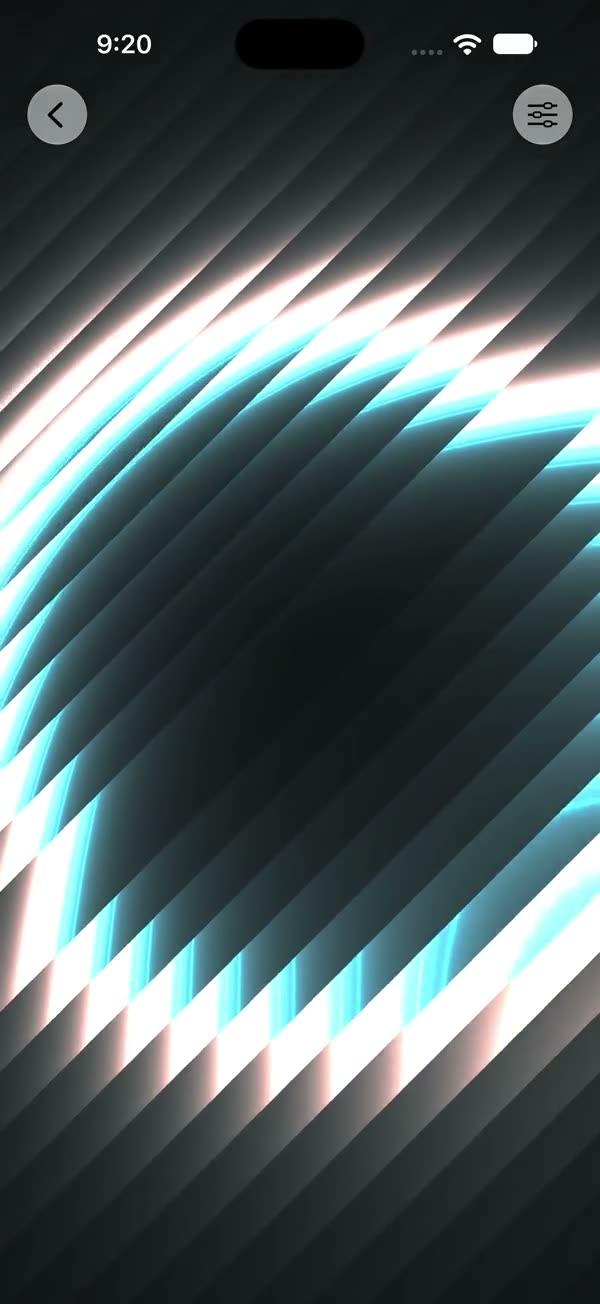
Neon outlines
FreeNeon outlines that bloom from the center with prism-colored edges, rendered live in Metal.
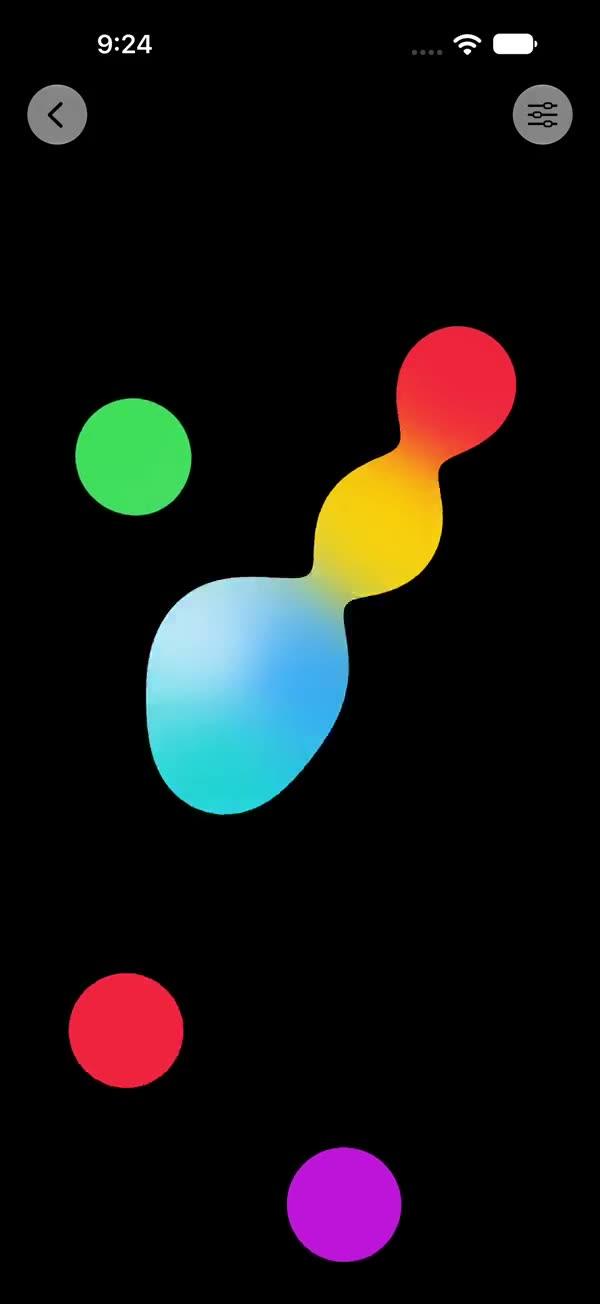
Liquid metaballs
FreeColored blobs that drift, melt into one another like liquid, and blend their colors as they merge.
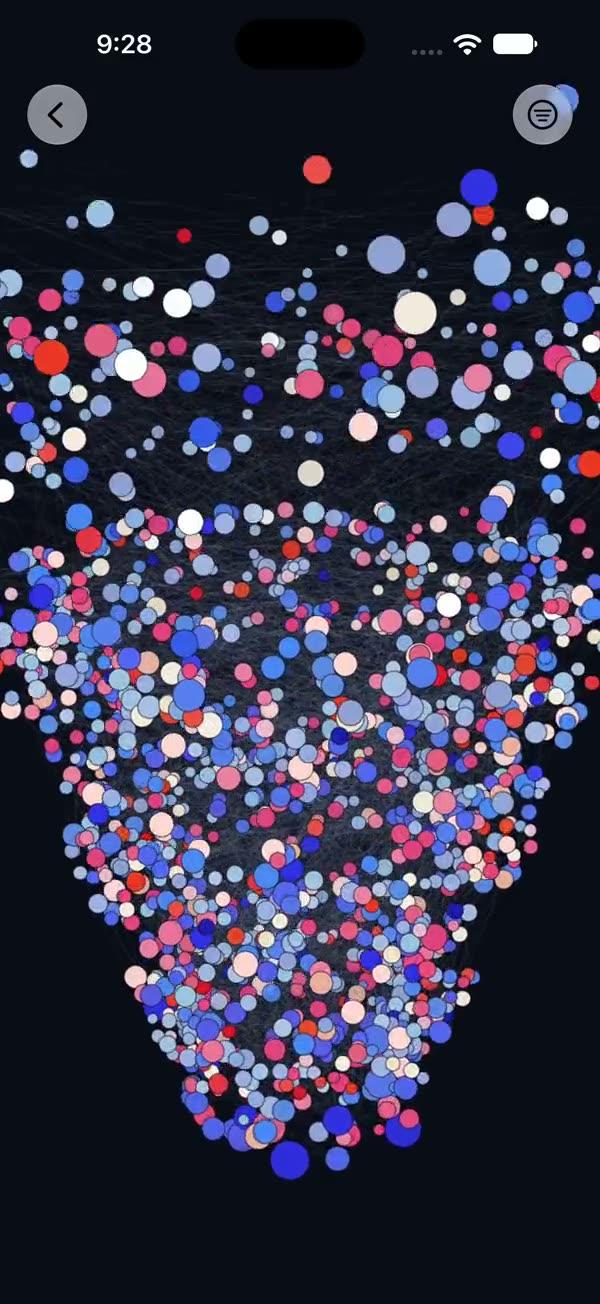
3D network graph
FreeA 3D network graph you can spin. Tap any node and its links light up, with the details below.
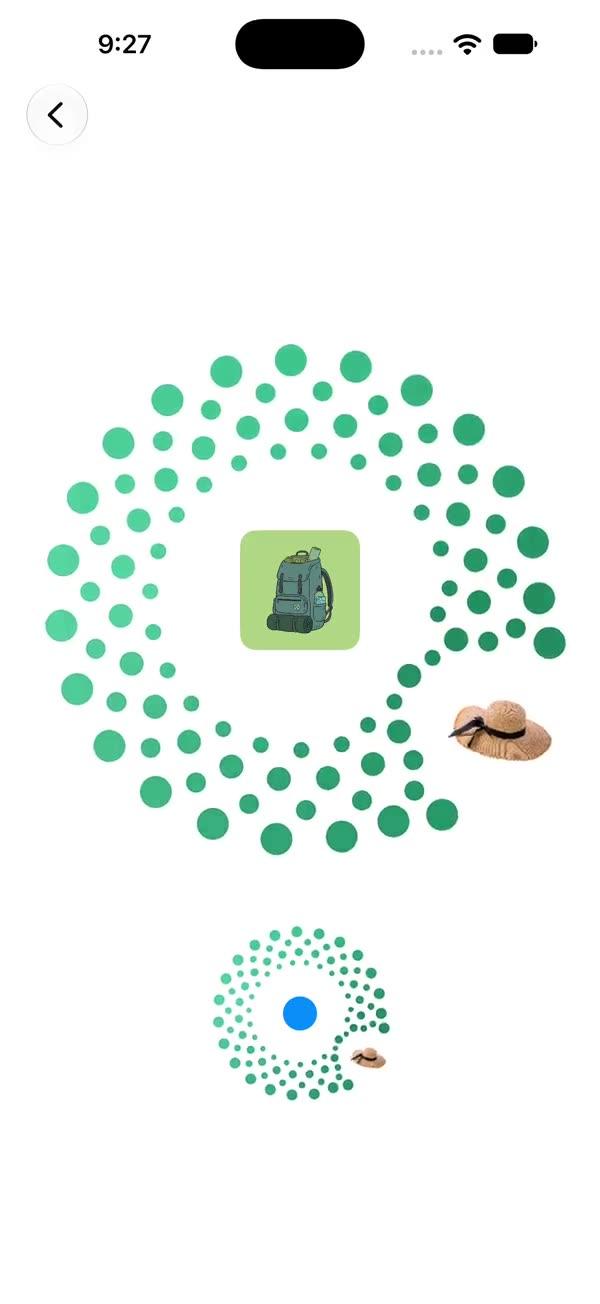
Orbit ring and wallet
FreeItems orbit into a dotted ring, and payment cards fan out of a wallet as the balance rolls in.
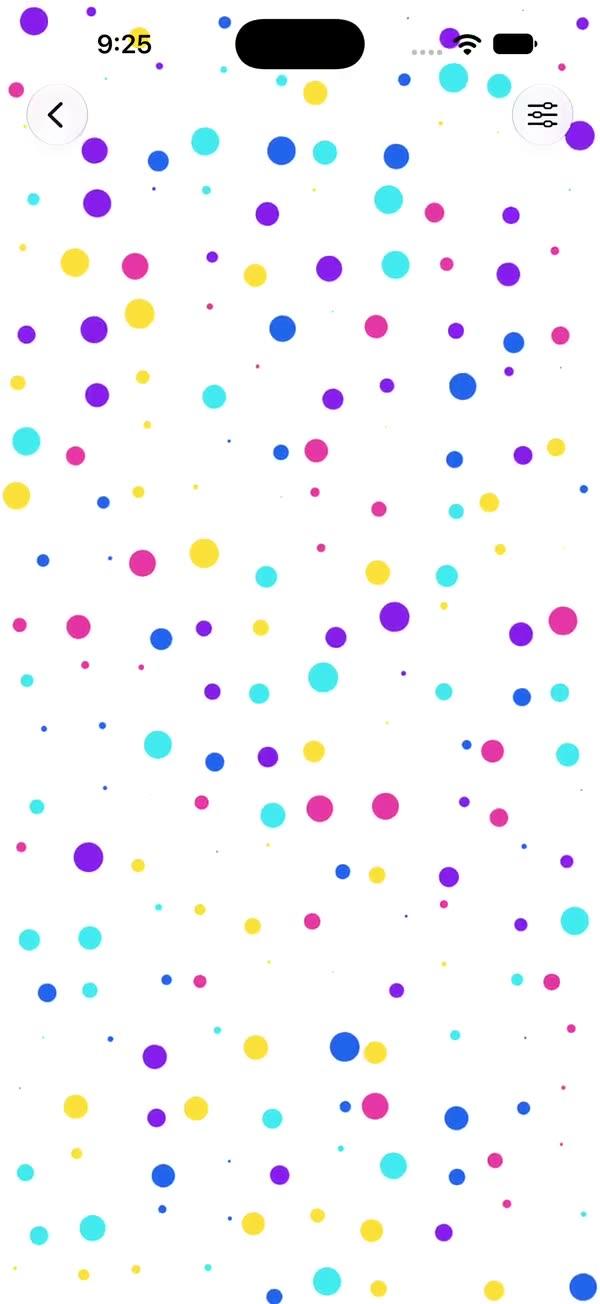
Floating color dots
FreeA field of bright colored dots that float and shimmer across the whole screen.
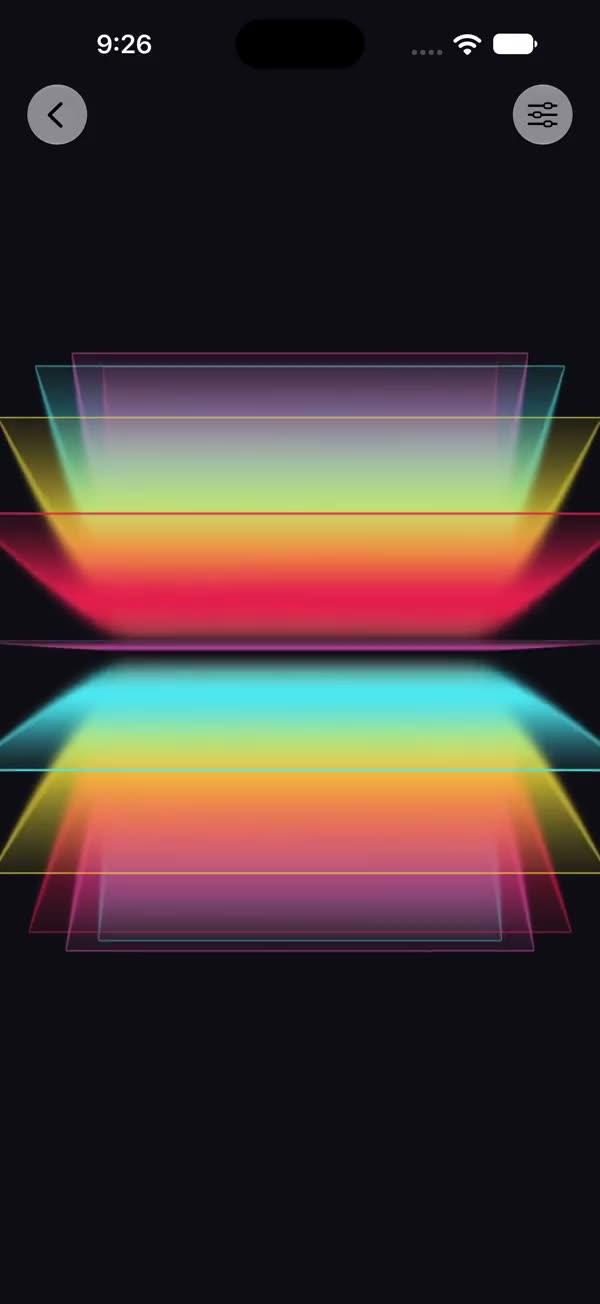
Glass color panels
FreeStacked glass panels in mirrored layers, with neon gradients flowing through them.
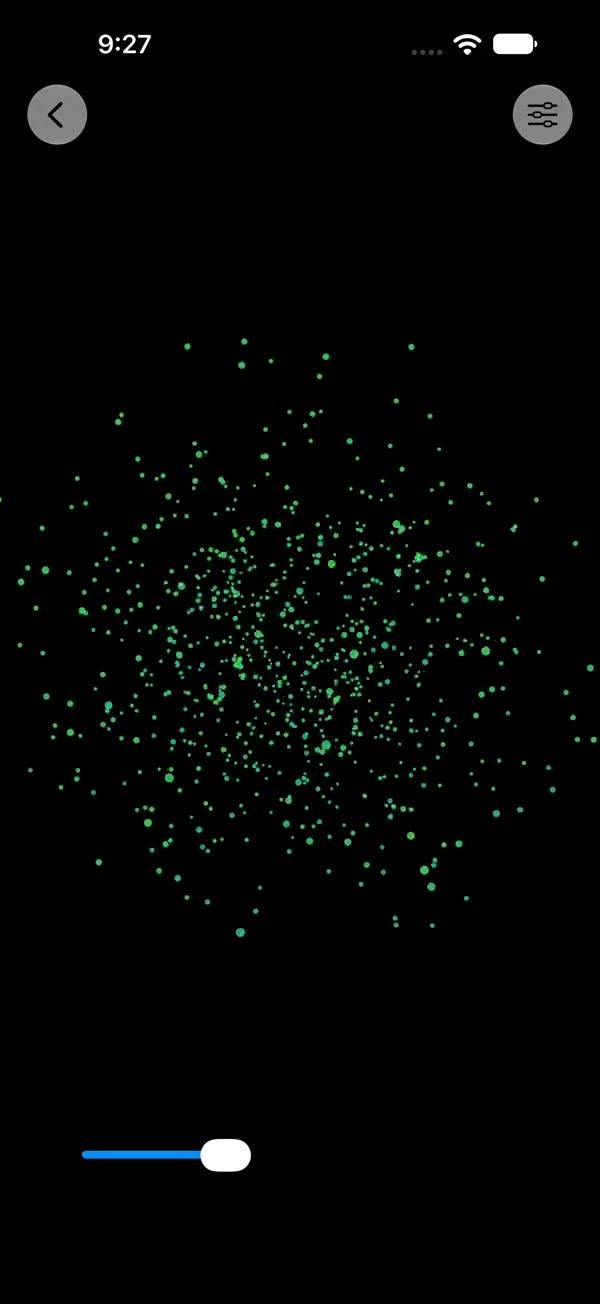
Dot sphere
FreeDrag the slider and scattered points of light pull together into a perfect 3D sphere.
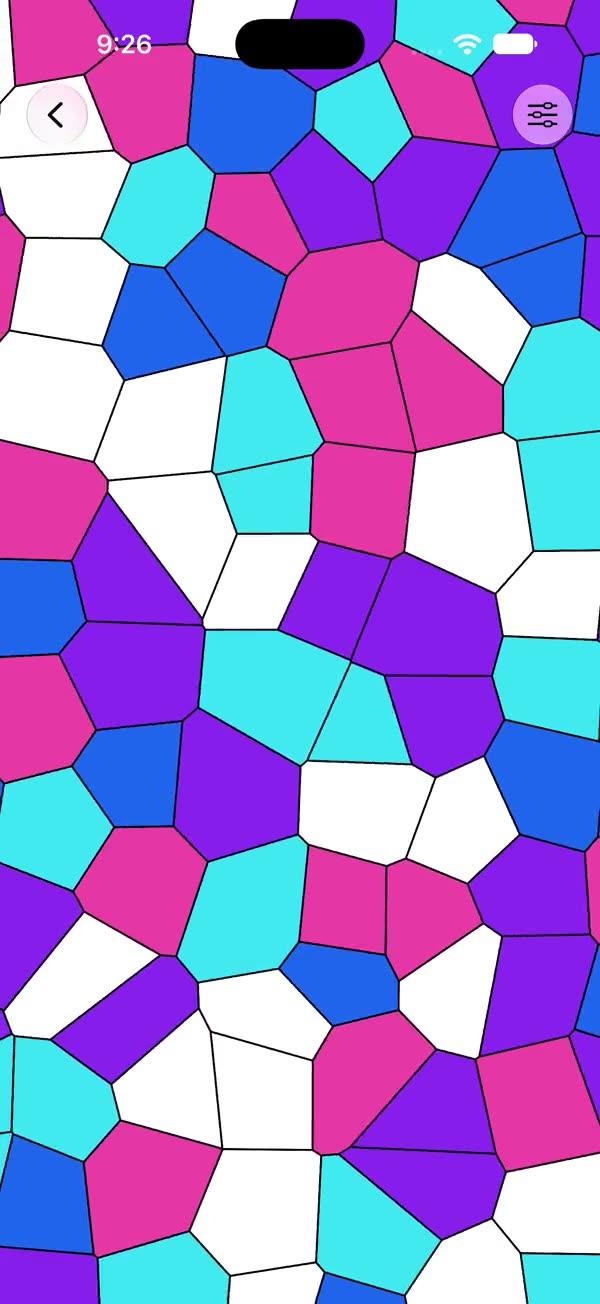
Cells and swirl
FreeLiving patterns: a mosaic of cells that keeps reshaping, then a hypnotic color swirl.
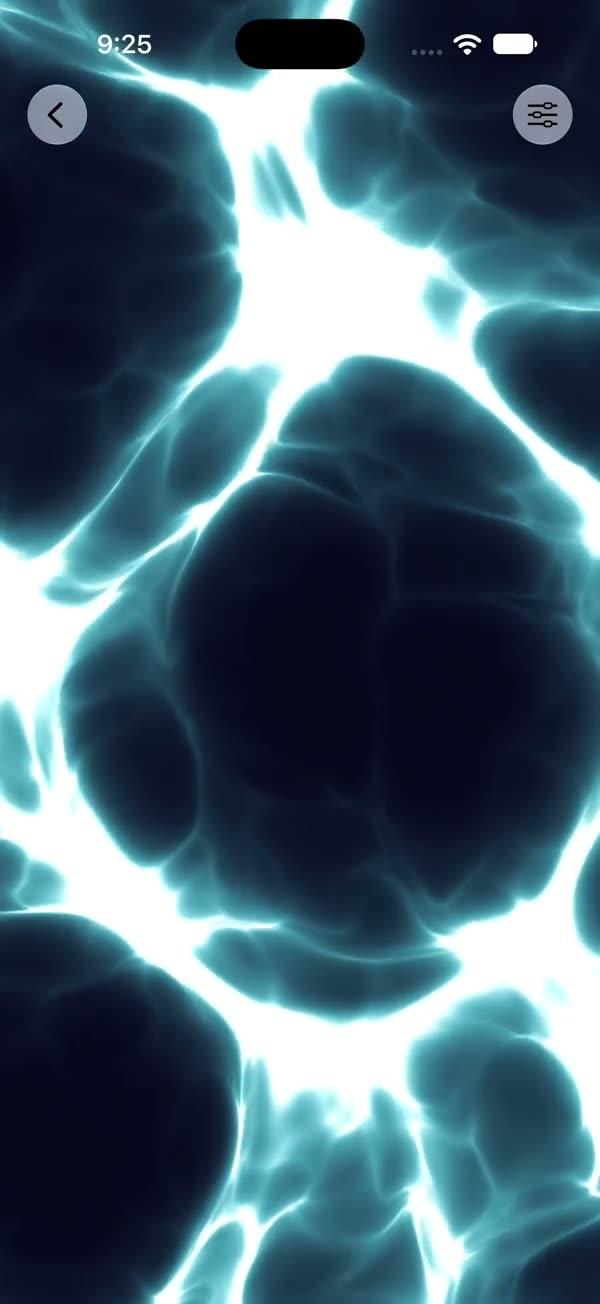
Noise veins and blobs
FreeOrganic noise shaders: glowing veins that pulse through the dark, then bold color blobs in constant flow.