Change Effects
Eight micro-interaction effects that fire on Equatable value changes — shake, jump, spin, ping rings, symbol spray, +1 rise, one-shot shine, and haptics — built on KeyframeAnimator and PhaseAnimator
Copies a short instruction with your private download link. Paste it into your agent: it downloads the whole skill (the source code, the setup steps and the mistakes we already made for you) and builds the screen.
Works with
What it does
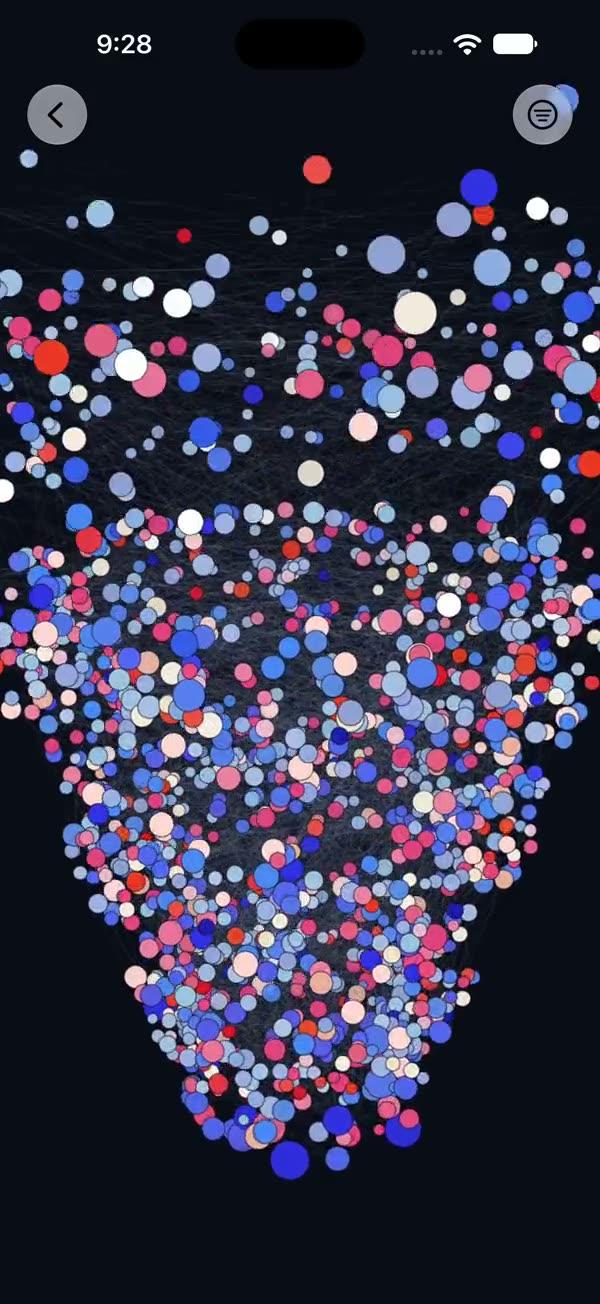
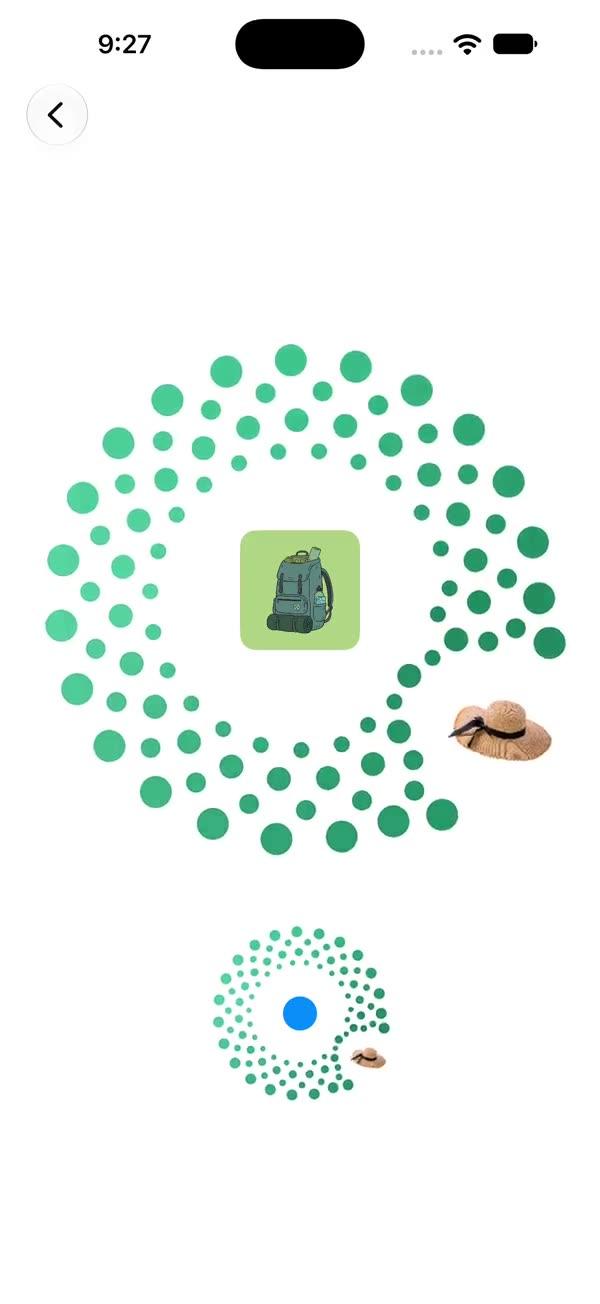
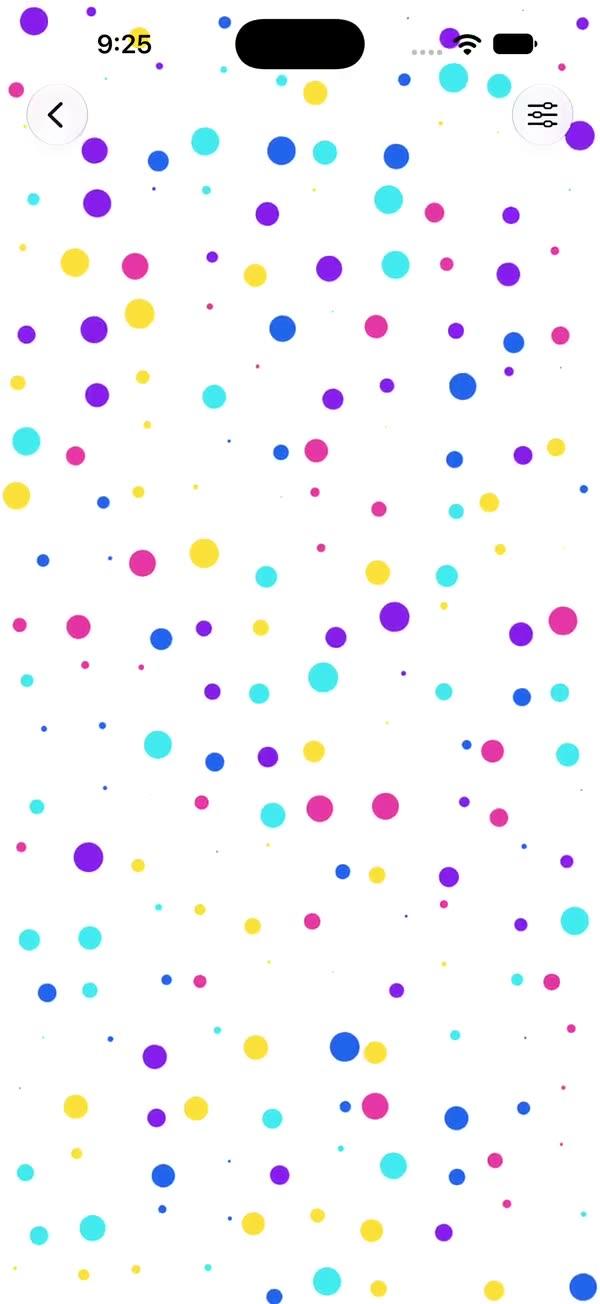
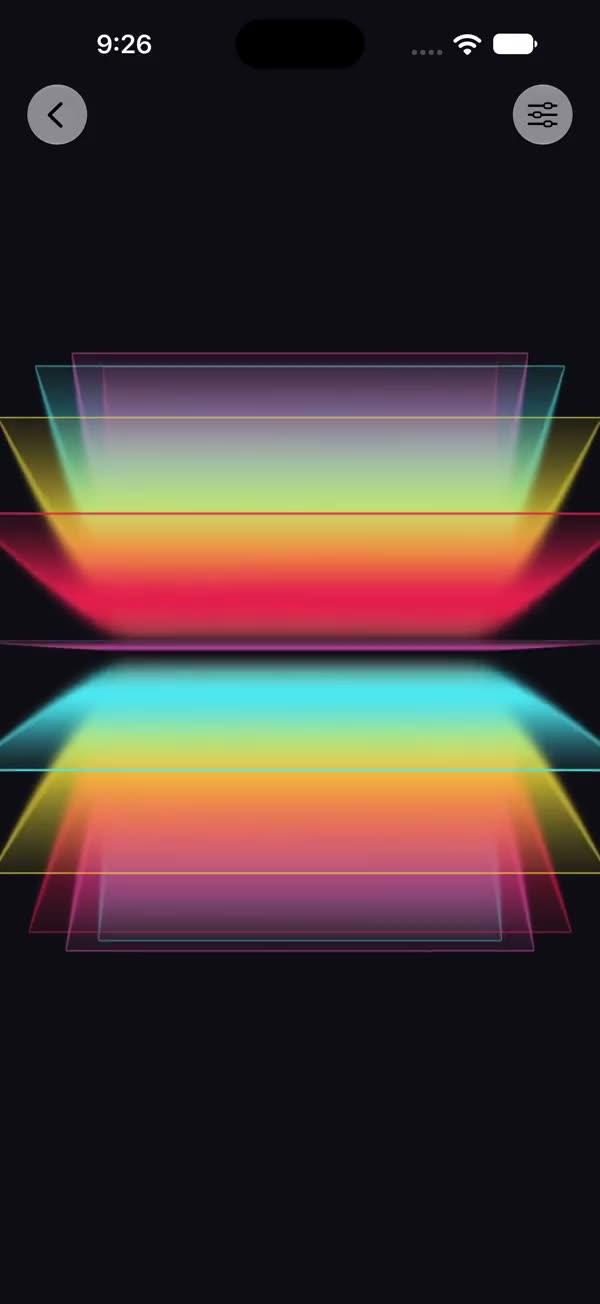
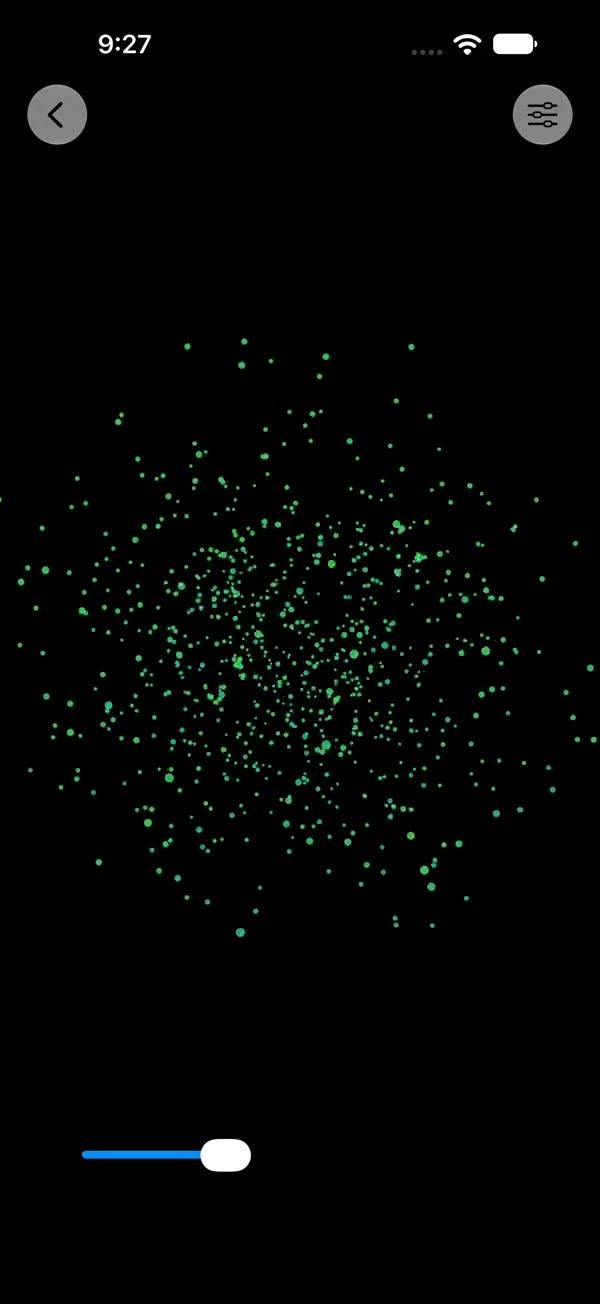
Micro-interactions that play once whenever an Equatable trigger value changes: attach one modifier, bump the value, and the effect fires. Shake (decaying-amplitude wrong-input feedback), jump (squat/leap/land with squash & stretch), spin (one full turn), ping (staggered expanding rings), spray (a cone of tinted SF Symbol particles — the like-button classic), rise (floating "+1" text that stacks on rapid taps), one-shot shine (highlight sweep masked to the content), and a haptics bridge. Everything is built on modern SwiftUI APIs — KeyframeAnimator, PhaseAnimator, sensoryFeedback, and Canvas + TimelineView for particles. All effects are additive: stack several on one view and drive them from the same trigger.
What you get
- ✓435 lines of source code, ready to paste
- ✓Source Code
- ✓Usage
- ✓Parameters
- ✓Integration Checklist
- ✓Known Gotchas
Usage
// Shake on failed attempts
PasswordField()
    .swShake(trigger: failedAttempts)

// Like button: hearts spray + counter rises, same trigger
Button { likes += 1 } label: { Image(systemName: "heart.fill") }
    .swSpray(trigger: likes, symbol: "heart.fill", colors: [.red, .pink, .orange])
    .swRise(trigger: likes, text: "+1", color: .red)

// Notification bell ping
BellIcon()
    .swPing(trigger: unreadCount, color: .orange)

// One-shot shine — a view wrapper so the band masks to content shape
SWShine(trigger: purchased) {
    ProBadge()
}

// Haptics — thin bridge over .sensoryFeedback, stacks with any effect
view.swHaptic(.success, trigger: purchased)
    .swJump(trigger: purchased)
Parameters
| Effect | Parameters | Defaults |
|---|---|---|
| swShake | amplitude | 9 |
| swJump | height | 40 |
| swSpin | duration | 0.6 |
| swPing | color, rings | .accentColor, 2 |
| swSpray | symbol, colors | "circle.fill", pink/red/orange |
| swRise | text, color | "+1", .primary |
| swHaptic | feedback | — (any SensoryFeedback) |
| SWShine | duration | 0.75 |
Integration Checklist
- Add
SWChangeEffect.swiftto your project (iOS 18+ / macOS 15+) - Drive effects from an
Equatablestate (a counter works best — every increment fires once) - Stack multiple effects on one view for compound feedback (spray + rise + haptic is the like-button trio)
- Use
SWShineas a wrapper (not a modifier) so the sweep clips to your content's silhouette - For a continuous looping shine, use
SWShimmerinstead —SWShineis one-shot by design
Known Gotchas
- Don't clip the parent: spray and rise draw in an overlay expanded via
.padding(-90); aclipped()ancestor cuts particles off mid-flight. - Rapid triggers are handled: spray/rise keep still-alive particles and append new ones, so button-mashing stacks floaters instead of resetting them.
KeyframeAnimatorrestarts frominitialValueon every trigger change — effects always play the full arc, no mid-flight blending. Spin lands on 360° ≡ 0° so repeats look continuous.- Sound effects are intentionally not included (bundling audio breaks self-containment). Use
.swHaptic/.sensoryFeedback, or add your ownAVAudioPlayeralongside. sensoryFeedbackcompiles on macOS 15+ but most Macs have no haptic hardware — the bridge is a no-op there.
More in Effects and animation