Chromatic Glass
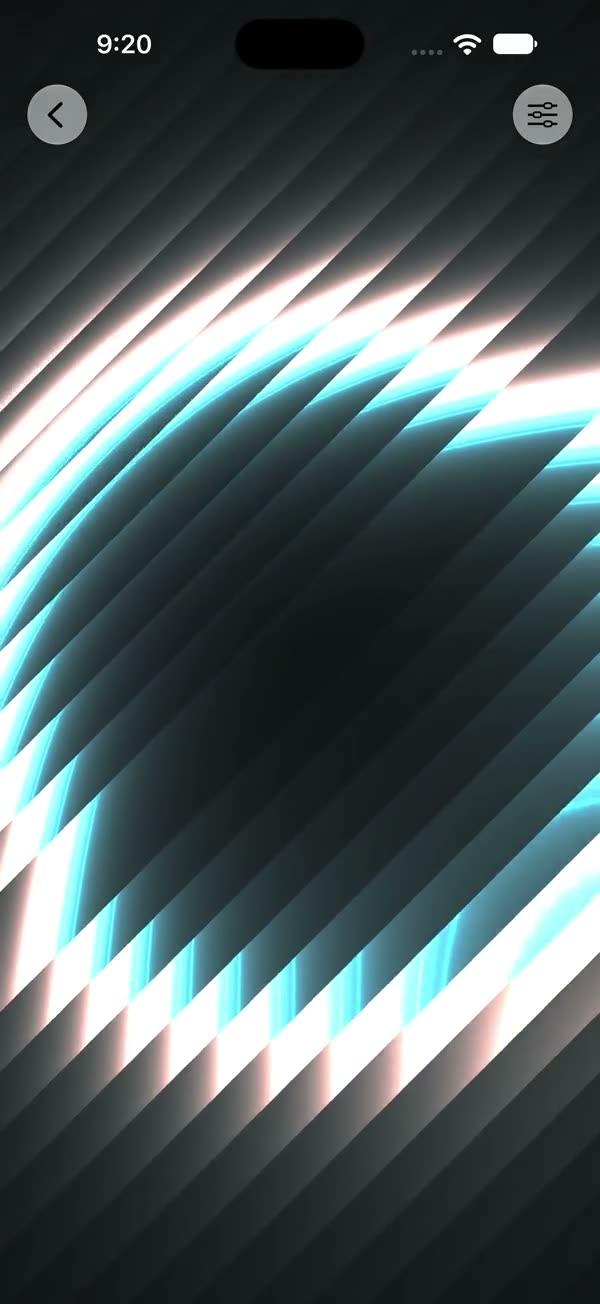
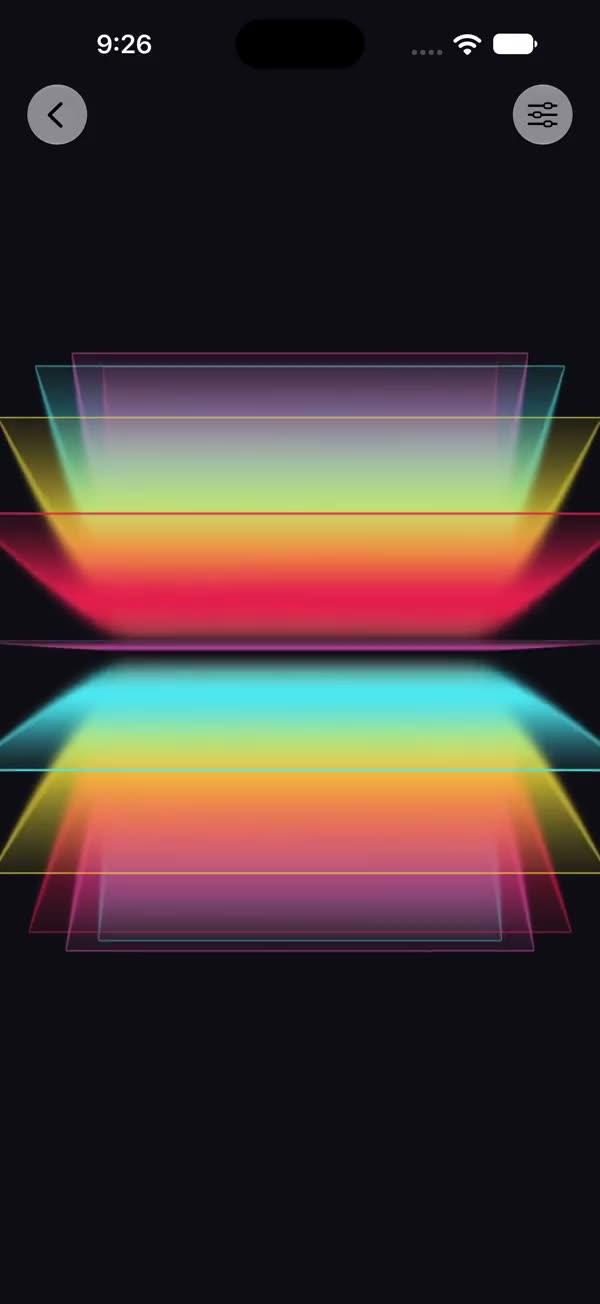
Subtle chromatic-aberration glass layerEffect over any source view via a SwiftUI Metal stitchable shader — red/blue channels split toward the edges along the tilt direction, with a soft centre glow, for a premium glass-over-card feel
Copies a short instruction with your private download link. Paste it into your agent: it downloads the whole skill (the source code, the setup steps and the mistakes we already made for you) and builds the screen.
Works with
What it does
A subtle chromatic-aberration "glass" pass applied to any view through SwiftUI's layerEffect Metal pipeline. The red and blue channels are sampled at opposing offsets that grow toward the edges (non-linear falloff) and follow the tilt vector; a soft centre brightness glow finishes the look. Unlike the foil family, this effect samples neighbouring pixels, so the renderer gives the layerEffect a maxSampleOffset budget — without it, edge pixels would clamp and the RGB fringing would be cut off.
Requires iOS 18+ / macOS 15+.
What you get
- ✓313 lines of source code, ready to paste
- ✓Attribution
- ✓File Layout
- ✓Source Code
- ✓Usage
- ✓Parameters
- ✓Integration Checklist
- ✓Notes / Gotchas
Usage
// Default — gentle RGB split, internal only
SWChromaticGlass {
    Image("photo").resizable().scaledToFill()
}
.frame(width: 250, height: 350)
.clipShape(RoundedRectangle(cornerRadius: 16))

// Tilt-driven, stronger separation
@State private var tilt: CGSize = .zero

SWChromaticGlass(tilt: tilt, separation: 0.6) { cardArtwork }
    .gesture(
        DragGesture()
            .onChanged { v in
                tilt = CGSize(width: v.translation.width / 100,
                              height: v.translation.height / 100)
            }
            .onEnded { _ in withAnimation(.spring) { tilt = .zero } }
    )
Parameters
| Parameter | Type | Default | Range | Notes |
|---|---|---|---|---|
tilt | CGSize | .zero | ~ -1…1 per axis | Light/parallax direction, usually drag-driven |
intensity | Float | 0.6 | 0…1 | Blend of the R/B split over the source |
separation | Float | 0.4 | 0…1 | How far the R/B channels separate (at 1.0: ≈ 14 px at the edge midpoints, ≈ 22 px in the corners) |
showsControls | Bool | false | — | Demo-only gear ToolbarItem; requires an enclosing NavigationStack |
Integration Checklist
- Copy
SWChromaticGlass.swiftandSWChromaticGlass.metalinto your Xcode target, keeping the MIT attribution header on both files. - Confirm the deployment target is iOS 18+ / macOS 15+.
- Wrap a card / photo in
SWChromaticGlass { ... }; clip it to aRoundedRectangle. - Keep the
maxSampleOffsetofCGSize(width: 28, height: 28)in the renderer — it must comfortably exceed the maximum pixel offset the shader reaches (≈ 22 px in the corners). See Gotchas. - Drive
tiltfrom aDragGestureso the fringing follows the card's rotation.
Notes / Gotchas
maxSampleOffsetis load-bearing. Unlike the foil family, this effect samples neighbouring pixels (R/B channels atposition ± offset). The offset isseparation × (edgeFactor × 0.85 + 0.15) × 14px, whereedgeFactor = (2 × distance from centre)^1.5is 1 at the edge midpoints and ≈ 1.68 in the corners — so atseparation = 1the shader reaches ≈ 14 px at the edges and ≈ 22 px in the corners; the renderer requests28 pxof headroom. If you drop it to.zero(as the foil family uses), the layer pre-clips its content and the RGB fringing is truncated at the edges. Do not copy.zerofrom the other skills here.- The
0.15floor insideoffsetAmountkeeps a baseline split even at the centre, so the fringing reads across the whole photo rather than only at the corners. - The effect is deliberately subtle — it reads as glass-over-card, not a glitch. Raise
separationandintensitytogether for a stronger split. - There is no
TimelineView: the shader ignores itstimeargument, so the renderer passes0and the layer re-renders only whentilt,intensityorseparationchange — a still card costs nothing per frame.
More in Effects and animation