Foil
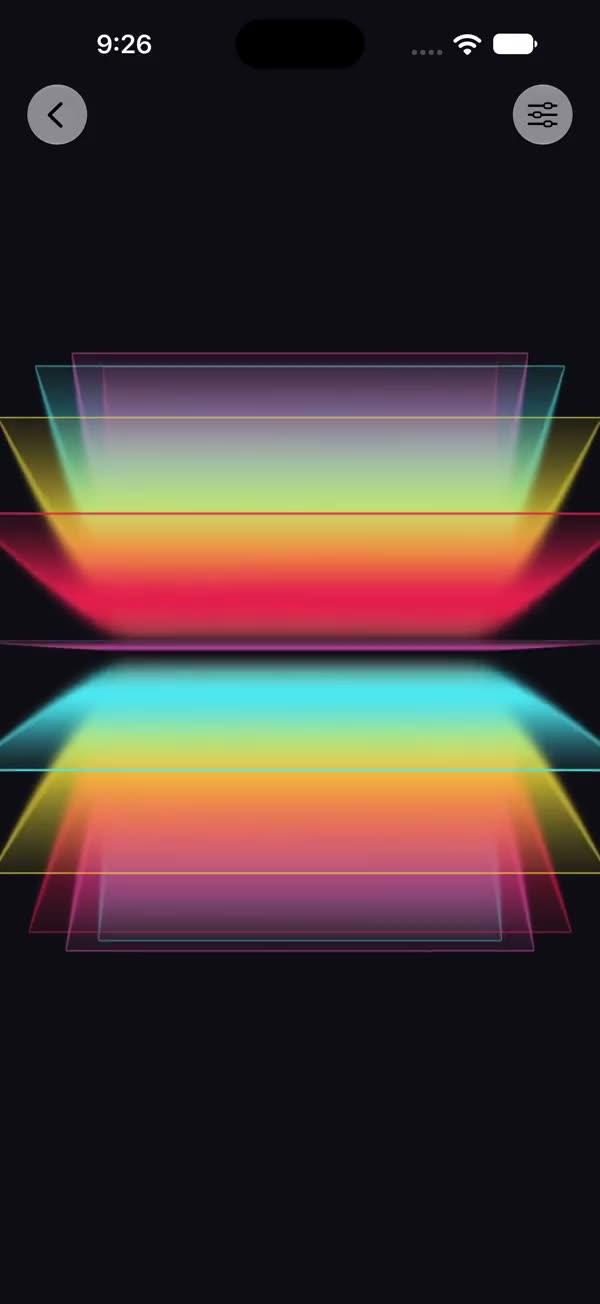
Holographic rainbow foil layerEffect that wraps any source view via a SwiftUI Metal stitchable shader, with crossing sine-wave rainbow ramp, high-power sparkle glints, and a tilt-driven fresnel flare for a trading-card foil feel
Copies a short instruction with your private download link. Paste it into your agent: it downloads the whole skill (the source code, the setup steps and the mistakes we already made for you) and builds the screen.
Works with
What it does
Wraps any view in a holographic rainbow foil through SwiftUI's layerEffect Metal pipeline. Three crossing sine waves drive a rainbow ramp, a high-power sparkle term adds glints, and a tilt vector — typically fed from a DragGesture — rotates a fresnel-like highlight so the foil flares as a card is rotated. The effect samples the source layer and only paints where the source is opaque, so it reads as a foil finish laid over card art, a photo, or a bold SF Symbol.
Requires iOS 18+ / macOS 15+.
What you get
- ✓330 lines of source code, ready to paste
- ✓Attribution
- ✓File Layout
- ✓Source Code
- ✓Usage
- ✓Parameters
- ✓Integration Checklist
- ✓Notes / Gotchas
Usage
// Default — foil tracks the internal animation only
SWFoil {
    Image("photo").resizable().scaledToFill()
}
.frame(width: 250, height: 350)
.clipShape(RoundedRectangle(cornerRadius: 16))

// Tilt-driven — feed a normalized (-1...1) tilt from a DragGesture
@State private var tilt: CGSize = .zero

SWFoil(tilt: tilt, intensity: 1.0) {
    cardArtwork
}
.gesture(
    DragGesture()
        .onChanged { v in
            tilt = CGSize(width: v.translation.width / 100,
                          height: v.translation.height / 100)
        }
        .onEnded { _ in
            withAnimation(.spring) { tilt = .zero }
        }
)
Parameters
| Parameter | Type | Default | Range | Notes |
|---|---|---|---|---|
tilt | CGSize | .zero | ~ -1…1 per axis | Light/parallax direction, usually drag-driven |
intensity | Float | 1.0 | 0…1 | Blend of the foil over the source |
speed | Float | 1.0 | 0…3 | Multiplier on the internal animation time |
showsControls | Bool | false | — | Demo-only gear ToolbarItem; requires an enclosing NavigationStack |
Integration Checklist
- Copy
SWFoil.swiftandSWFoil.metalinto your Xcode target, keeping the MIT attribution header on both files. - Confirm the deployment target is iOS 18+ / macOS 15+.
- Wrap a card / photo / SF Symbol in
SWFoil { ... }; clip it to aRoundedRectanglefor the trading-card look. - To make it react to touch, hold a
@State var tilt: CGSizeand update it from aDragGesture, springing back to.zeroon release. - Lower
intensityif the foil overpowers the underlying artwork.
Notes / Gotchas
- The shader returns the source unchanged where
originalColor.a < 0.01— transparent pixels are never tinted, so the foil only paints over the opaque card body. maxSampleOffsetis.zerobecause the effect only reads the pixel under the current position (no neighbour sampling). Do not raise it.tiltis expected in roughly-1...1per axis. Normalize aDragGesturetranslation (e.g. divide by ~100) before passing it in; larger values exaggerate the fresnel flare.- This is the lightest member of the foil family (foil → glitter → intense-bling in ascending cost). Use it freely on multiple cards.
More in Effects and animation