Glass Orb
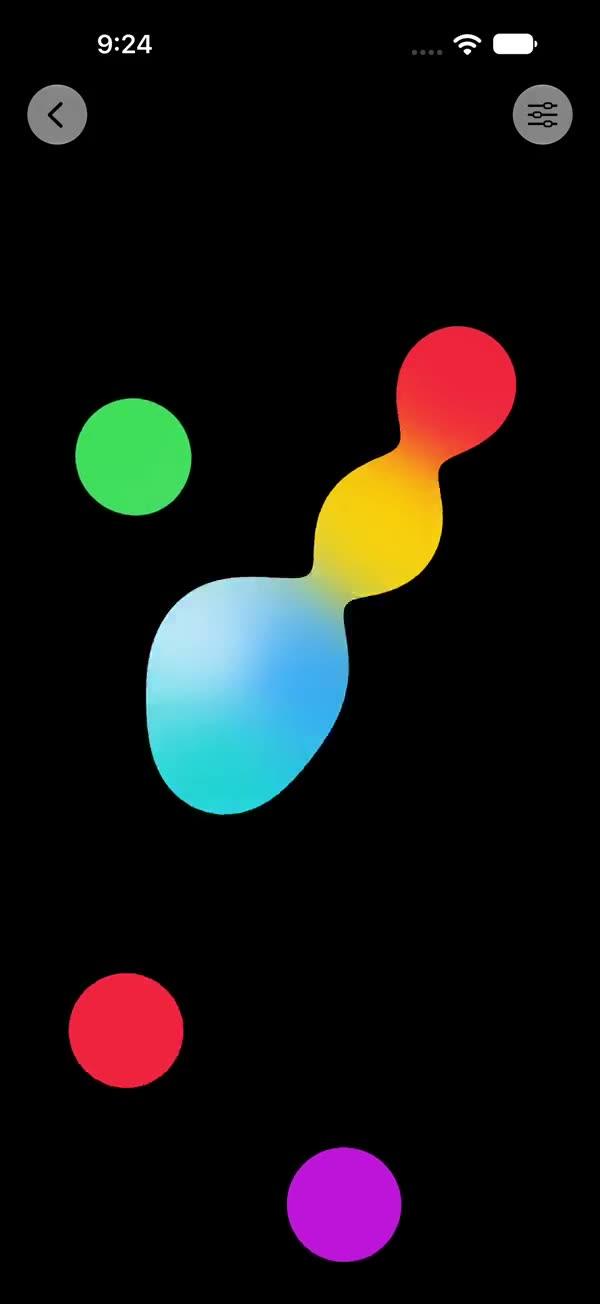
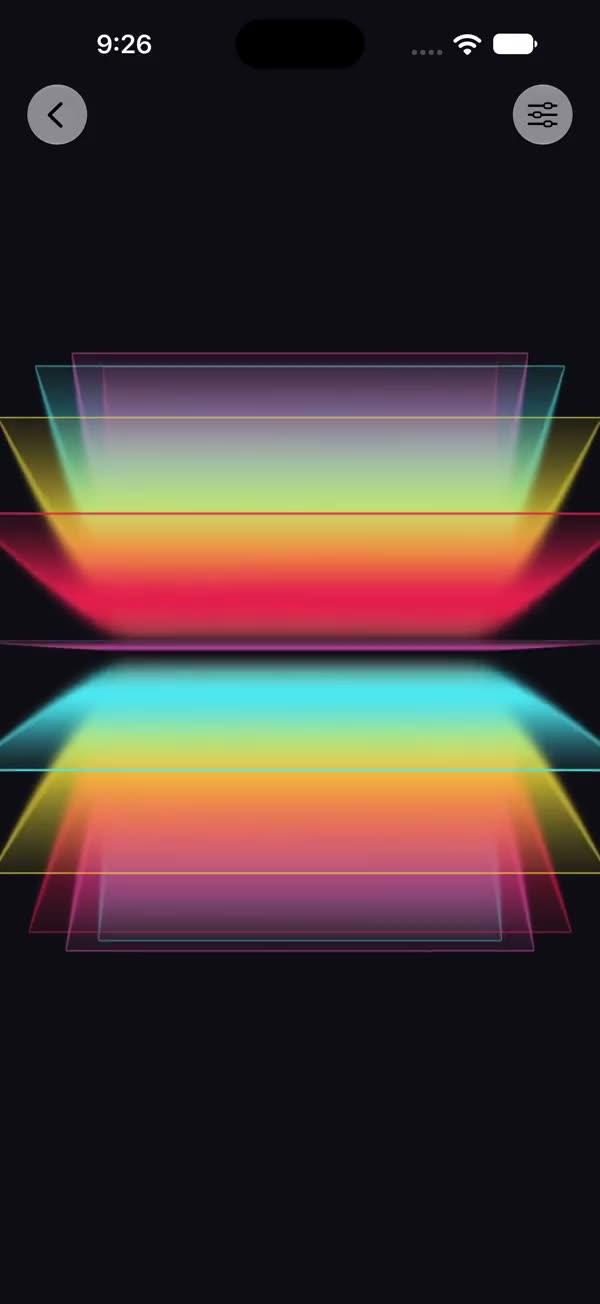
A draggable glass orb with a built-in vertical color gradient fill, rendered through a SwiftUI Metal stitchable layerEffect — the gradient is magnified and bent with a spherical (barrel) warp, topped with a cool Fresnel rim highlight, an upper-left specular hot-spot, and optional rim RGB dispersion; the whole orb drags as one piece and its hue cycles over time for a slowly flowing color
Copies a short instruction with your private download link. Paste it into your agent: it downloads the whole skill (the source code, the setup steps and the mistakes we already made for you) and builds the screen.
Works with
What it does
A self-contained glass orb: a vertical color gradient is the orb's own background, and a SwiftUI layerEffect Metal shader magnifies and refracts that gradient with a spherical (barrel) warp. Inside the circular region the gradient is zoomed most at the centre and the magnification eases off toward the rim, bending it into a barrel (fisheye) curve — a real spherical refraction rather than a flat zoom. On top of that base the shader adds the cues that make it read as a solid sphere and not a magnifier: a cool Fresnel rim that brightens sharply at the silhouette, a soft upper-left specular hot-spot, a faint inner contact shadow, and an optional RGB dispersion at the rim.
The orb is one self-contained view — it does not wrap or refract any external content; the gradient belongs to the orb. Because the gradient is the orb's own background, the whole thing drags as a single piece: a DragGesture translates the entire view via .offset, so the gradient, the refraction and the highlights all move together.
The gradient's hue cycles over time so the orb's color slowly flows. A TimelineView(.animation) drives a hueRotation applied to the gradient before the shader, so only the fill flows; the shader's Fresnel rim and specular hot-spot stay cool-white. The flow speed is controlled by colorFlow (degrees/second); set it to 0 for a static orb.
Requires iOS 18+ / macOS 15+.
What you get
- ✓480 lines of source code, ready to paste
- ✓Attribution
- ✓File Layout
- ✓Source Code
- ✓Usage
- ✓Parameters
- ✓Integration Checklist
- ✓Notes / Gotchas
Usage
// Default gradient orb — draggable, with a slowly flowing hue.
SWGlassOrb()

// Custom size + gradient (top → bottom).
SWGlassOrb(radius: 150, colors: [.indigo, .blue, .teal, .green])

// Static color (no hue flow), stronger bulge.
SWGlassOrb(magnification: 2.0, refraction: 0.7, colorFlow: 0)

// Demo / debug — dark canvas + gear button + live-tuning sheet.
// Requires an enclosing `NavigationStack`.
SWGlassOrb(showsControls: true)
Parameters
| Parameter | Type | Default | Range | Notes |
|---|---|---|---|---|
radius | CGFloat | 120 | 40…220 | Orb radius in points |
magnification | CGFloat | 1.6 | 1…3 | Peak zoom at the orb centre (1.6 = 1.6x) |
refraction | CGFloat | 0.5 | 0…1 | Strength of the spherical barrel warp — 0 = flat loupe zoom, 1 = strong glass-ball bulge |
edgeHighlight | CGFloat | 0.6 | 0…1 | Strength of the Fresnel rim + specular hot-spot + inner shading |
dispersion | CGFloat | 0.25 | 0…1 | Rim RGB-split strength (0 disables — collapses to a single sample in the interior) |
colors | [Color] | indigo → blue → teal → green → green | — | Vertical gradient fill, top → bottom — the orb's own background |
colorFlow | Double | 30 | 0…120 | Hue-rotation speed in degrees/second for a flowing color cycle (0 = static) |
showsControls | Bool | false | — | Demo-only dark canvas + gear ToolbarItem; requires an enclosing NavigationStack |
Integration Checklist
- Copy
SWGlassOrb.swiftandSWGlassOrb.metalinto your Xcode target, keeping the MIT attribution header on both files. - Confirm the deployment target is iOS 18+ / macOS 15+.
- Drop in
SWGlassOrb()for the default gradient orb, or pass your owncolorsfor a custom fill. The orb supplies its own gradient — it does not wrap external content. - The orb is draggable out of the box — the whole view (gradient + refraction + highlights) translates together via
.offset, and the position commits when each drag ends. - The
.layerEffectargument order must match the MetalswGlassOrbsignature exactly:boundingRect, center, radius, magnification, refraction, edgeHighlight, dispersion..boundingRectis bound positionally; the centre is passed as the frame middle (radius, radius) and is not a stored property on the Swift view.
Notes / Gotchas
- The gradient is the orb's own background, not external content.
SWGlassOrbis non-generic — there is nocontent:closure and no convenience init. ALinearGradient(colors:)is clipped to a circle and fed to the shader; to change the look, passcolors, not a wrapped view. - **Hue flow is driven by
TimelineView(.animation)and applied before the shader.**hueRotationrotates only the gradient fill, so the orb's color cycles while the shader's Fresnel rim and specular hot-spot stay cool-white. ThecolorFlowclock is wrapped withtruncatingRemainder(dividingBy: 360)to avoid float-precision jitter; setcolorFlow: 0for a static orb — the timeline is then paused, so a still orb costs nothing per frame. - Dragging translates the whole view, not the shader centre. The shader
centeris fixed at the frame middle (radius, radius); movement is a plain.offseton the entire view, applied outside theTimelineViewso the drag stays stable across animation frames. The committedpositionaccumulates on each drag end via a@GestureStatelivedragplus a storedposition. maxSampleOffsetonly needs one radius of budget. The orb samples within its own radius, so the renderer budgetsradius + 24in both axes. If you fork the maths to magnify harder, raise this offset or the warped content will clip at the orb's reach.- The rim joins seamlessly because
zoom → 1asr → 1. The sampled delta is shrunk byzoom, which eases from1/magnificationat the centre back to1.0at the rim, so the orb's edge lines up with the surrounding un-zoomed gradient. Do not hard-clampzoombelow 1 at the rim or you will get a visible seam. dispersionis rim-weighted (pow(r, 3.0)) and collapses to a single sample when 0. Leaving it at 0 makes the orb a one-tap sample in the interior; only the rim pays for the three-tap chroma split.- The specular hot-spot is fixed to the upper-left (
float2(-0.35, -0.35) * radius), the classic studio reflection that makes a circle read as a 3D ball. Move it in the.metalfile if your light source is elsewhere. - The orb silhouette is anti-aliased over ~1px via
smoothstep(radius - 1.0, radius, dist)so the rim is crisp, not jagged.
More in Effects and animation