Ink Smoke
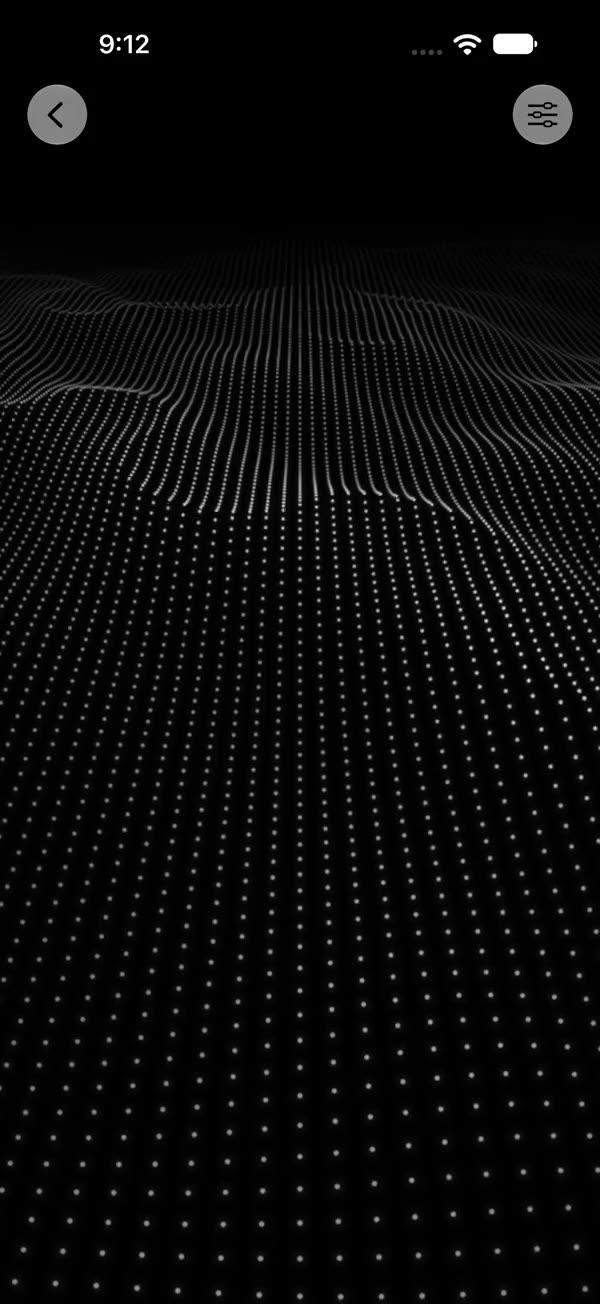
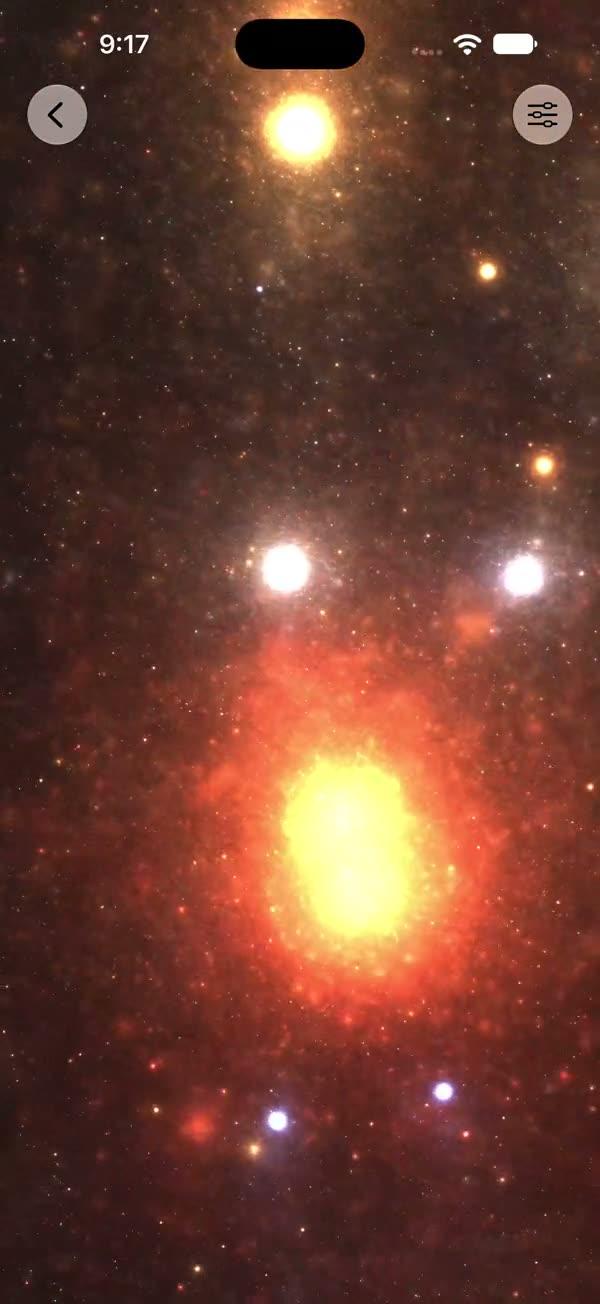
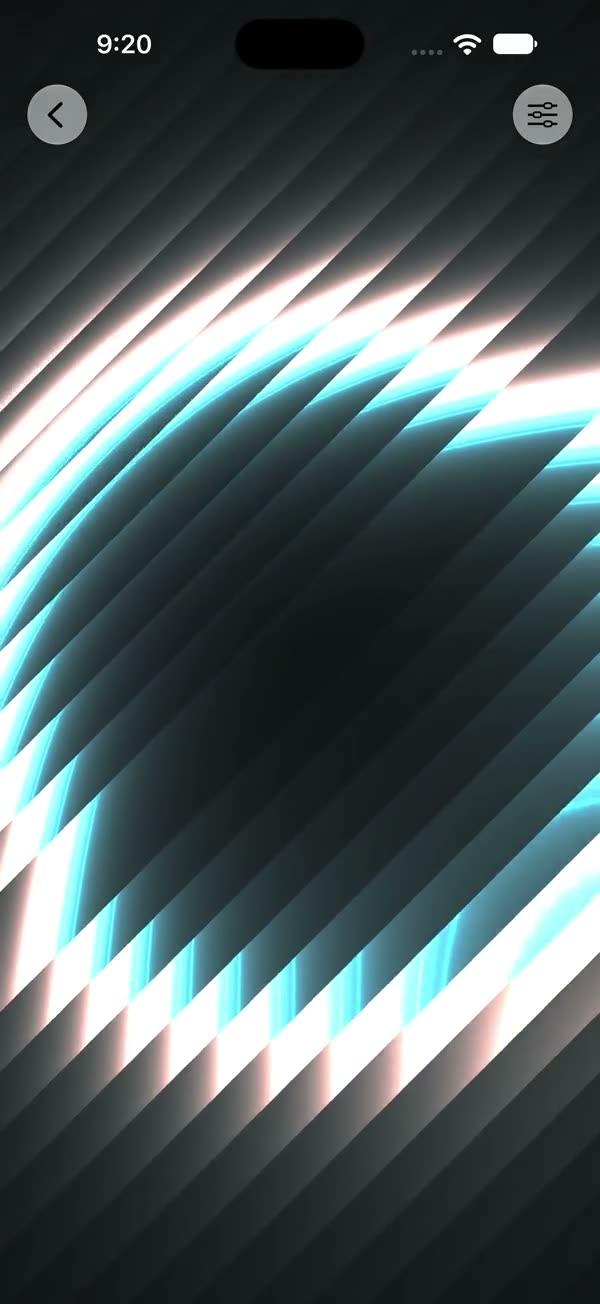
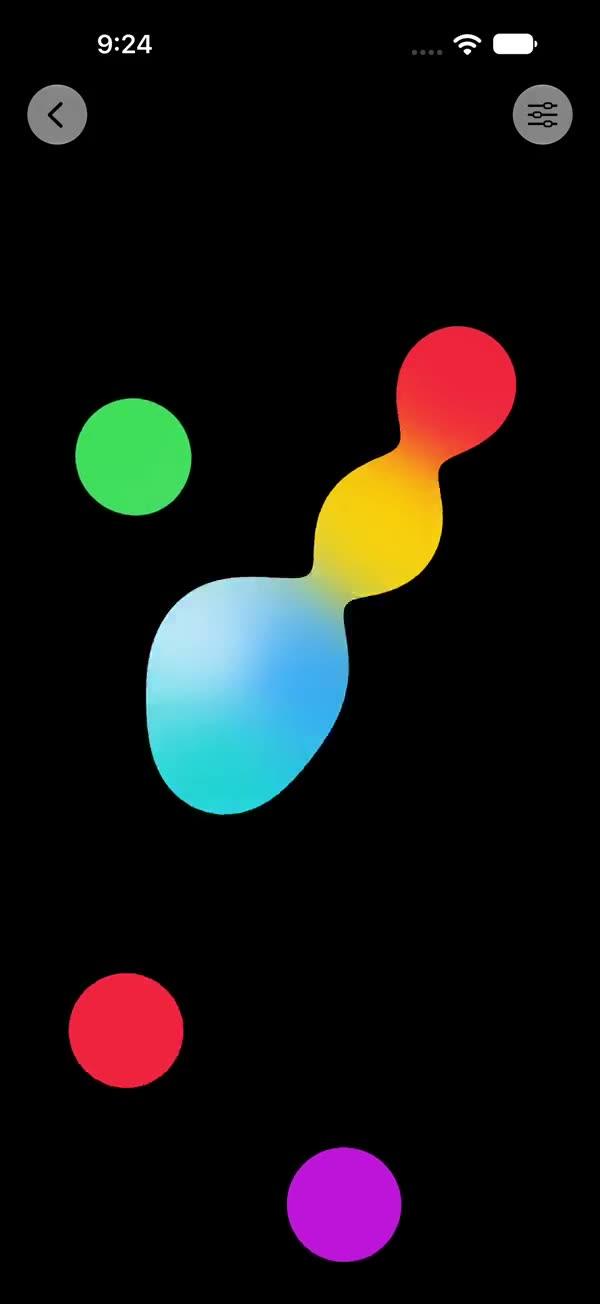
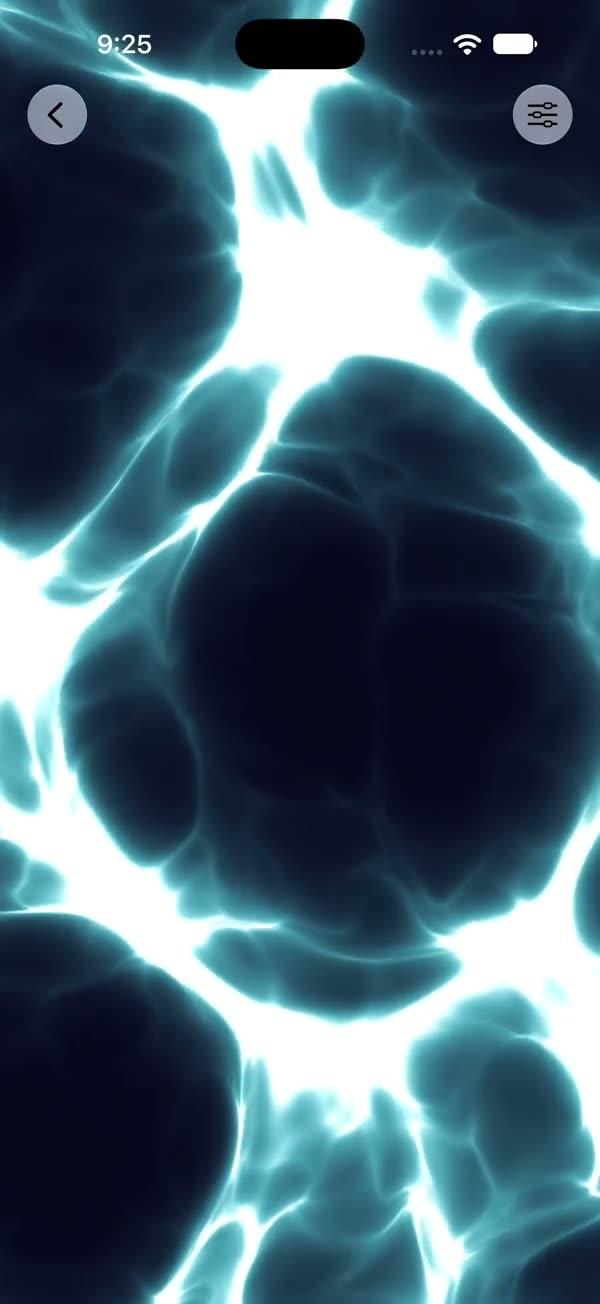
Domain-warped FBM "ink in water" smoke field rendered via a SwiftUI Metal stitchable shader, with four ink colors and a wispy highlight
Copies a short instruction with your private download link. Paste it into your agent: it downloads the whole skill (the source code, the setup steps and the mistakes we already made for you) and builds the screen.
Works with
What it does
Full-screen "ink in water" smoke field rendered through SwiftUI's colorEffect Metal pipeline. Three layers of value-noise FBM form the smoke body: q warps p, r2 warps it again with q as the offset, and f is a final FBM sampled at the double-warped point. Four ink colors are mixed by f, q.x, and r2.y; a wispy highlight is added where f peaks, producing slow billowing blooms reminiscent of food coloring diffusing through water.
Requires iOS 18+ / macOS 15+.
What you get
- ✓333 lines of source code, ready to paste
- ✓File Layout
- ✓Source Code
- ✓Usage
- ✓Parameters
- ✓Integration Checklist
- ✓Notes / Gotchas
Usage
// Default — twilight-purple ink, full-screen
ZStack {
    SWInkSmoke()
        .ignoresSafeArea()
    // Your content here
}

// Recolor — emerald / teal ink
SWInkSmoke(
    ink1: .black,
    ink2: .teal,
    ink3: .green,
    ink4: .mint,
    glow: .white
)

// As a section background
myContent
    .background { SWInkSmoke() }

// Finer filaments, brighter highlights
SWInkSmoke(scale: 3.0, highlight: 1.8)
Parameters
| Parameter | Type | Default | Range | Notes |
|---|---|---|---|---|
ink1 | Color | #0D001A (deep aubergine) | — | Dominant where the final FBM is darkest |
ink2 | Color | #1A3380 (ultramarine) | — | Mixed in by the final FBM |
ink3 | Color | #661A4D (plum) | — | Mixed in by the first warp field |
ink4 | Color | #004D66 (deep teal) | — | Mixed in by the second warp field |
glow | Color | #4D3366 (violet-grey) | — | Wispy highlight color added where the field peaks |
speed | Float | 1.0 | 0…3 | Multiplier on the internal time evolution |
scale | Float | 1.8 | 0.2…5 | Spatial scale of the FBM field — higher = finer filaments |
warp | Float | 4.0 | 0…10 | Strength of the first-pass domain warp on the second |
highlight | Float | 1.0 | 0…3 | Multiplier on the wispy highlight additive layer |
showsControls | Bool | false | — | Demo-only gear ToolbarItem; requires an enclosing NavigationStack |
Integration Checklist
- Copy
SWInkSmoke.swiftandSWInkSmoke.metalinto your Xcode target. - Confirm the deployment target is iOS 18+ / macOS 15+.
- Use it as a
ZStackbackground with.ignoresSafeArea()for full-bleed. - Pick an ink palette that suits your brand mood — defaults are a twilight-purple "ink in water" look; for other moods recolor all five stops (
ink1…ink4+glow) together. - Keep to one full-screen instance per visible screen — this shader is the heaviest of the noise-field family.
Notes / Gotchas
- The shader makes 5 FBM evaluations per pixel (
q.x,q.y,r2.x,r2.y,f), each of which is a 5-octave value noise = 25 noise lookups per pixel. This is heavier thanSWFractalClouds(2 FBMs = 10 lookups). Keep to one full-screen instance; budget accordingly on lower-end devices. scaleis clamped internally to>= 0.0001so zero / negative input is safe.- The 5-octave FBM loop bound is static so the compiler can fully unroll; do not turn the octave count into a uniform.
- When
showsControlsistrue, the gear button is a nativeToolbarItem— the call site must be inside aNavigationStack.
More in Effects and animation