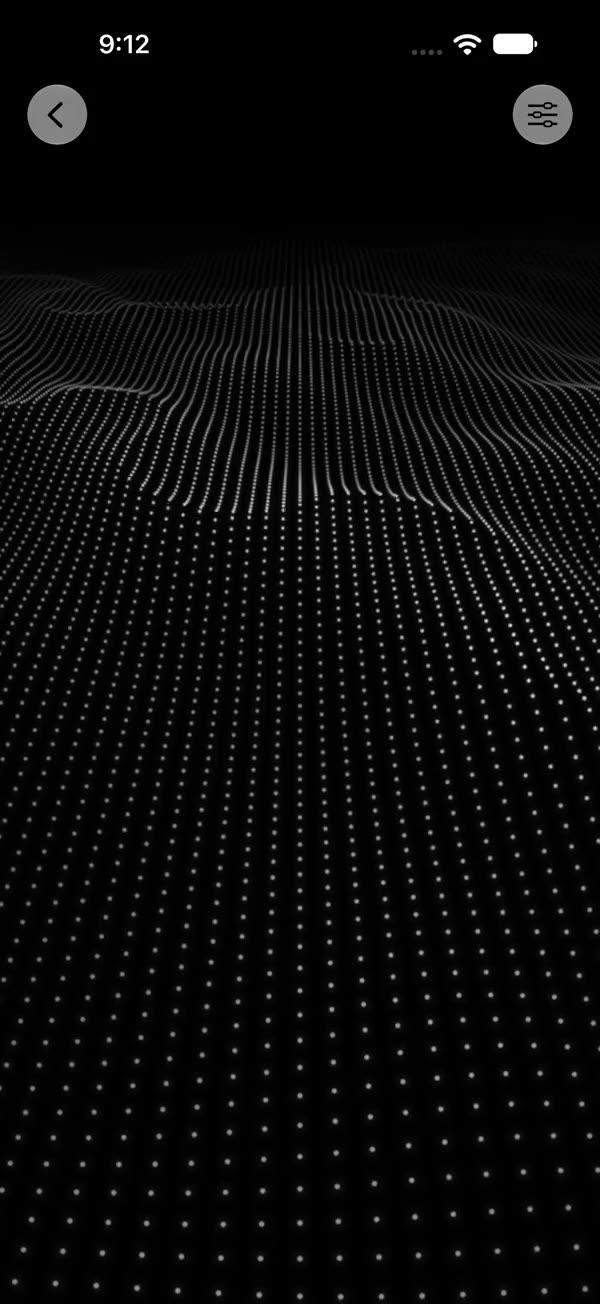
Intense Bling
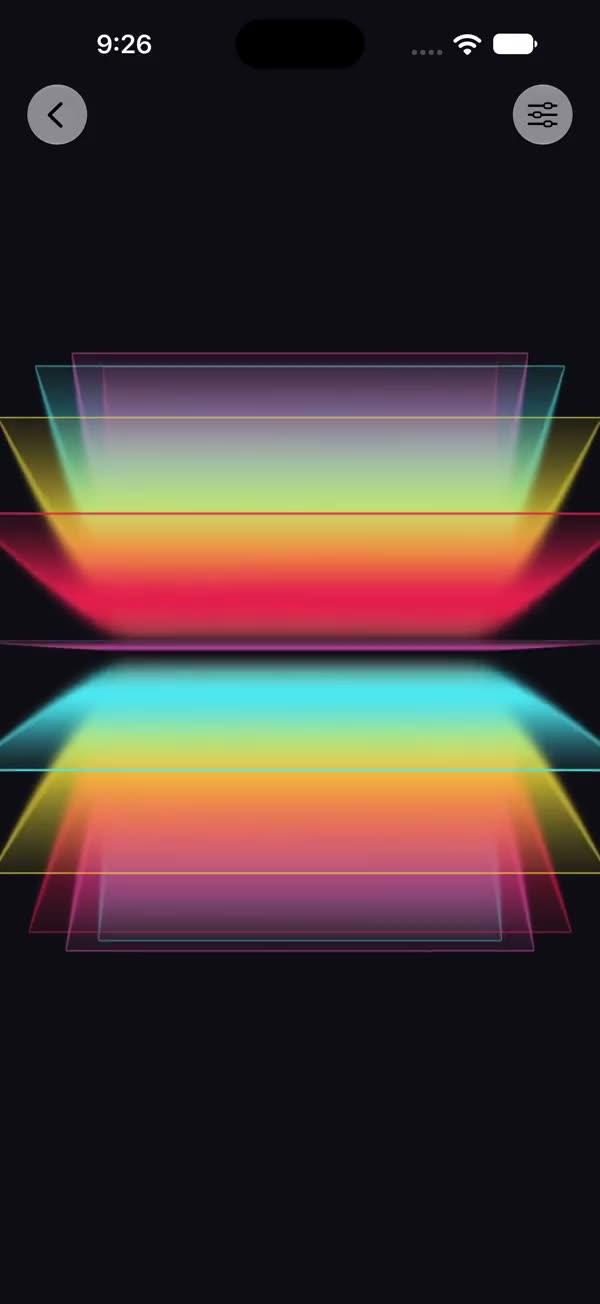
Maximum-intensity holographic shimmer layerEffect over any source view via a SwiftUI Metal stitchable shader, with a dense diamond grid, multi-hue rainbow, three moving hotspots, and layered tilt-driven sparkles for a secret-rare card look
Copies a short instruction with your private download link. Paste it into your agent: it downloads the whole skill (the source code, the setup steps and the mistakes we already made for you) and builds the screen.
Works with
What it does
The most intense member of the foil family. Through SwiftUI's layerEffect Metal pipeline, it overlays a dense vertical diamond grid, a multi-hue rainbow built in HSV, three moving light hotspots, and two layers of sparkles (regular + extra-bright "mega" sparkles), all driven by a tilt vector for an aggressive "secret-rare card" shimmer. The intensity parameter scales every holographic overlay, so the same shader spans a light surface finish (≈ source image) up to the full secret-rare blast.
Requires iOS 18+ / macOS 15+.
What you get
- ✓385 lines of source code, ready to paste
- ✓Attribution
- ✓File Layout
- ✓Source Code
- ✓Usage
- ✓Parameters
- ✓Integration Checklist
- ✓Notes / Gotchas
Usage
// Default — moderate intensity (0.5), internal animation only
SWIntenseBling {
    Image("photo").resizable().scaledToFill()
}
.frame(width: 250, height: 350)
.clipShape(RoundedRectangle(cornerRadius: 16))

// Keep the photo readable — low intensity reads as a surface finish only
SWIntenseBling(intensity: 0.25) { cardArtwork }

// Full secret-rare blast, tilt-driven from a DragGesture
@State private var tilt: CGSize = .zero

SWIntenseBling(tilt: tilt, intensity: 1.0) { cardArtwork }
    .gesture(
        DragGesture()
            .onChanged { v in
                tilt = CGSize(width: v.translation.width / 100,
                              height: v.translation.height / 100)
            }
            .onEnded { _ in withAnimation(.spring) { tilt = .zero } }
    )
Parameters
| Parameter | Type | Default | Range | Notes |
|---|---|---|---|---|
tilt | CGSize | .zero | ~ -1…1 per axis | Light/parallax direction, usually drag-driven |
intensity | Float | 0.5 | 0…1 | Strength of every overlay — 0 ≈ source image, 1 = full secret-rare blast |
speed | Float | 1.0 | 0…3 | Multiplier on the internal animation time |
showsControls | Bool | false | — | Demo-only gear ToolbarItem; requires an enclosing NavigationStack |
Integration Checklist
- Copy
SWIntenseBling.swiftandSWIntenseBling.metalinto your Xcode target, keeping the MIT attribution header on both files. - Confirm the deployment target is iOS 18+ / macOS 15+.
- Wrap a card / photo / SF Symbol in
SWIntenseBling { ... }; clip it to aRoundedRectangle. - Start with a low
intensity(≈ 0.25) if the underlying photo must stay the clear subject; raise toward1.0only when you want the full holographic blast to dominate. - Drive
tiltfrom aDragGestureto make the hotspots and sparkles sweep across the card.
Notes / Gotchas
- The shader returns the source unchanged where
originalColor.a < 0.01— the bling only paints over opaque pixels. - The two helpers (
swBling_hash21,swBling_hsv2rgb) are vendored from ShaderKit and prefixed withswBling_to avoid duplicate-symbol collisions when several SW Metal files coexist in one shader library. Keep the prefix if you adapt them. - This is the heaviest of the foil family — two sparkle layers, three hotspots, and a per-pixel HSV conversion. Prefer it on a single hero card rather than a grid of thumbnails.
maxSampleOffsetis.zero(no neighbour sampling). Do not raise it.
More in Effects and animation