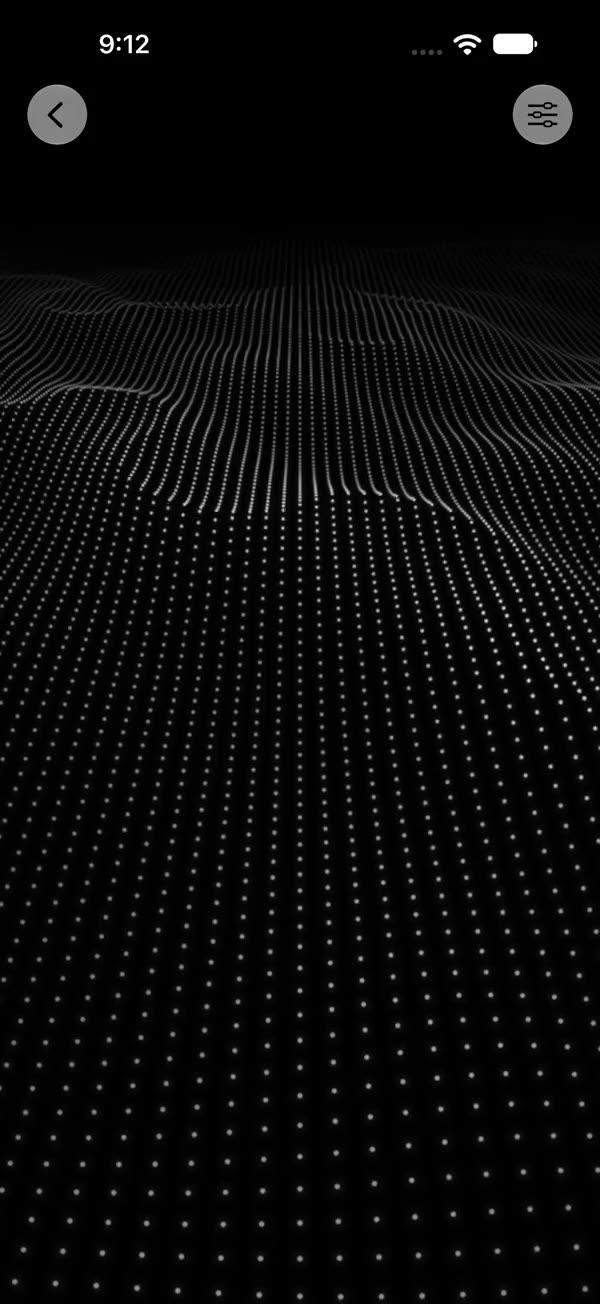
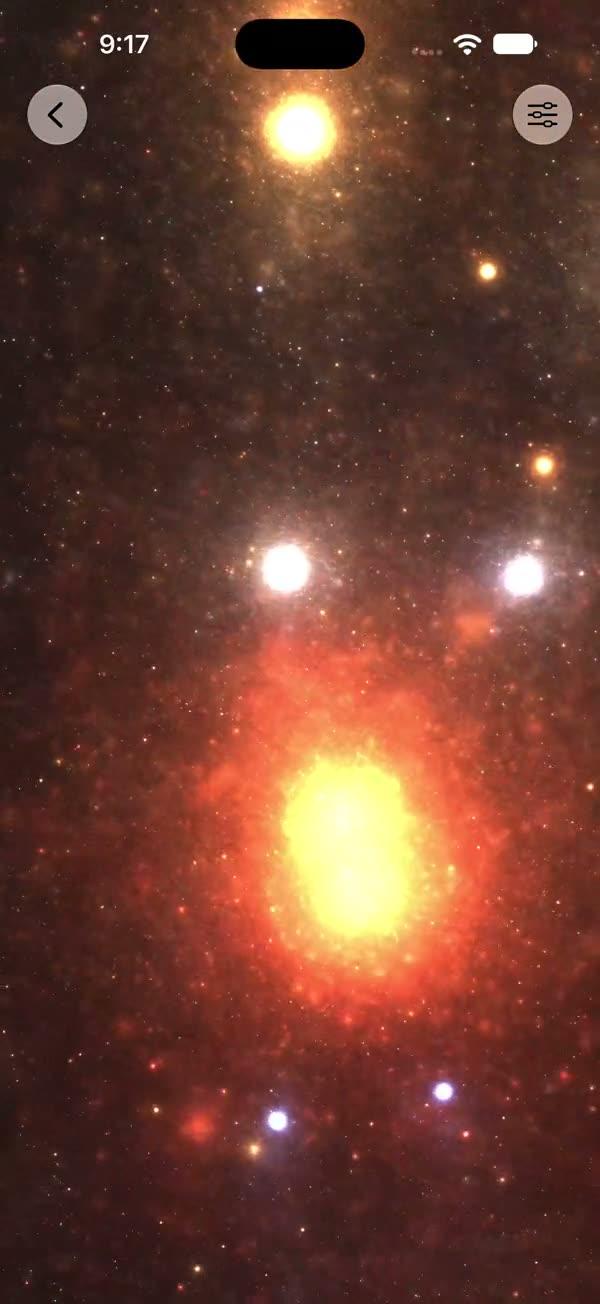
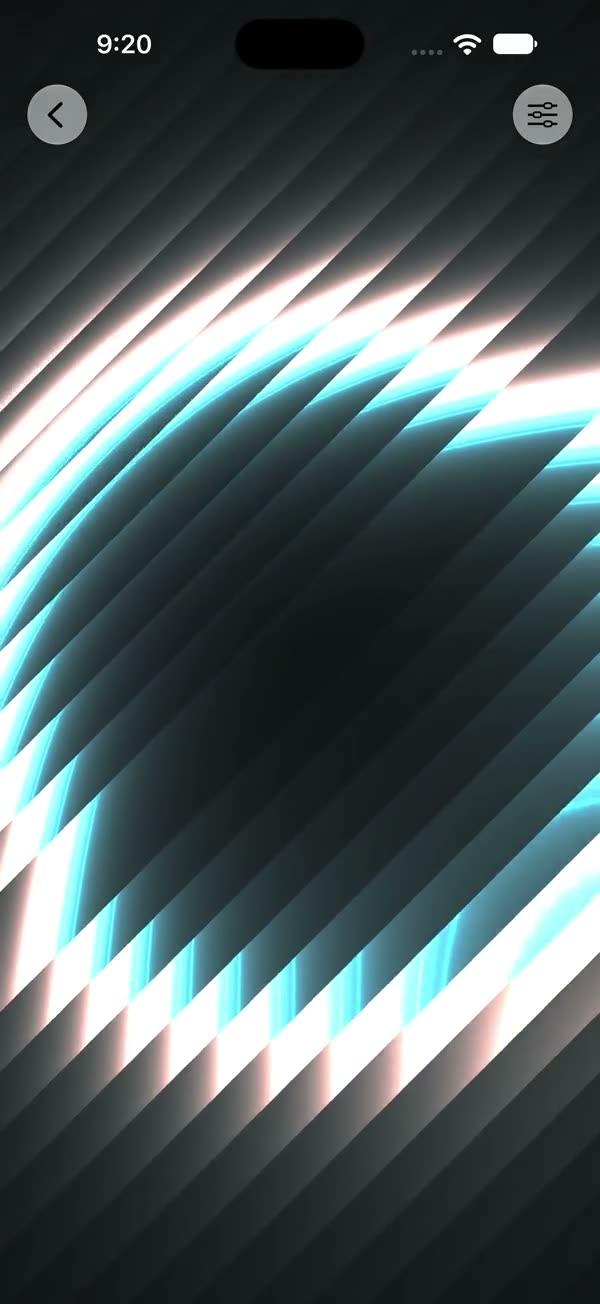
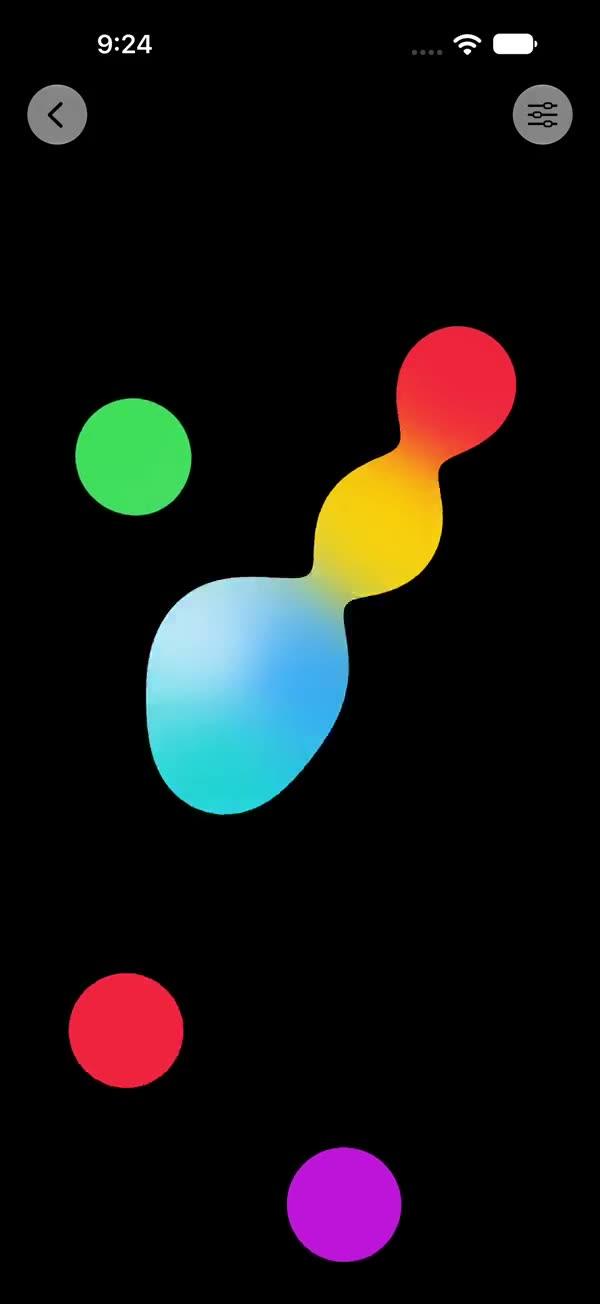
Liquid Chrome
Animated liquid chrome surface rendered via a SwiftUI Metal stitchable shader, with three sequentially domain-warped value-noise samples, a gamma-shaped chrome curve, and high-power specular glints
Copies a short instruction with your private download link. Paste it into your agent: it downloads the whole skill (the source code, the setup steps and the mistakes we already made for you) and builds the screen.
Works with
What it does
Full-screen animated polished-metal surface rendered through SwiftUI's colorEffect Metal pipeline. Three sequentially domain-warped value-noise samples produce a fluid metallic flow; the third sample drives a gamma-shaped chrome curve plus a high-power specular glint. Four user-tunable colors define the shadow / silver / highlight / accent ramp, and a baked-in cool spec tint always reads as polished metal.
Requires iOS 18+ / macOS 15+.
What you get
- ✓356 lines of source code, ready to paste
- ✓File Layout
- ✓Source Code
- ✓Usage
- ✓Parameters
- ✓Integration Checklist
- ✓Notes / Gotchas
Usage
// Default — cool blue chrome, full-screen
ZStack {
    SWLiquidChrome()
        .ignoresSafeArea()
    // Your content here
}

// Recolor — warm gold chrome
SWLiquidChrome(
    shadow: .brown,
    silver: .yellow.opacity(0.4),
    highlight: .white,
    tint: .orange
)

// As a section background
myContent
    .background { SWLiquidChrome() }

// Tighter, sharper glints
SWLiquidChrome(specPower: 24, specStrength: 0.5)
Parameters
| Parameter | Type | Default | Range | Notes |
|---|---|---|---|---|
shadow | Color | #05030D (near-black) | — | Color of the chrome shadow valleys |
silver | Color | #333340 (cool grey) | — | Mid-tone metallic color |
highlight | Color | #808099 (lit silver) | — | Color of the brightest reflections |
tint | Color | #263366 (deep blue) | — | Subtle accent layered in via the first warp sample |
speed | Float | 0.3 | 0…3 | Multiplier on the internal time evolution |
scale | Float | 2.0 | 0.2…5 | Spatial scale of the noise field — higher = finer detail |
warp | Float | 1.5 | 0…5 | Strength of the inter-sample domain warp |
contrast | Float | 0.6 | 0.1…3 | Gamma exponent on the chrome curve — higher = steeper shadow falloff |
specPower | Float | 12 | 1…50 | Exponent of the specular power-curve — higher = tighter, sharper glints |
specStrength | Float | 0.3 | 0…2 | Multiplier on the specular additive layer |
tintStrength | Float | 0.15 | 0…2 | Multiplier on the tint additive layer |
showsControls | Bool | false | — | Demo-only gear ToolbarItem; requires an enclosing NavigationStack |
Integration Checklist
- Copy
SWLiquidChrome.swiftandSWLiquidChrome.metalinto your Xcode target. - Confirm the deployment target is iOS 18+ / macOS 15+.
- Use it as a
ZStackbackground with.ignoresSafeArea()for full-bleed, or behind a card / hero element. - Pick a shadow / silver / highlight / tint palette per the desired metal — cool blue (default), warm gold (
.brown/.yellow.opacity(0.4)/.white/.orange), bronze, etc. - Use higher
specPowerfor sharper, more "mirror-like" reflections; lower for a softer brushed-metal look.
Notes / Gotchas
- The specular highlight is biased with a baked-in cool tint
(0.6, 0.6, 0.8)so glints always read as polished metal even when the user colors are warm. Hard-coded by design — do not parameterize it. - The shader runs three sequential value-noise samples per pixel — cheaper than the FBM-based clouds (no octave loop) but the chain dependency limits parallelism. Keep to one full-screen instance.
scaleandcontrastare both clamped internally to>= 0.0001so zero / negative input is safe.- When
showsControlsistrue, the gear button is a nativeToolbarItem— the call site must be inside aNavigationStack.
More in Effects and animation