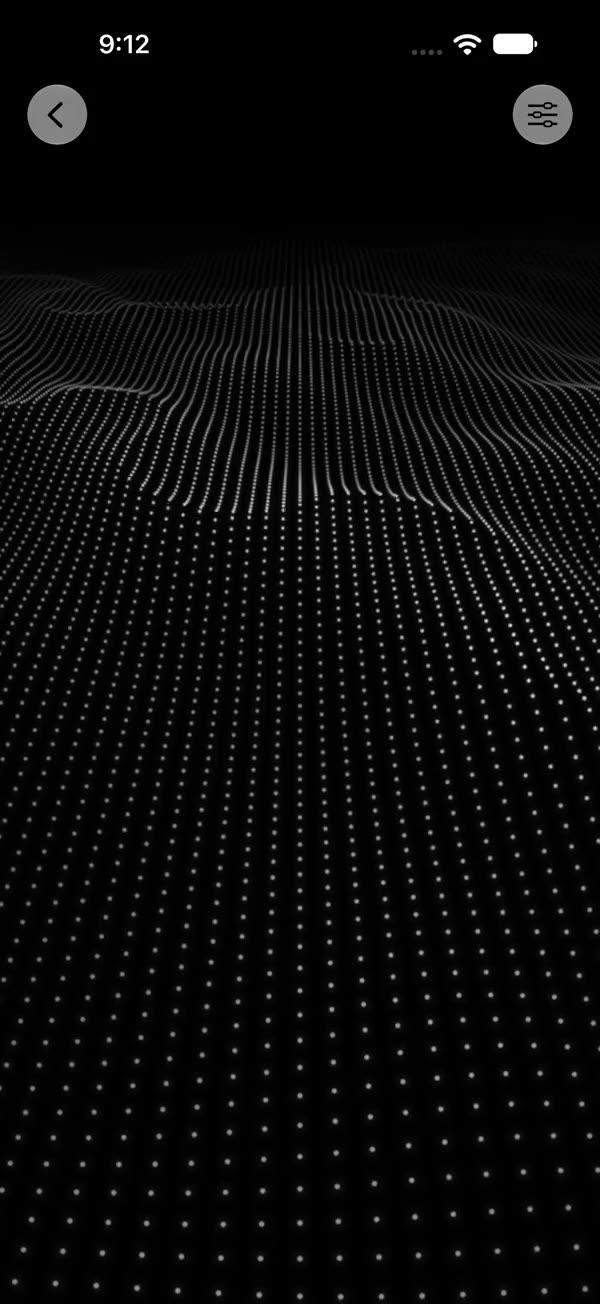
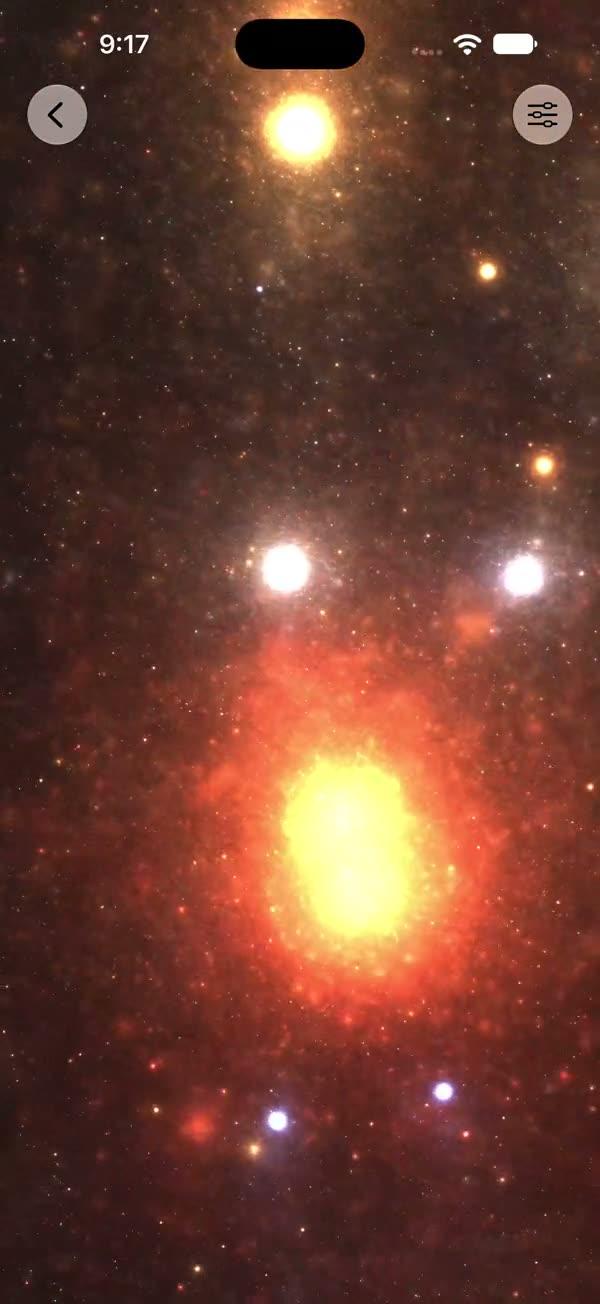
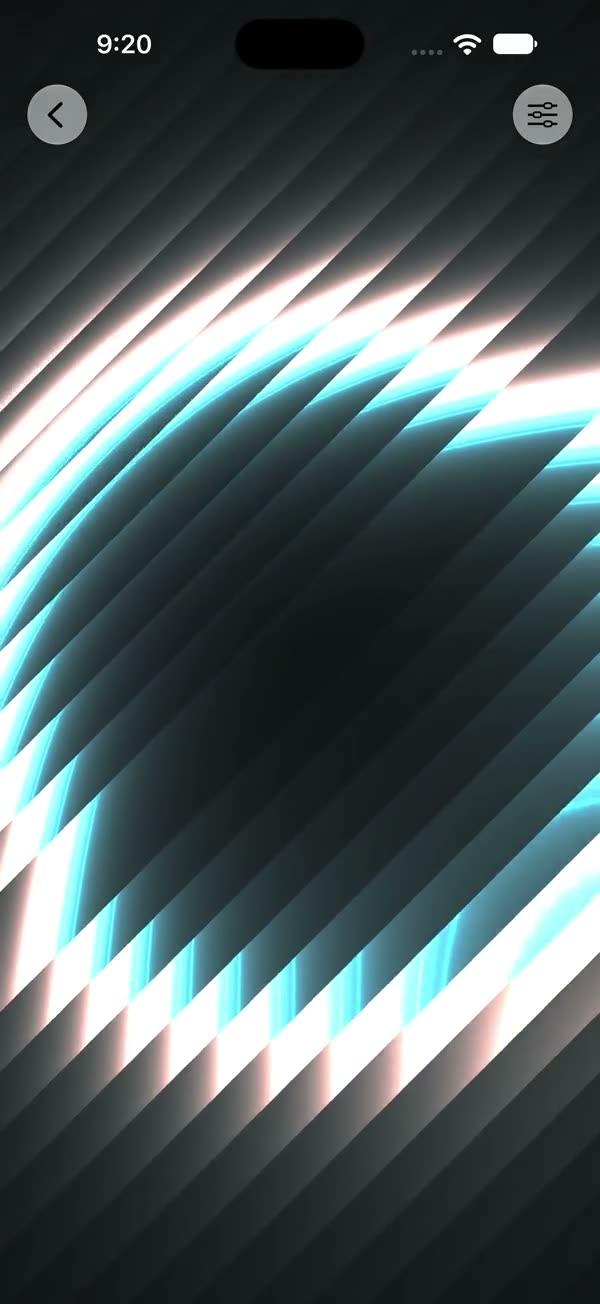
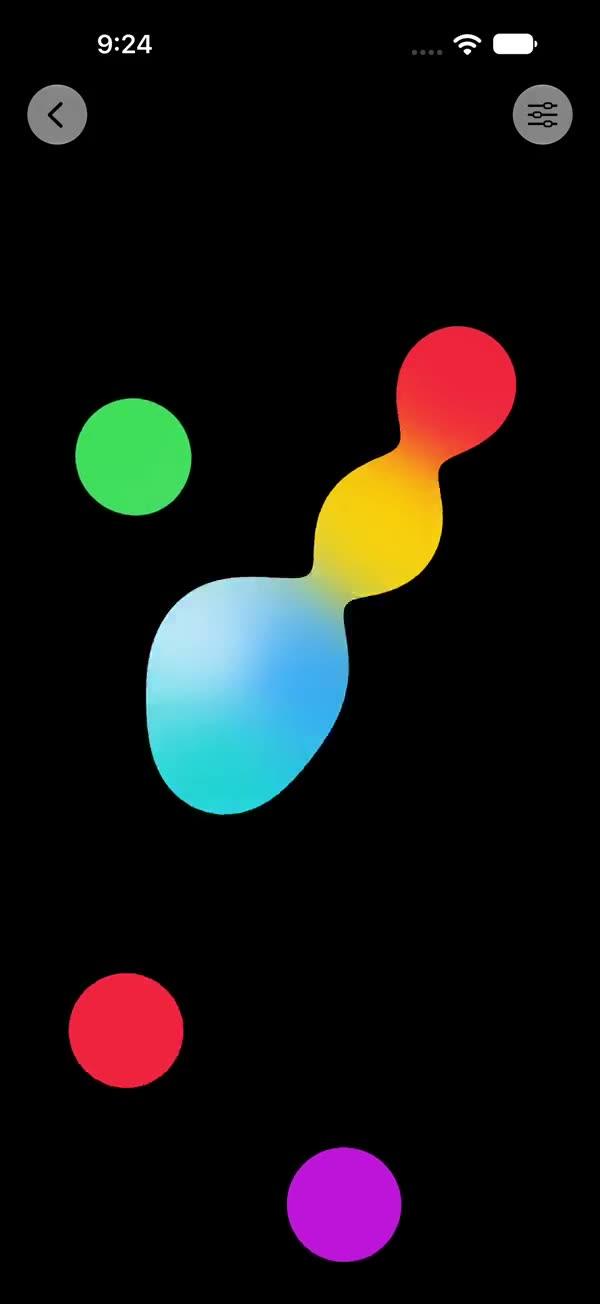
Liquid Metal
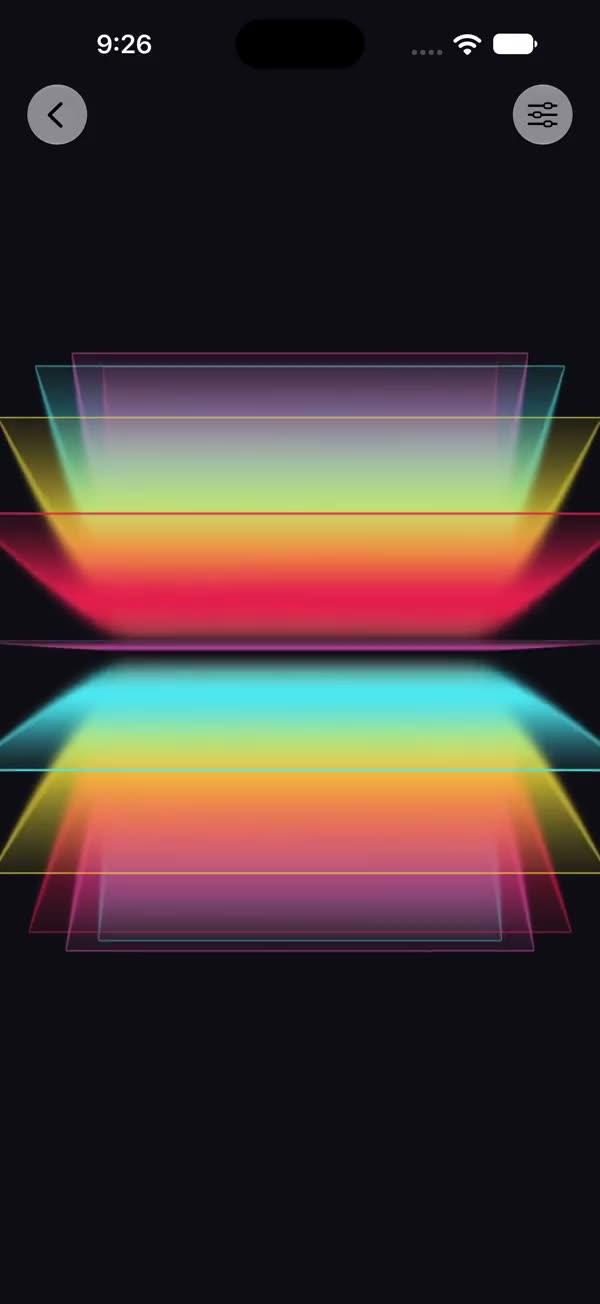
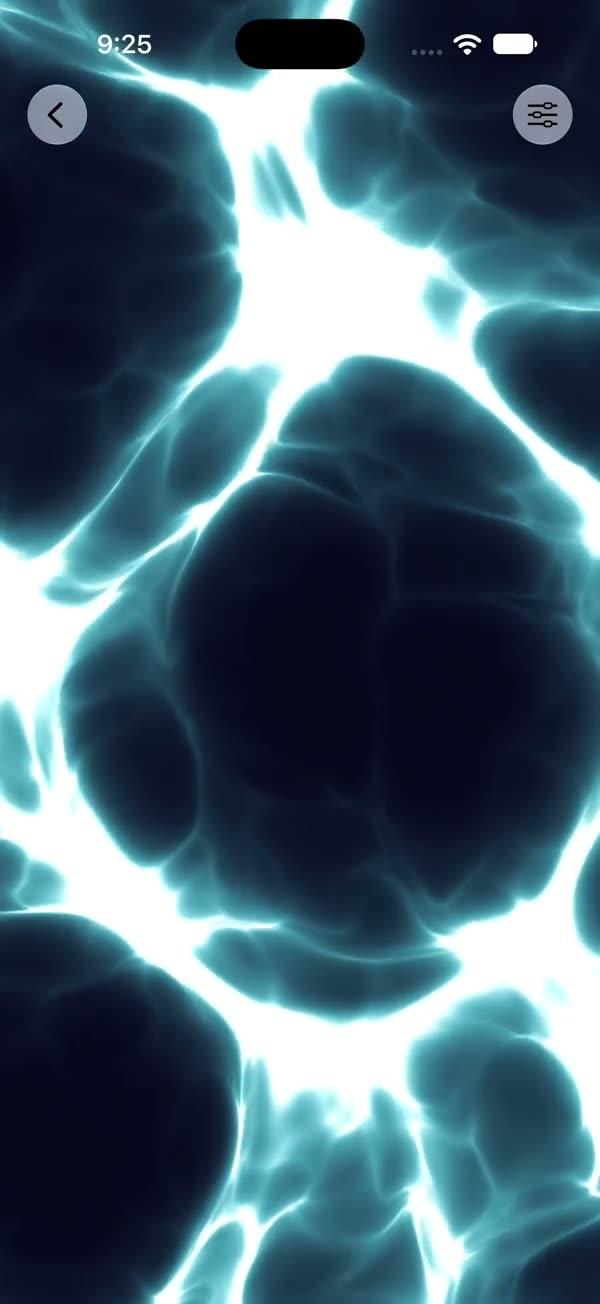
Liquid-metal image filter — big light/dark metal blocks drifting one way like WWDC molten metal, with a cool-blue Fresnel rim, a breathing bloom glow that follows the metal, and a fully parameterised look over any opaque source view
Copies a short instruction with your private download link. Paste it into your agent: it downloads the whole skill (the source code, the setup steps and the mistakes we already made for you) and builds the screen.
Works with
What it does
Image filter that wraps any view (best with bold SF Symbols / logos) in a flowing liquid-metal effect. Instead of thin repeating stripes, the look is governed by big low-frequency light/dark metal blocks that drift one way like WWDC molten metal: low-frequency simplex noise whose sample position slides continuously along a tilted axis produces a couple of large soft regions (one big bright block + one big shadow) that morph and creep across the silhouette with no seam. A cool-blue Fresnel rim hugs the contour, a slow global "breath" pulses whole-logo luminance dark→bright→dark, a cool ambient bounce tints the mid-tones, a touch of warm gold rides the hottest reflections, and a final dither breaks up banding.
The Swift side adds a breathing bloom glow built from blurred copies of the metal itself (a wide soft outer halo + a tight near bloom, both screen-blended under the crisp logo), so the halo's color, direction and motion follow the bright regions inside the metal automatically. The shader uses the source's red channel as its edge mask — bold opaque shapes work cleanest.
Requires iOS 18+ / macOS 15+ (SwiftUI ShaderLibrary / Shader / Metal stitchable).
What you get
- ✓605 lines of source code, ready to paste
- ✓File Layout
- ✓Source Code
- ✓Usage
- ✓Parameters
- ✓Integration Checklist
- ✓Notes / Gotchas
Usage
// Default — molten-metal flowing chrome over the Apple logo, with bloom glow
SWLiquidMetal {
    Image(systemName: "apple.logo")
        .font(.system(size: 300))
}

// A different symbol
SWLiquidMetal {
    Image(systemName: "swift")
        .font(.system(size: 300))
}

// Slower creep, softer rim
SWLiquidMetal(timeScale: 0.05, fresnel: 0.3) {
    Image(systemName: "apple.logo")
        .font(.system(size: 300))
}

// Demo / debug — gear button opens a live-tuning sheet.
// Requires an enclosing NavigationStack.
NavigationStack {
    SWLiquidMetal(showsControls: true) {
        Image(systemName: "apple.logo")
            .font(.system(size: 300))
    }
}
Parameters
| Parameter | Type | Default | Range | Notes |
|---|---|---|---|---|
speed | Float | 1.0 | 0…3 | Multiplier on the internal animation time |
edge | Float | 0.8 | 0…1 | Edge mask sharpness — higher = tighter edge opacity falloff |
timeScale | Float | 0.08 | 0…2 | Base animation speed multiplier — slow liquid creep |
coolTint | Float | 0.5 | 0…1 | Cool blue/cyan ambient bounce injected into the highlight→shadow transition |
fresnel | Float | 0.6 | 0…1 | Cool-white/blue rim-highlight strength along the silhouette contour |
showsControls | Bool | false | — | Demo-only gear ToolbarItem; requires an enclosing NavigationStack |
Integration Checklist
- Copy
SWLiquidMetal.swiftandSWLiquidMetal.metalinto your Xcode target; the.metalfile is compiled into the defaultShaderLibraryautomatically. - Confirm the deployment target is iOS 18+ / macOS 15+.
- Wrap a bold, opaque silhouette (SF Symbol or logo) — the shader uses the source's red channel as its edge mask, so vector shapes against a transparent background work cleanest.
- The bloom glow only reads against a dark background; place the view over black (the demo mode pins a full-bleed dark canvas for you).
- Leave
maxSampleOffset: .zero— the shader (including the Fresnel rim) is computed without sampling neighbouring pixels.
Notes / Gotchas
- The look is the block field. The metal body comes from
swLM_lowField— a few big low-frequency light/dark blocks that drift one way alongSWLM_FLOW_AXISwith no seam or wrap. Block size, drift speed and the light/dark split are theSWLM_FIELD_SCALE,SWLM_FLOW_DRIFTandSWLM_BRIGHT_LO/SWLM_BRIGHT_HIconstants. - Bloom is the metal's own light. The glow is built from blurred copies of the same shader output (a wide soft halo + a tight near bloom, screen-blended under the crisp logo), so the halo's color / direction / motion follow the bright regions inside the metal automatically and breathe with it.
- Tunable constants live at the top of the
.metalfile. TheSWLM_*constant block holds every hand-tuned magic number (endpoint colors, flow axis & drift, contrast thresholds, breath, dither, warm/cool accents). Edit there, recompile, observe — no hunting inside the algorithm. - Dither at the end is intentional. A tiny per-pixel hash breaks up 8-bit banding and the visible block edges where the smooth field crosses a smoothstep threshold.
- The argument order in the
.layerEffectcall must match the MetalswLiquidMetalsignature exactly:boundingRect, time, speed, edge, timeScale, coolTint, fresnel.
More in Effects and animation