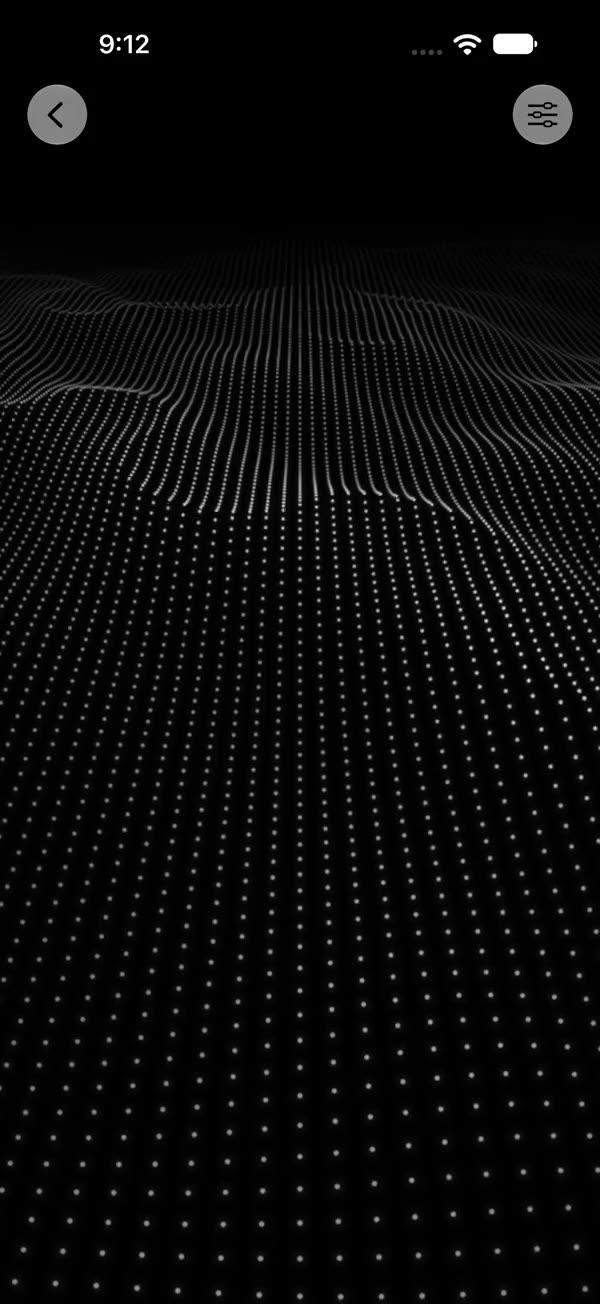
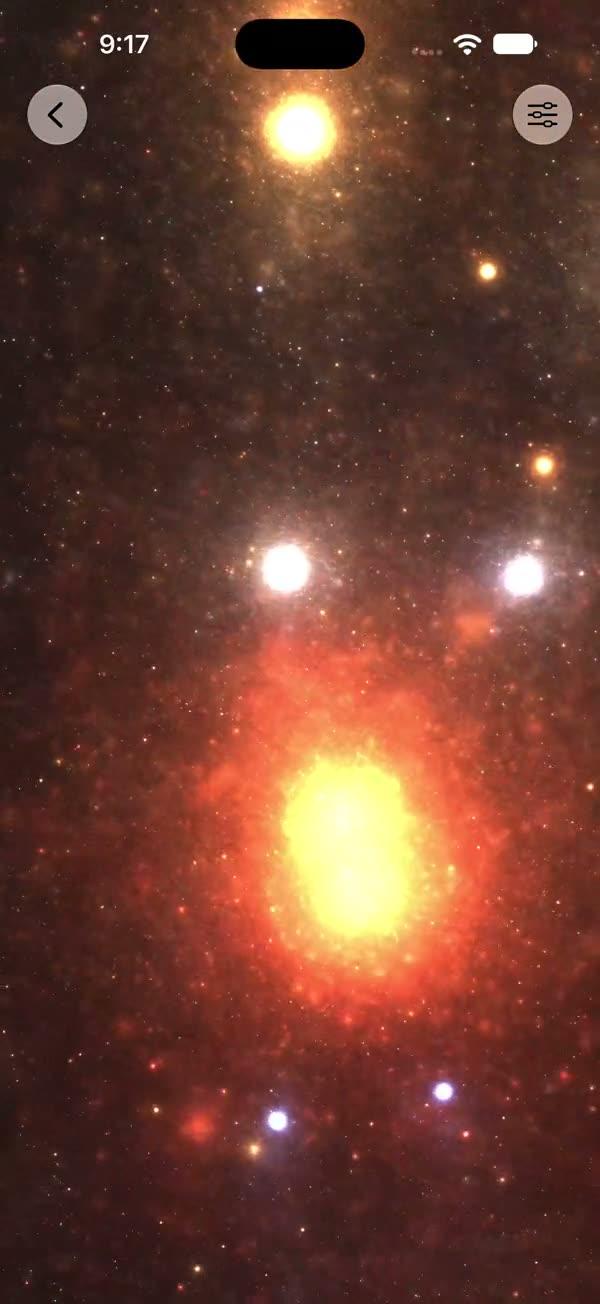
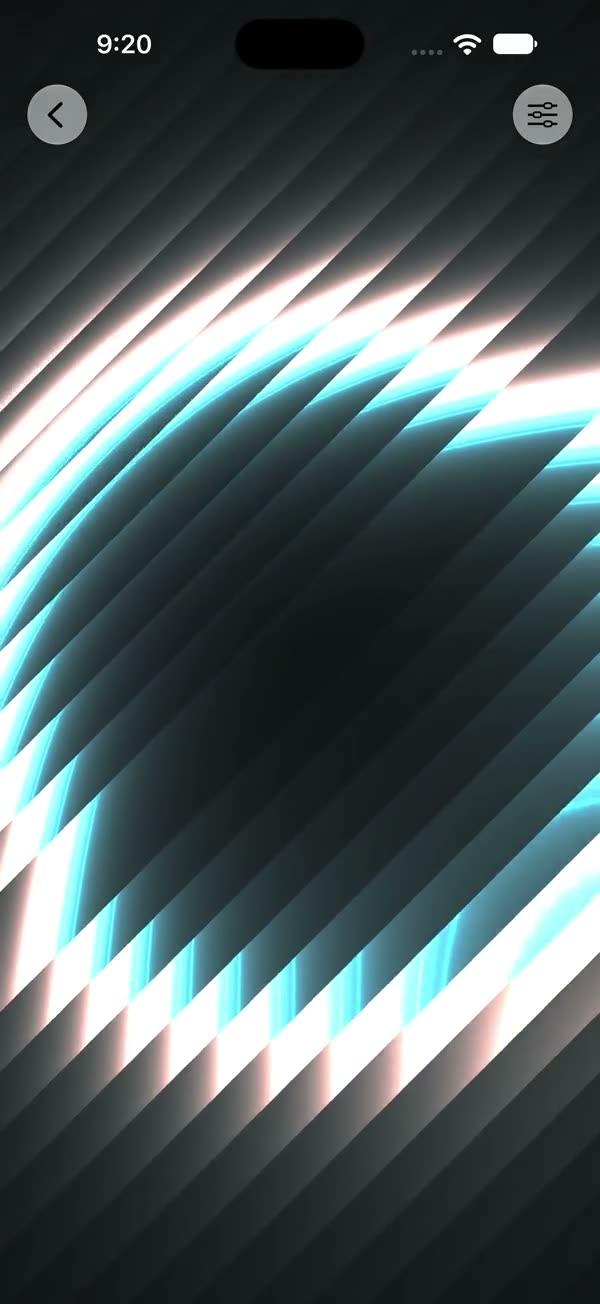
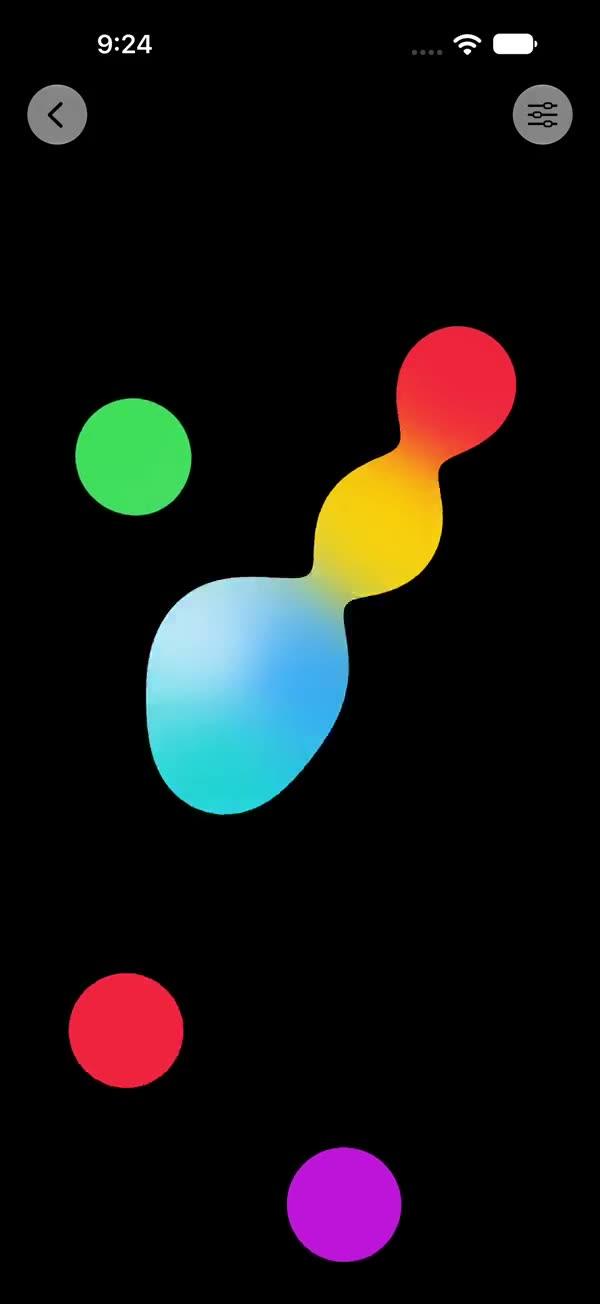
Particle Transitions
Particle-powered view transitions with a self-contained Canvas burst engine — poof smoke cloud, pop ripple with particle flurry, and anvil slam with dust impact
Copies a short instruction with your private download link. Paste it into your agent: it downloads the whole skill (the source code, the setup steps and the mistakes we already made for you) and builds the screen.
Works with
What it does
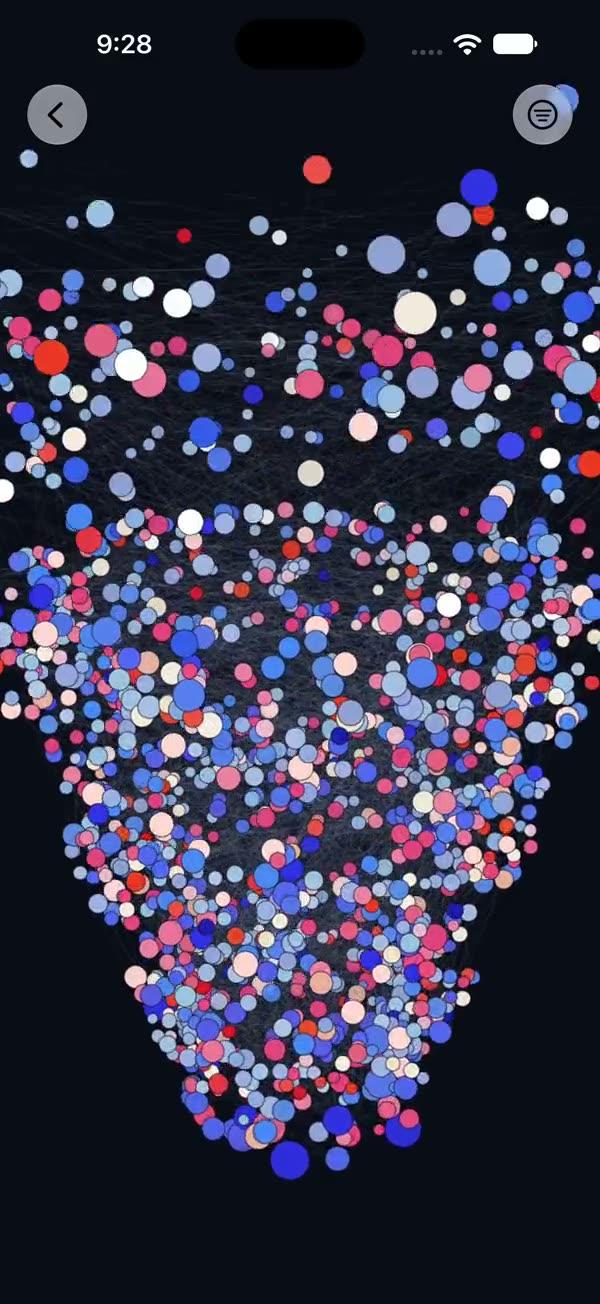
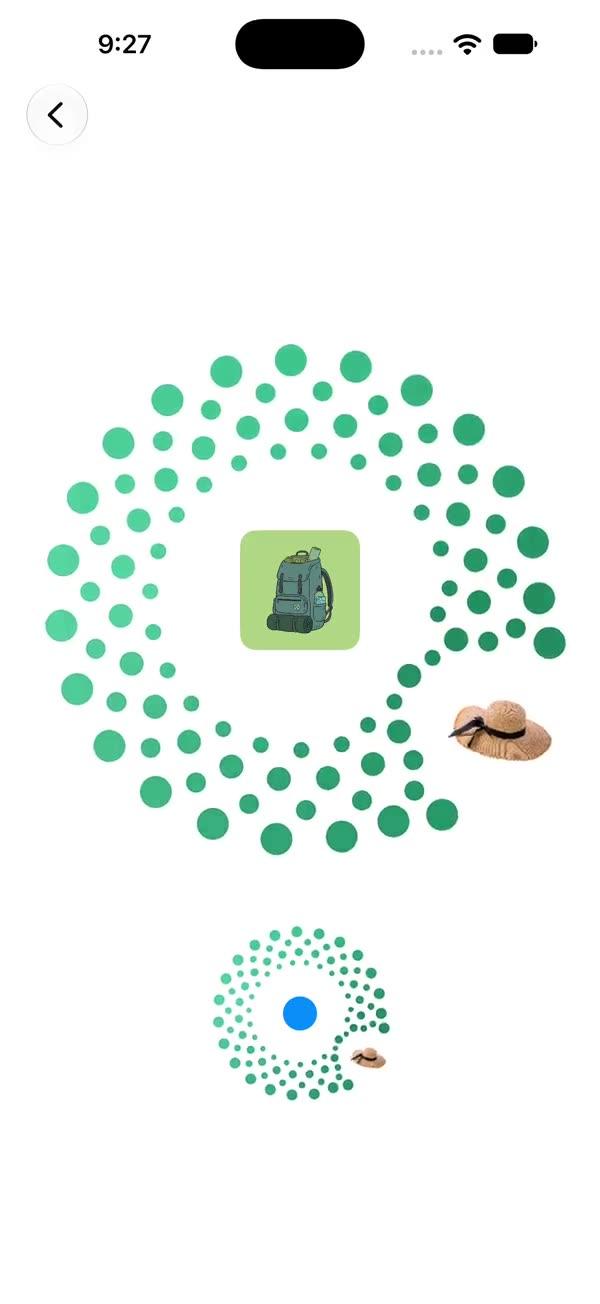
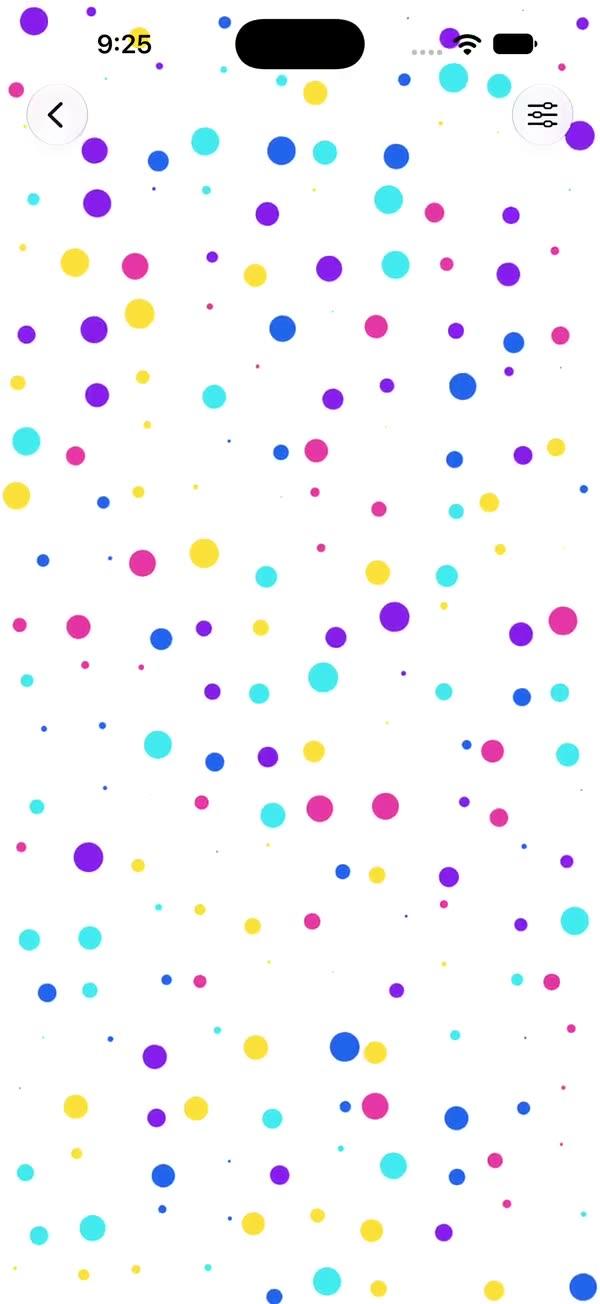
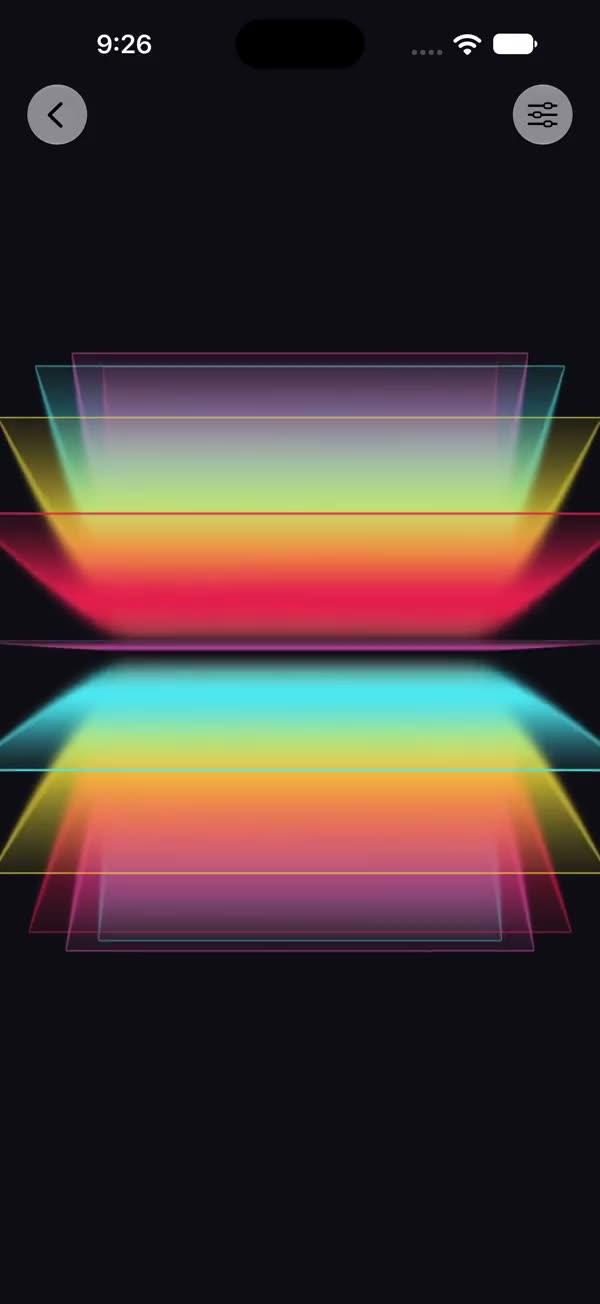
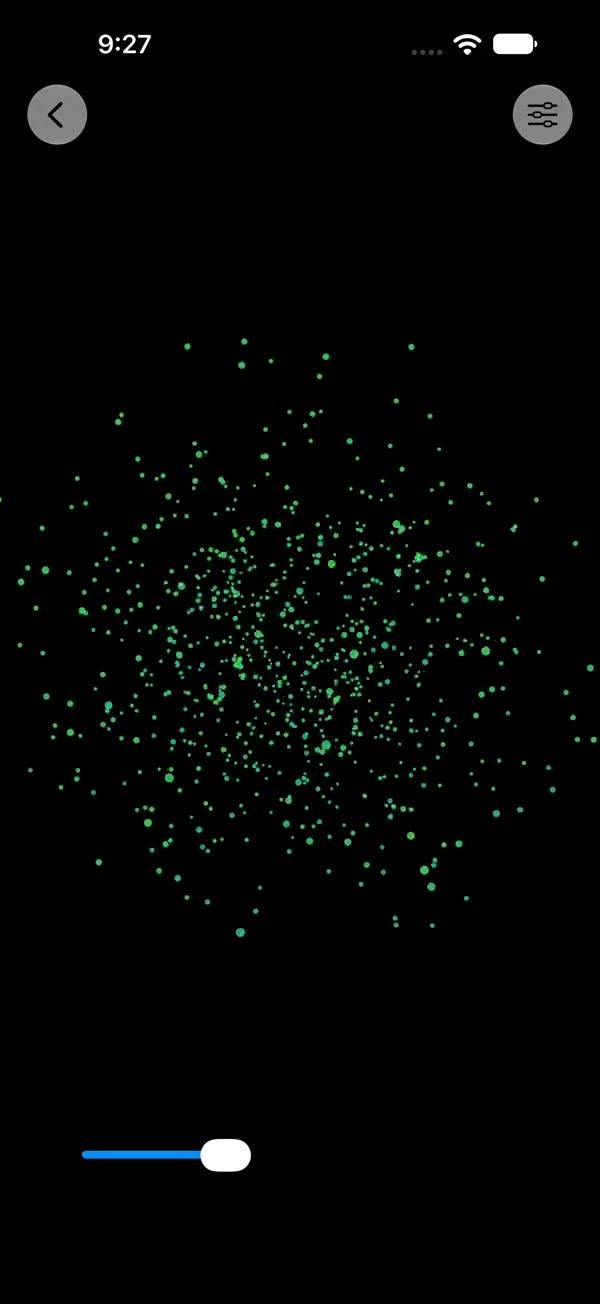
Three view transitions where a Canvas-rendered particle burst sells the effect: swPoof makes the view vanish (or appear) in a cartoon puff of smoke, swPop pops it in with a ripple ring and a flurry of colored dots, and swAnvil slams it down from above with dust kicking out on impact. The burst engine is self-contained in this file — particles run on their own TimelineView clock with analytic physics (position, gravity, growth, fade evaluated per frame), independent of the transition's interpolation. Built on SwiftUI's Transition protocol.
What you get
- ✓340 lines of source code, ready to paste
- ✓Source Code
- ✓Usage
- ✓Parameters
- ✓Integration Checklist
- ✓Known Gotchas
Usage
// Pop a badge in with ripple + particles
if showBadge {
    BadgeView()
        .transition(.swPop)
}
withAnimation(.spring(duration: 0.5, bounce: 0.55)) { showBadge.toggle() }

// Poof works best around half a second
.transition(.swPoof)     // with .easeOut(duration: 0.5)

// Anvil needs a hard ease-in drop
.transition(.swAnvil)    // with .easeIn(duration: 0.22)

// Custom particle colors for pop
.transition(.swPop(colors: [.pink, .orange, .yellow]))

// Pair anvil with a heavy haptic on the toggling state
.sensoryFeedback(.impact(weight: .heavy), trigger: showBadge)
Recommended animations:
| Effect | Animation |
|---|---|
| swPoof | .easeOut(duration: 0.5) |
| swPop | .spring(duration: 0.5, bounce: 0.55) |
| swAnvil | .easeIn(duration: 0.22) |
Parameters
| Transition | Parameter | Default | Description |
|---|---|---|---|
| swPop | colors | pink/orange/yellow/mint/cyan | Particle color cycle |
| swAnvil | dropDistance | 350 | Fall height in pts |
| swAnvil | impactDelay | 0.2 | Seconds between phase change and dust burst — match your drop animation duration |
Integration Checklist
- Add
SWParticleTransition.swiftto your project (iOS 18+ / macOS 15+) - Attach
.transition(.swPoof / .swPop / .swAnvil)to a view inside anif - Toggle inside
withAnimation(...)using the recommended curve — anvil specifically needs a fast ease-in so touchdown matches the dust burst - Optionally add
.sensoryFeedback(.impact(weight: .heavy), trigger:)on the toggling state for anvil - Leave headroom around the view — bursts draw up to 70pt beyond its bounds
Known Gotchas
- Don't clip the parent: bursts render in an overlay expanded via
.padding(-70). Aclipped()/cornerRadiusancestor will shear the smoke/dust off at the view edge. - Removal duration bounds the show: once the exit animation completes, SwiftUI tears the view (and its burst overlay) down. Poof and pop also burst on removal, so keep their removal animations ≥ 0.45s or the burst is cut off; anvil bursts on insertion only.
swAnvil.impactDelaymust match the drop animation duration (default 0.2 pairs with.easeIn(duration: 0.22)) — if you slow the drop, raise the delay or dust flies before touchdown.- Particles are deliberately regenerated per burst with
random(in:); two bursts never look identical. That randomness lives outside the transition interpolation, so scrubbing/interactive transitions still work. - The poof fade compresses visibility into the first 40% of the timeline (
SWPoofFadeModifier) so the view is gone while smoke still lingers — if you customize durations, keep that ratio or the card outlives its own smoke.
More in Effects and animation