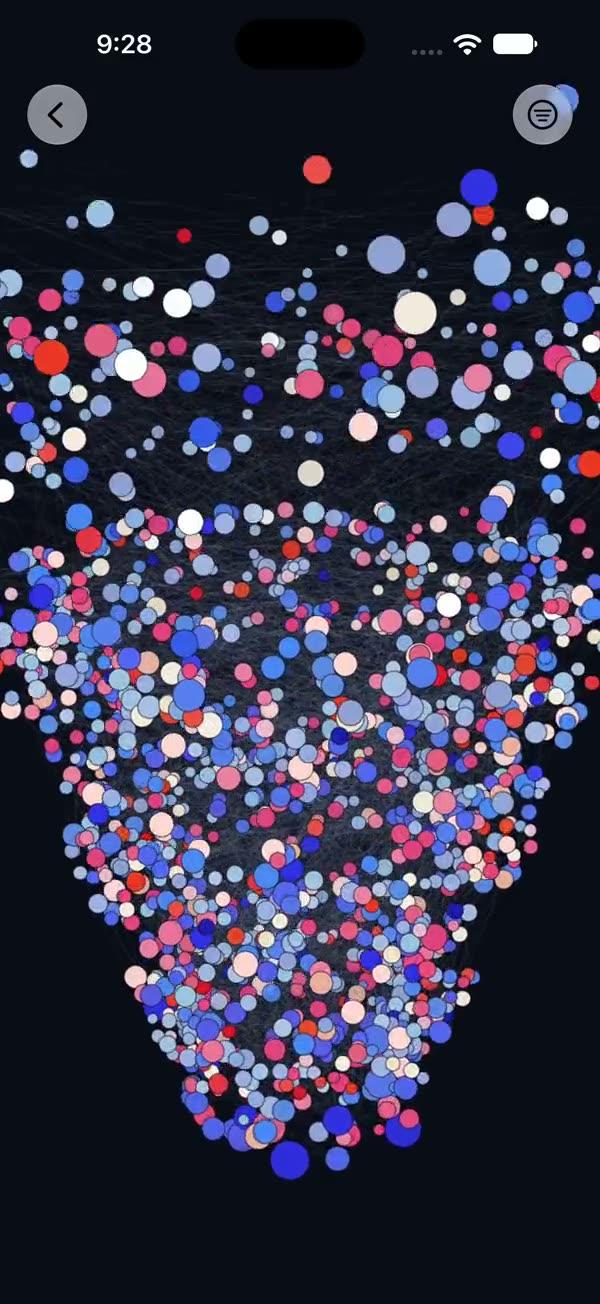
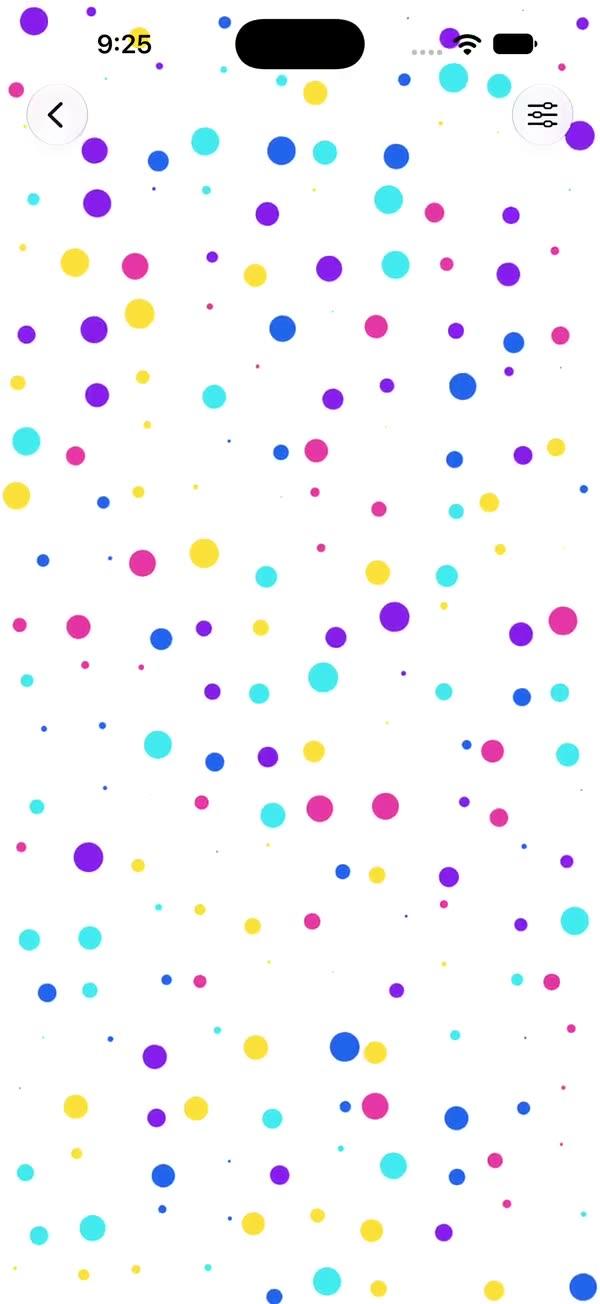
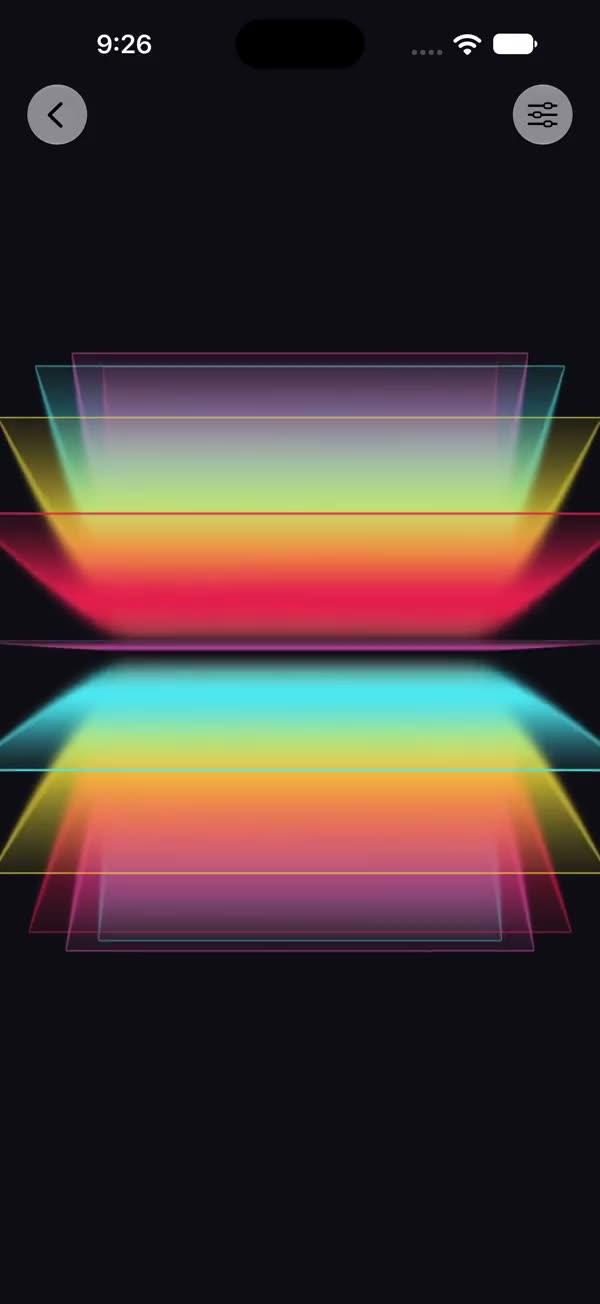
Plasma
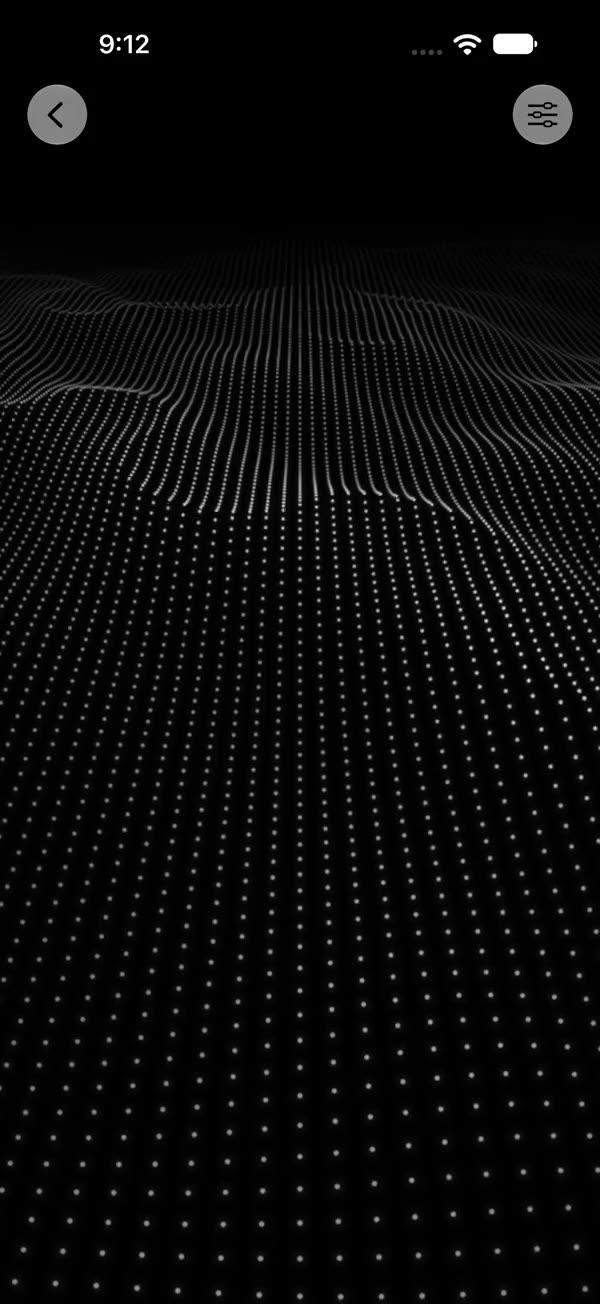
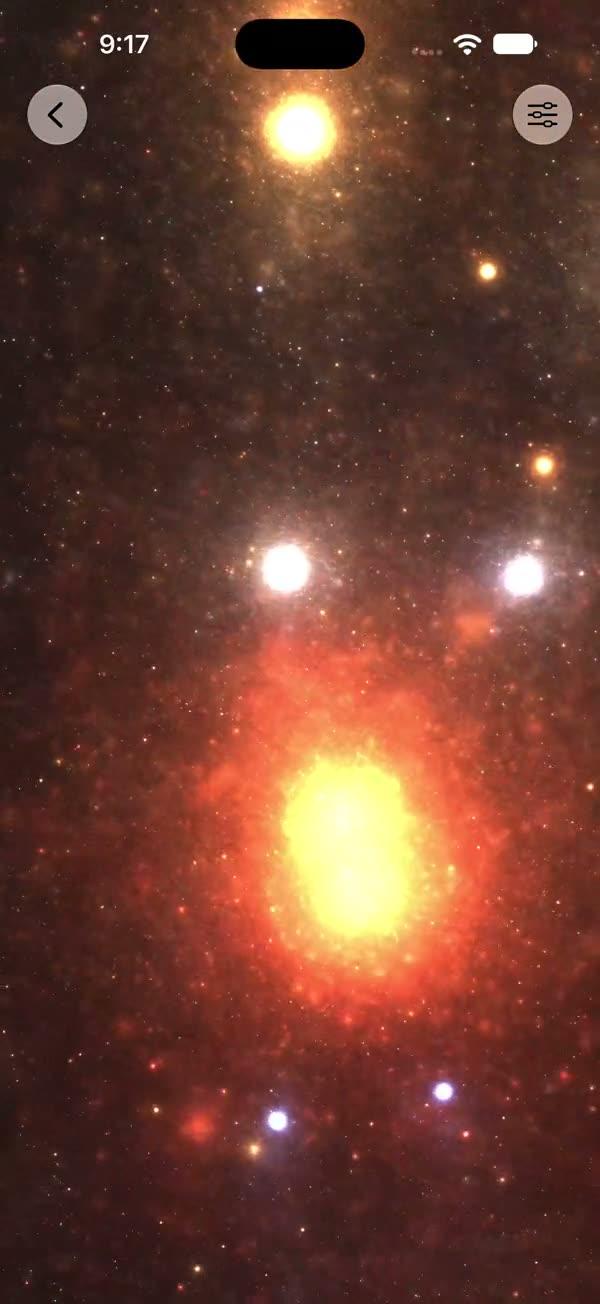
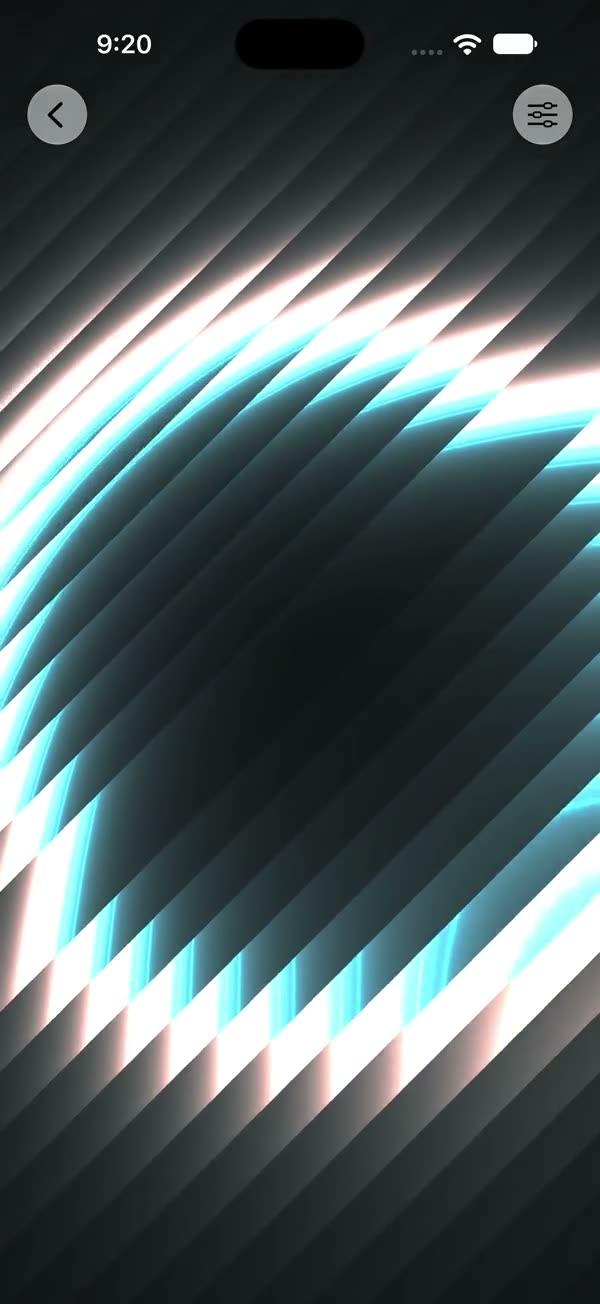
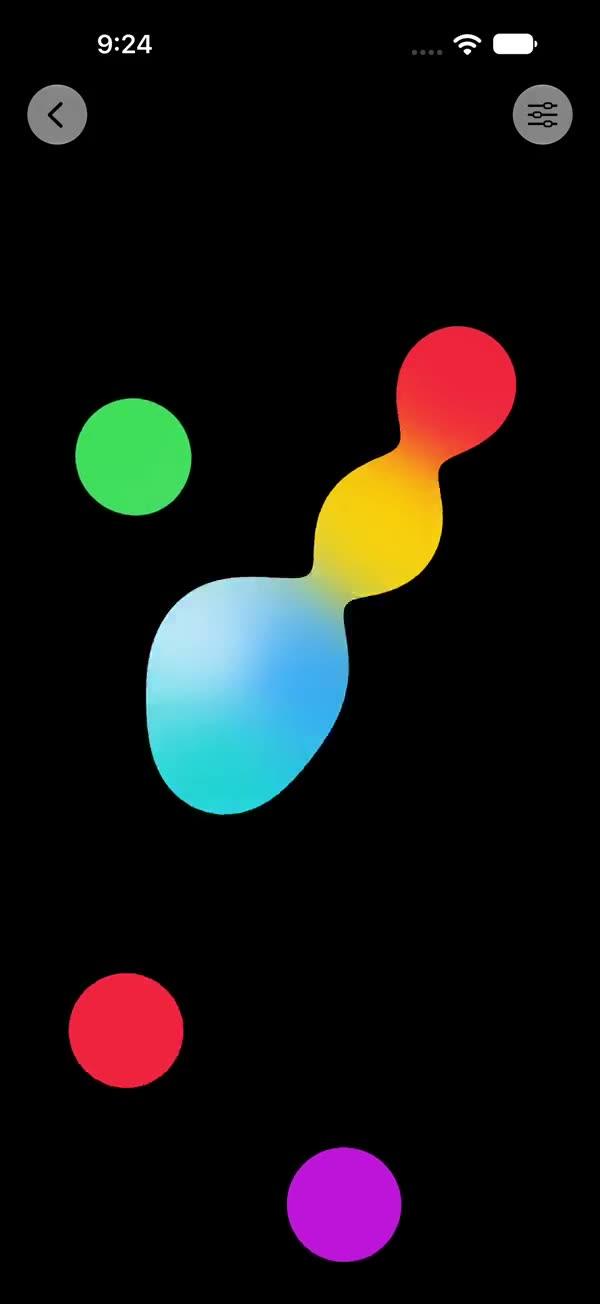
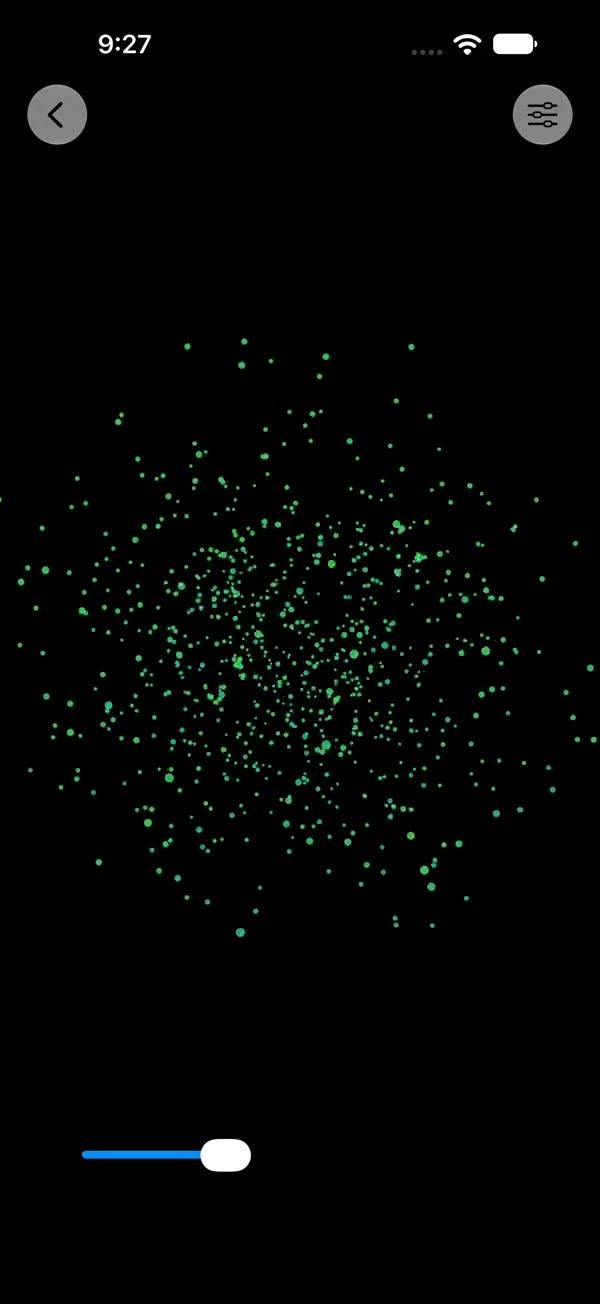
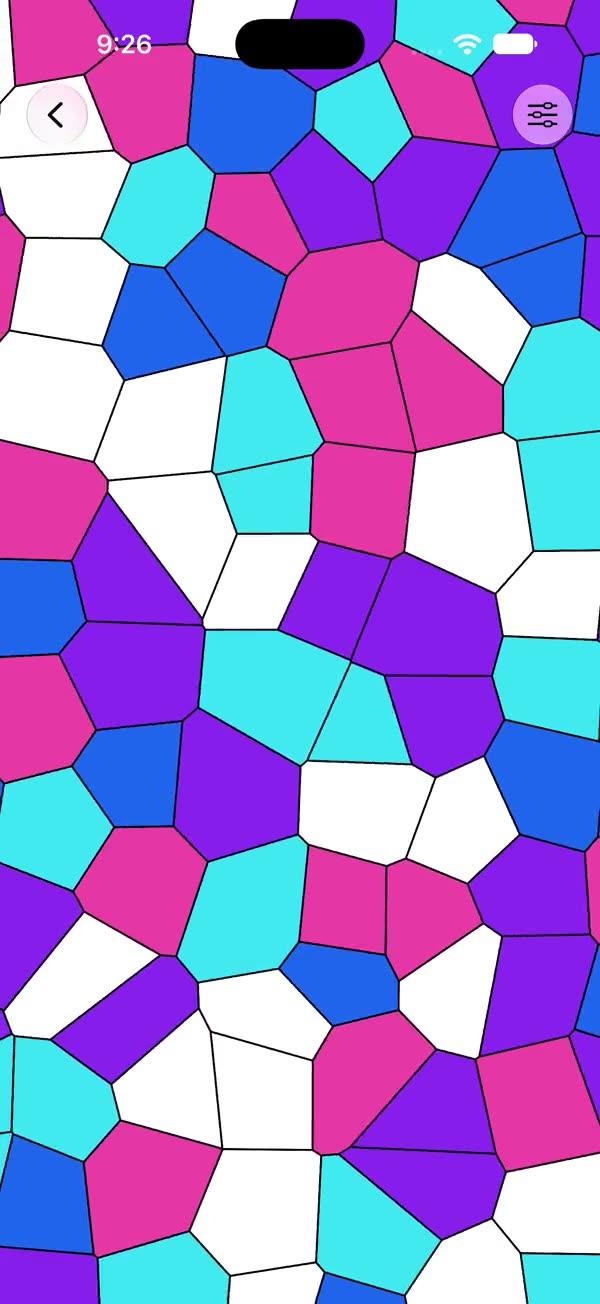
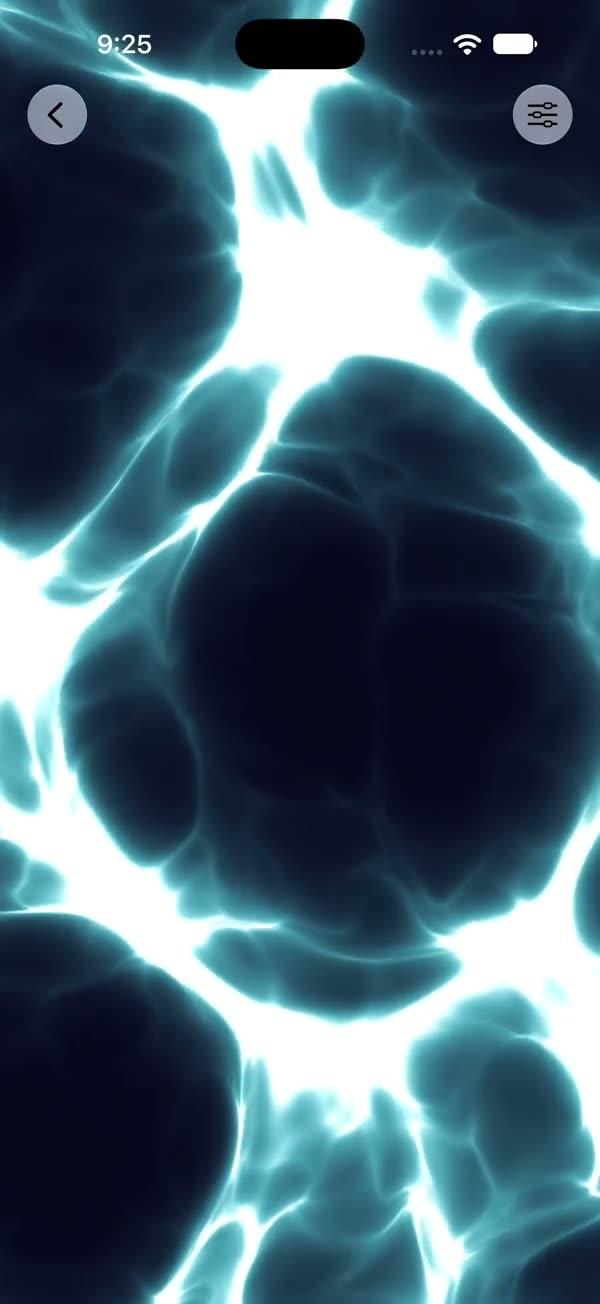
Full-color plasma background family with five hand-tuned styles (Solar / Prism / Spectrum / Ember / Lilac), each shipping its own 5-stop palette — switch style with a single enum
Copies a short instruction with your private download link. Paste it into your agent: it downloads the whole skill (the source code, the setup steps and the mistakes we already made for you) and builds the screen.
Works with
What it does
Family of full-color plasma backgrounds rendered through SwiftUI's colorEffect Metal pipeline. Five hand-tuned styles share the same parameter surface (5-stop palette + scale / intensity / distortion); switching style swaps both the shader and the palette so the call site sees the intended look in one line.
Also usable as a button-border ring by clipping the renderer to a Circle() or Capsule() and inset-ing a darker pill on top.
All five entry points live in a single SWPlasma.metal because they share the same hash / value-noise / FBM / palette helpers and only differ in the final color-mixing step. Requires iOS 18+ / macOS 15+.
What you get
- ✓670 lines of source code, ready to paste
- ✓File Layout
- ✓Source Code
- ✓Usage
- ✓Parameters
- ✓Integration Checklist
- ✓Notes / Gotchas
Usage
// Default — solar warm-orange plasma
ZStack {
    SWPlasma()
        .ignoresSafeArea()
}

// Pick a style — palette auto-defaults to the style's hand-tuned set
SWPlasma(style: .prism)
SWPlasma(style: .ember, intensity: 1.4)

// Override individual palette stops (others fall back to the style default)
SWPlasma(style: .lilac, c5: .white)

// As a section background
myContent
    .background { SWPlasma(style: .spectrum) }

// As a button border ring — clip the plasma to a Circle, then inset a dark fill
ZStack {
    SWPlasma(style: .prism)
        .clipShape(Circle())
    Circle()
        .fill(Color(red: 0.07, green: 0.07, blue: 0.08))
        .padding(2.5)
    Image(systemName: "arrow.up")
        .font(.system(size: 22, weight: .semibold))
        .foregroundStyle(.white)
}
.frame(width: 64, height: 64)
Parameters
| Parameter | Type | Default | Notes |
|---|---|---|---|
style | SWPlasmaStyle | .solar | solar / prism / spectrum / ember / lilac |
c1 … c5 | Color? | nil → style.defaultPalette[i] | Style-specific — 5-stop palette hand-tuned per style; pass nil to keep the default |
scale | Float | 1.0 | Spatial scale multiplier (0.2…3 in sheet) |
intensity | Float | 1.0 | Multiplier on the field value before palette mapping (0…2.5 in sheet) |
distortion | Float | 1.0 | Strength of the noise distortion added to the sin field (0…3 in sheet) |
showsControls | Bool | false | Demo-only gear ToolbarItem; requires NavigationStack |
Style-by-style notes:
solar— warm orange / amber / red, 3-octave FBM, single field,pow(v, 4)highlight boost.prism— rotating direction vector + RGB channel split on X (±0.025), 2-octave FBM, ultraviolet purple → pink → yellow → cyan.spectrum— like Prism but biased vertical (time * 0.22 + 1.57), RGB split on Y, 3-octave FBM with time-shift.ember— radial term + tighter pre-scale (scale * 1.3),pow(v, 1.6)gamma boost,pow(v, 6) * 0.55high-power hotspots.lilac— slow phase (time * 0.7) + global breath envelope0.5 + 0.5 * sin(time * 0.5), soft purple-pink pastel palette.
Integration Checklist
- Copy
SWPlasma.swiftandSWPlasma.metalinto your Xcode target. - Confirm the deployment target is iOS 18+ / macOS 15+.
- Pick a style and let the palette default (
SWPlasma(style: .prism)is enough). - For button-ring usage, clip the renderer to a
Circle()/Capsule()and inset a darker fill of the same shape on top. - Keep to one instance per visible screen — Spectrum is the heaviest variant.
Notes / Gotchas
- Cost is per-pixel and varies by style — Solar / Ember / Lilac each run a single FBM3 (3 noise samples); Prism runs three FBM2s (6 noise samples); Spectrum runs three FBM3s (9 noise samples). Spectrum is the heaviest.
- When
showsControlsistrue, the sheet's Style picker resets the five palette stops to the new style's defaults — already-tuned colors will be lost on style change. This is intentional so the caller can shop styles by name and see the designer's intent. - The renderer's first-frame base color is
c3(palette mid-tone) to avoid a black flash beforeTimelineViewticks in. - The five styles intentionally live in a single
SWPlasma.metalbecause they share the same hash / value-noise / FBM / 5-stop palette helpers and only differ in the final color mixing step. The 5-stop palette mixerswPlasmaPal5is smoothstep-interpolated between each adjacent pair. - The gear button is a native
ToolbarItem— the call site must be inside aNavigationStack.
More in Effects and animation