Polished Aluminum
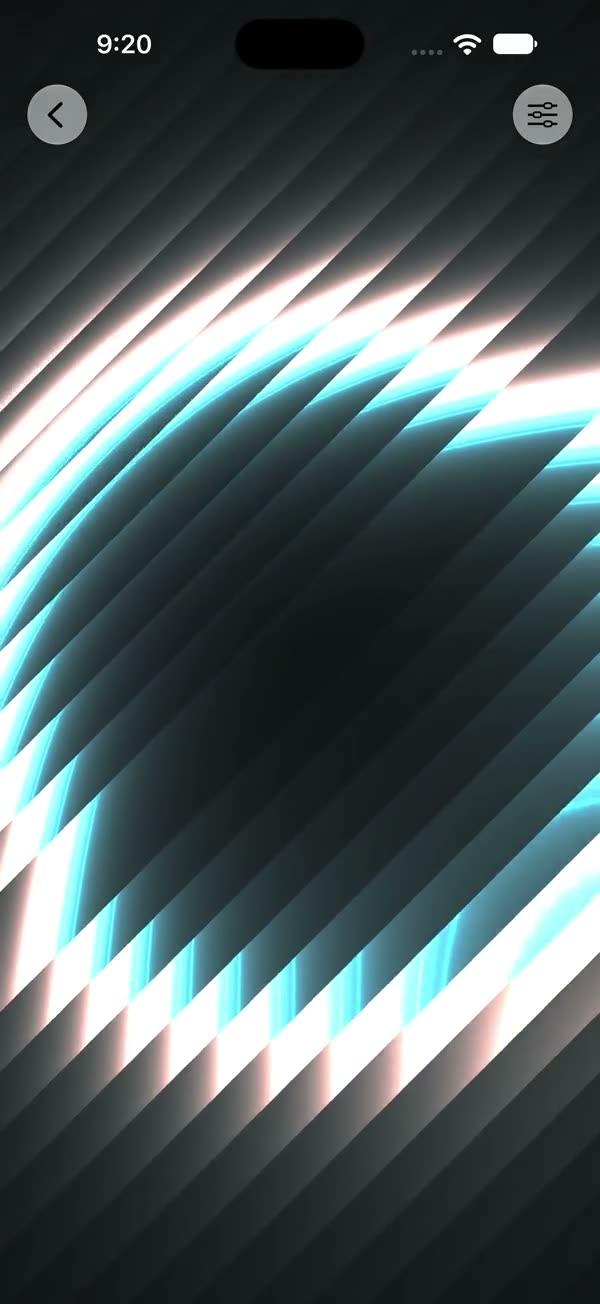
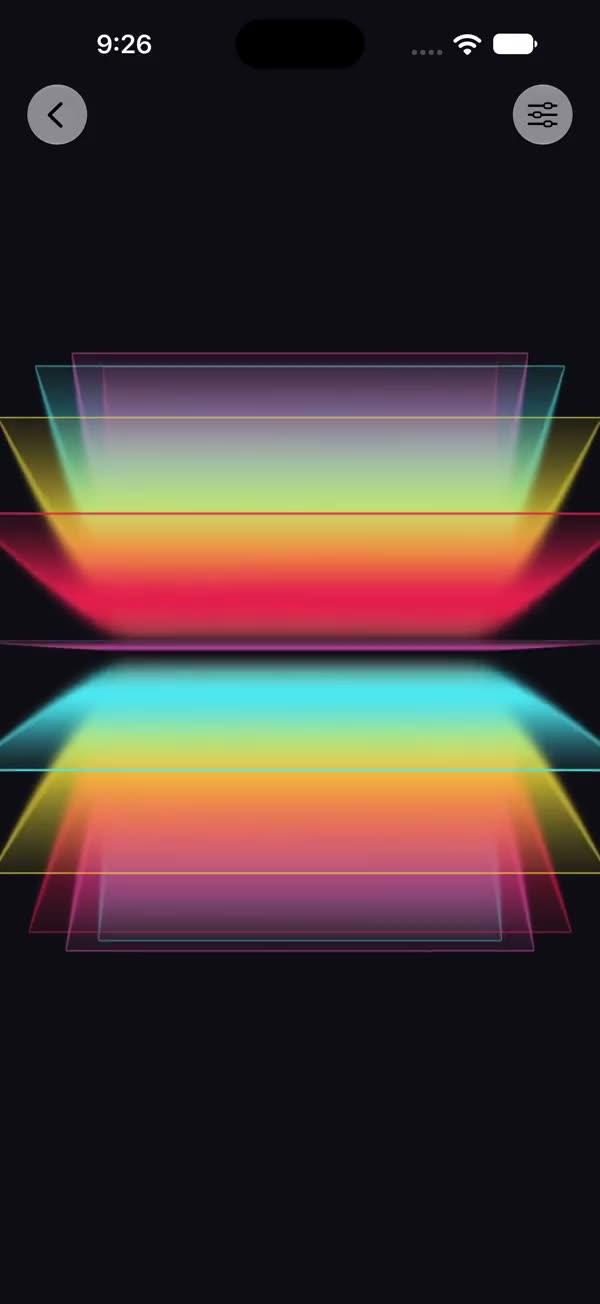
Polished-aluminum finish layerEffect over any source view via a SwiftUI Metal stitchable shader — a tilt-shifted cyan/silver/purple brushed-metal gradient, a diagonal 45-degree rainbow iridescence band, and a tilt-tracking specular hotspot
Copies a short instruction with your private download link. Paste it into your agent: it downloads the whole skill (the source code, the setup steps and the mistakes we already made for you) and builds the screen.
Works with
What it does
Wraps any view in a polished-aluminum finish through SwiftUI's layerEffect Metal pipeline, in three layered steps: (1) a tilt-shifted cyan → silver → purple vertical gradient with brushed-metal value noise forms the metal base; (2) a diagonal 45-degree rainbow band sweeps across via screen blending for iridescence; (3) a tilt-tracking specular hotspot finishes the lit-metal look. Feed tilt from a DragGesture to rotate the metal — the finish reads as a still, reflective surface that comes alive on drag.
Requires iOS 18+ / macOS 15+.
What you get
- ✓432 lines of source code, ready to paste
- ✓Attribution
- ✓File Layout
- ✓Source Code
- ✓Usage
- ✓Parameters
- ✓Integration Checklist
- ✓Notes / Gotchas
Usage
// Default — polished metal, still until tilted
SWPolishedAluminum {
    Image("photo").resizable().scaledToFill()
}
.frame(width: 250, height: 350)
.clipShape(RoundedRectangle(cornerRadius: 16))

// Let the underlying art show through more — lower intensity
SWPolishedAluminum(intensity: 0.6) { cardArtwork }

// Tilt-driven from a DragGesture
@State private var tilt: CGSize = .zero

SWPolishedAluminum(tilt: tilt, intensity: 0.85) { cardArtwork }
    .gesture(
        DragGesture()
            .onChanged { v in
                tilt = CGSize(width: v.translation.width / 100,
                              height: v.translation.height / 100)
            }
            .onEnded { _ in withAnimation(.spring) { tilt = .zero } }
    )
Parameters
| Parameter | Type | Default | Range | Notes |
|---|---|---|---|---|
tilt | CGSize | .zero | ~ -1…1 per axis | Light/parallax direction, usually drag-driven |
intensity | Float | 0.85 | 0…1 | Blend of the metal finish over the source — at 1 the metal nearly replaces the art |
speed | Float | 1.0 | — | Kept for API symmetry with the foil family; the finish has no time-driven motion, so it has no visible effect |
showsControls | Bool | false | — | Demo-only gear ToolbarItem; requires an enclosing NavigationStack |
Integration Checklist
- Copy
SWPolishedAluminum.swiftandSWPolishedAluminum.metalinto your Xcode target, keeping the MIT attribution header on both files. - Confirm the deployment target is iOS 18+ / macOS 15+.
- Wrap a card / photo / SF Symbol in
SWPolishedAluminum { ... }; clip it to aRoundedRectangle. - The default
intensityof0.85makes a strongly metallic surface; drop toward0.5–0.6if you want the underlying artwork to remain visible through the finish. - Drive
tiltfrom aDragGestureso the gradient, rainbow band, and specular hotspot all rotate together.
Notes / Gotchas
- The shader's
timeargument is unused — the look is driven entirely bytilt, so with a fixed tilt the finish is static. There is noTimelineView: the layer re-renders only whentiltorintensitychange, so a still card costs nothing per frame. Provide a tilt source if you want motion. - The metal color ramp (cyan / silver / purple) is baked into the shader, not parameterized. Edit the
silver/darkSilver/cyan/purpleconstants in the.metalfile to recolor the finish. - The four helpers (
swAlu_*) are vendored from ShaderKit and prefixed to avoid duplicate-symbol collisions when several SW Metal files coexist in one shader library. Keep the prefix if you adapt them. maxSampleOffsetis.zero(the shader reads only the pixel underposition). Do not raise it.
More in Effects and animation