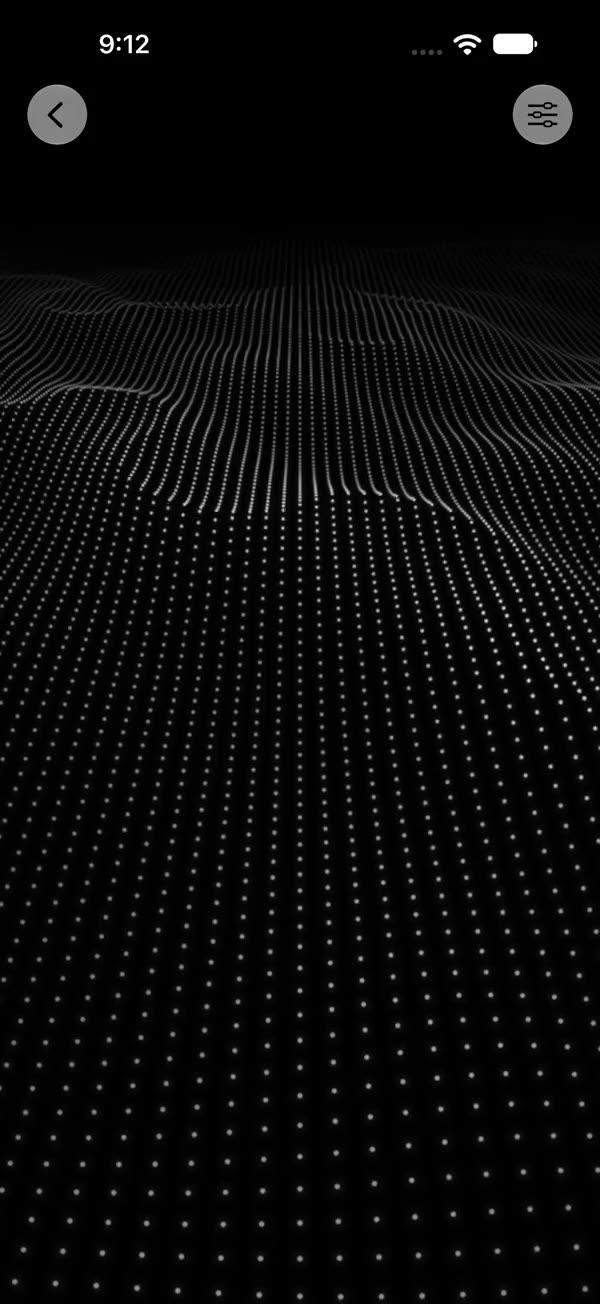
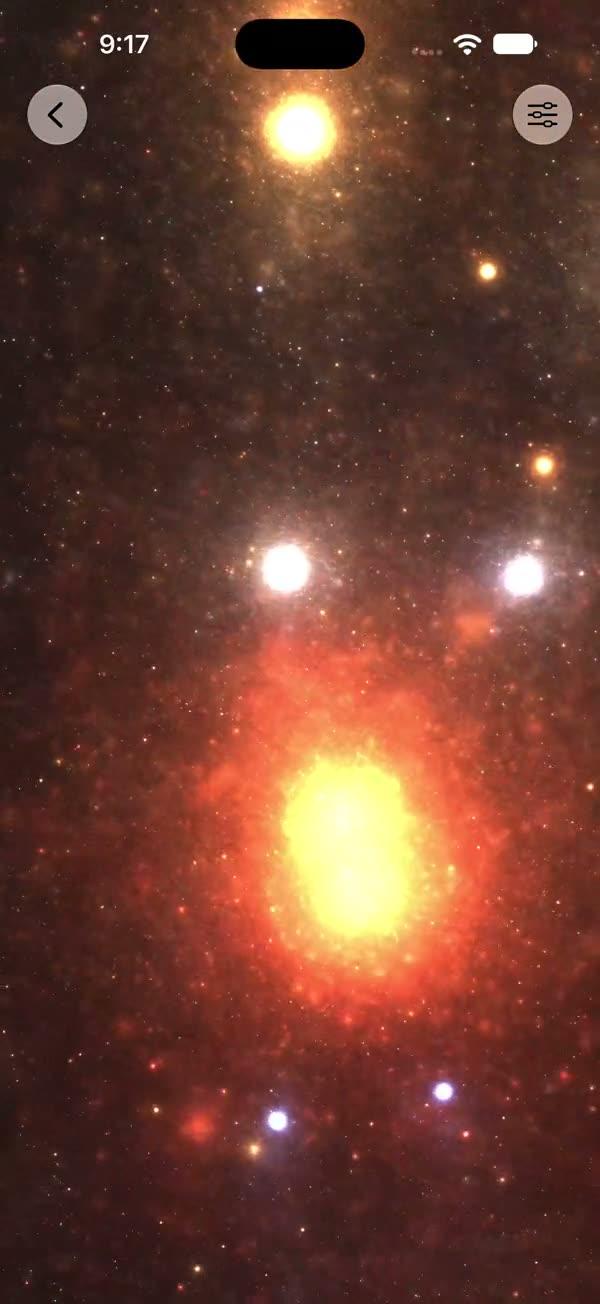
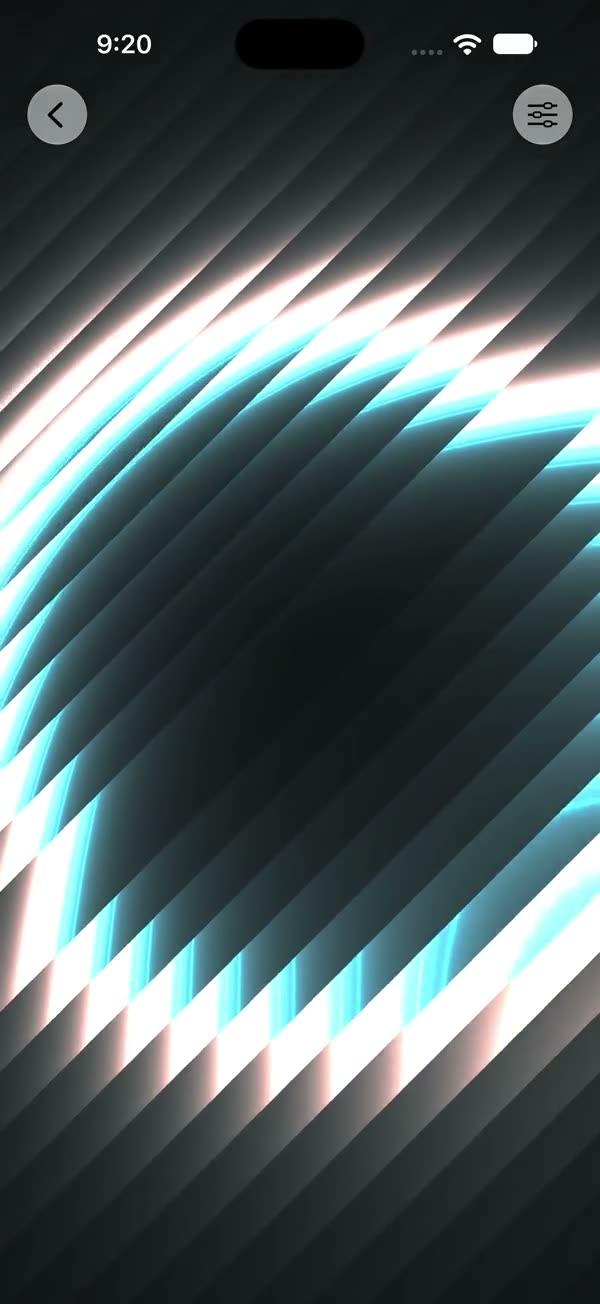
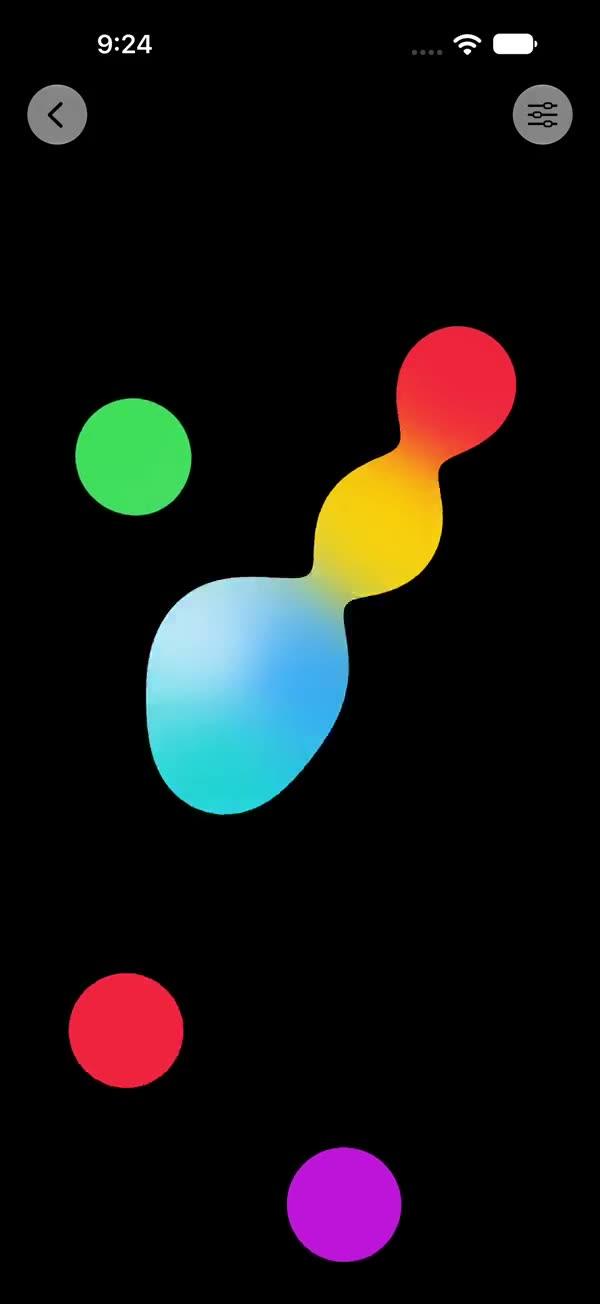
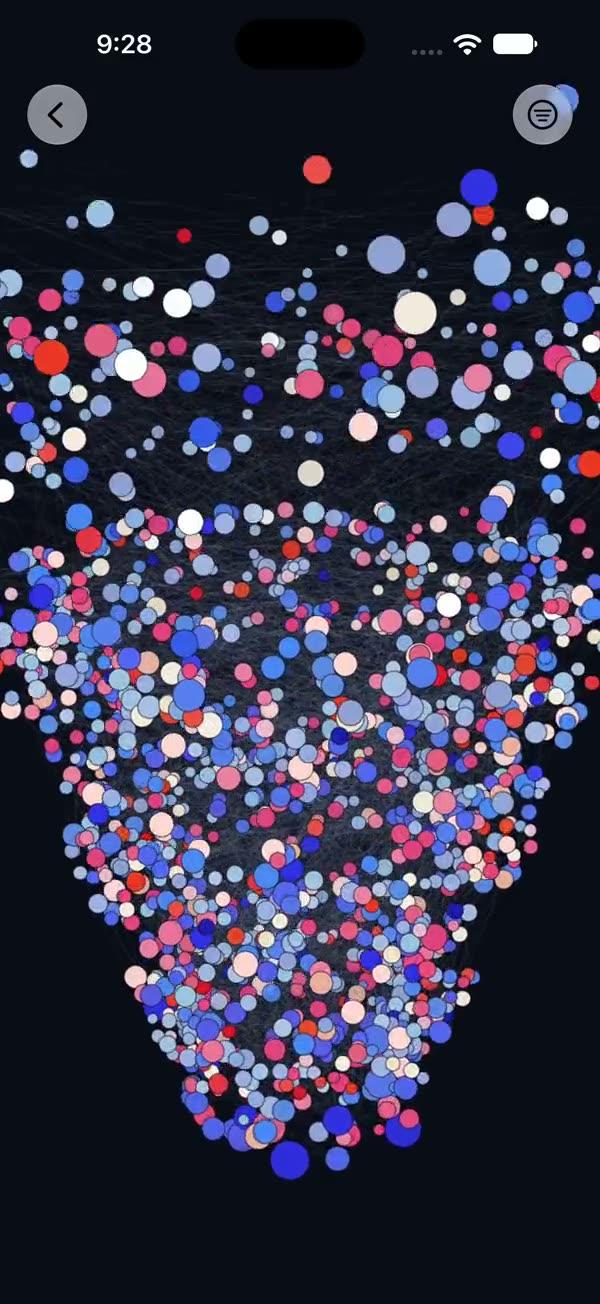
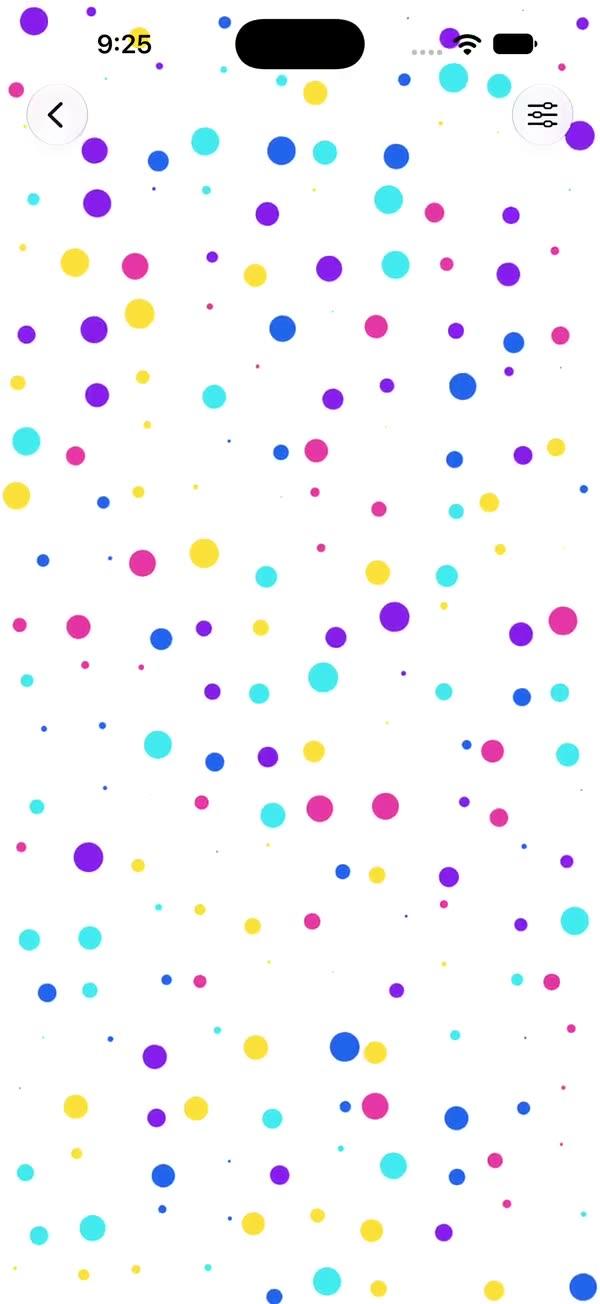
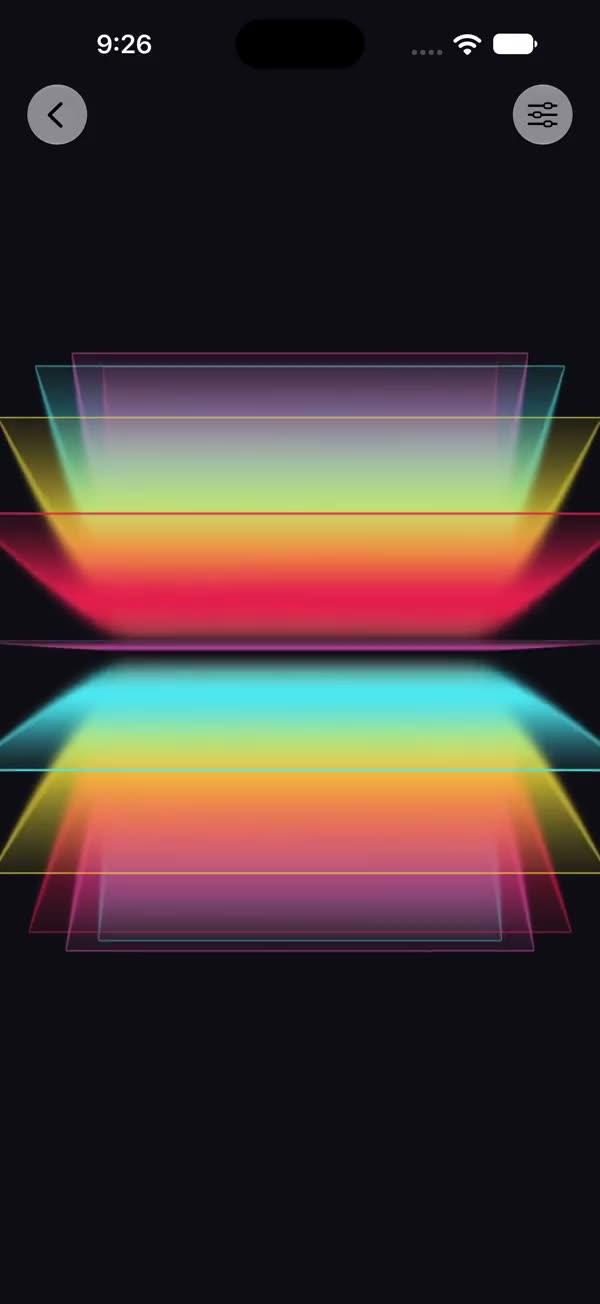
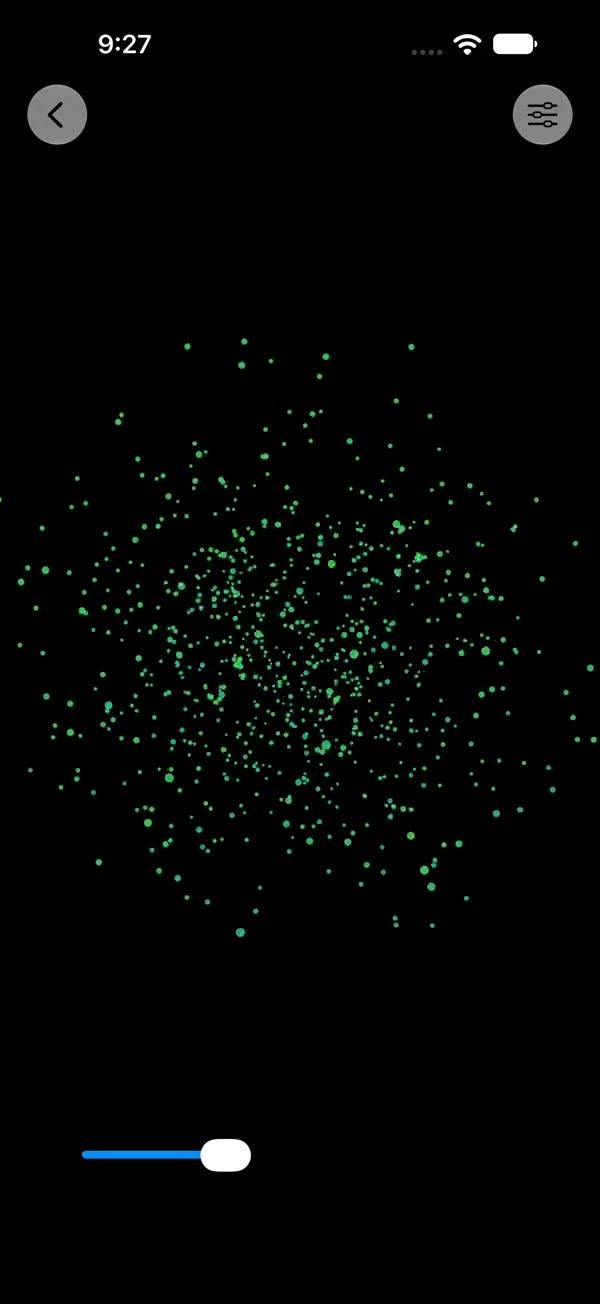
Starfield
Multi-layer twinkling starfield rendered via a SwiftUI Metal stitchable shader, with parallax-scrolling layers, hashed star placement, and a per-star sin-driven twinkle
Copies a short instruction with your private download link. Paste it into your agent: it downloads the whole skill (the source code, the setup steps and the mistakes we already made for you) and builds the screen.
Works with
What it does
Full-screen twinkling starfield rendered through SwiftUI's colorEffect Metal pipeline. Each parallax layer is a hashed grid: a per-cell scalar hash decides which cells light up (h > 1 - density), a per-cell 2D hash places the star inside the cell, and a sin-driven term twinkles its brightness. Back layers are finer-grained and dimmer, sliding downward faster for a parallax effect.
Requires iOS 18+ / macOS 15+ (uses SwiftUI ShaderLibrary, Shader / ShaderFunction, and Metal stitchable color effects).
What you get
- ✓339 lines of source code, ready to paste
- ✓File Layout
- ✓Source Code
- ✓Usage
- ✓Parameters
- ✓Integration Checklist
- ✓Notes / Gotchas
Usage
// Default — white stars on black, full-screen
ZStack {
    SWStarfield()
        .ignoresSafeArea()
    // Your content here
}

// Custom color and denser field
SWStarfield(starColor: .yellow, density: 0.5, layers: 6)

// As a section background
myContent
    .background { SWStarfield() }

// Slower, calmer field for a sleep / focus screen
SWStarfield(speed: 0.4, twinkleAmount: 0.15)
Parameters
| Parameter | Type | Default | Range | Notes |
|---|---|---|---|---|
starColor | Color | .white | — | Color of stars |
background | Color | .black | — | Color rendered behind the stars |
speed | Float | 1.0 | 0…3 | Multiplier on per-layer parallax scroll |
layers | Int | 4 | 1…8 | Number of parallax layers (clamped by shader) |
baseScale | Float | 60 | 5…200 | Cell grid resolution of the front layer (higher = smaller, more numerous stars) |
scaleStep | Float | 30 | 0…100 | Cell grid increment per layer behind the front |
density | Float | 0.3 | 0…1 | Fraction of cells containing a star |
starSize | Float | 0.4 | 0.05…2 | Star radius in cell-space |
twinkleSpeed | Float | 3.0 | 0…10 | Angular frequency of the per-star twinkle |
twinkleAmount | Float | 0.3 | 0…1 | Twinkle amplitude — 0 = steady, 1 = full blink |
showsControls | Bool | false | — | Demo-only gear ToolbarItem; requires an enclosing NavigationStack |
Integration Checklist
- Copy
SWStarfield.swiftandSWStarfield.metalinto your Xcode target (e.g. underSWAnimation/SWMetal/). - Confirm the deployment target is iOS 18+ / macOS 15+.
- Use it as a
ZStackbackground and apply.ignoresSafeArea()if you want full-bleed. - Use the parameter defaults first — they are tuned for full-screen on iPhone-class GPUs. Only raise
baseScale×layersafter measuring. - If you adopt the optional
showsControlsdemo flag, the gear button is registered as a nativeToolbarItemand requires the call site to be inside aNavigationStack.
Notes / Gotchas
- The shader caps
layersat 8 so the per-pixel loop bound stays static; values above 8 are silently truncated. - Cost is per-pixel × layers. Defaults are tuned for full-screen on iPhone-class GPUs; raise
baseScaleandlayerscautiously on lower-end devices. - The
twinkleAmountparameter is re-expressed asmean = 1 - amt, amplitude = amt, soamt = 0gives perfectly steady stars andamt = 0.3reproduces the default look. - The cell-fall-off uses
1 - smoothstep(0, ssz, d)rather than an edge-flipped smoothstep, so behavior matches the WGSL preview whereedge0 > edge1is undefined.
More in Effects and animation