View Transitions
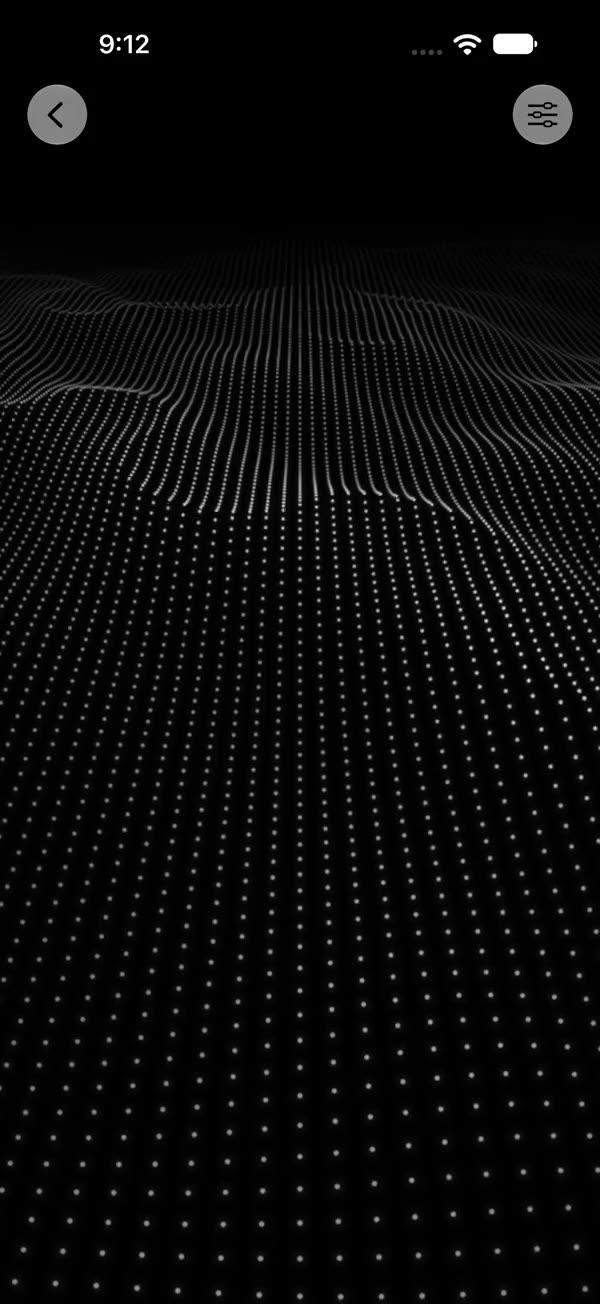
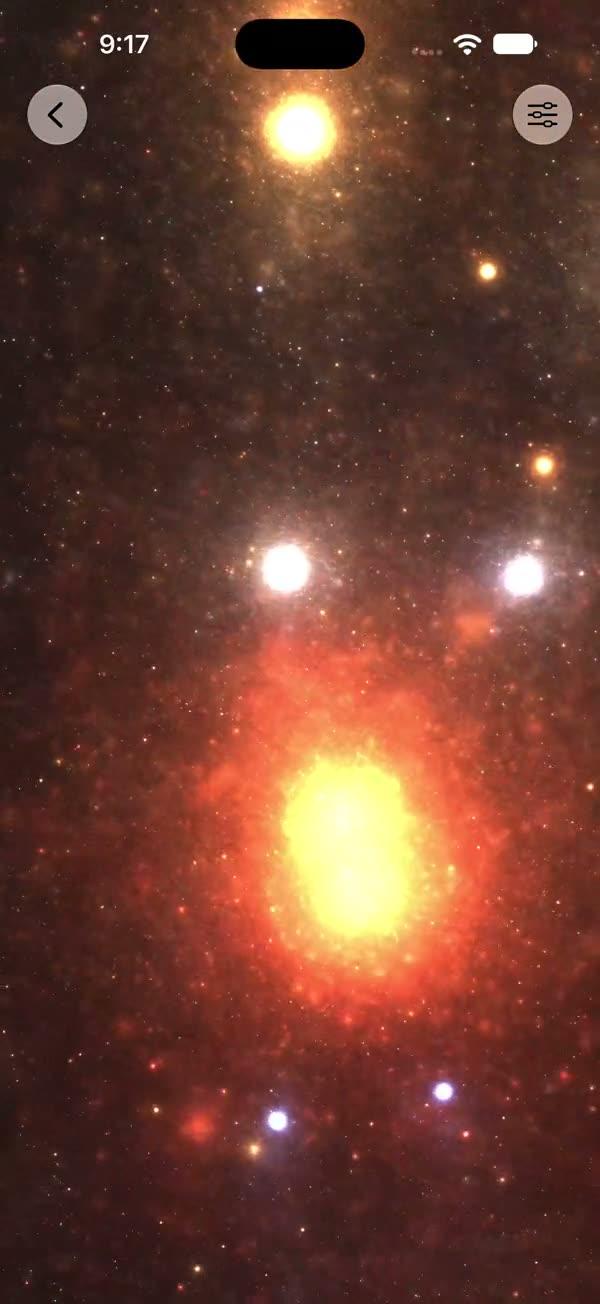
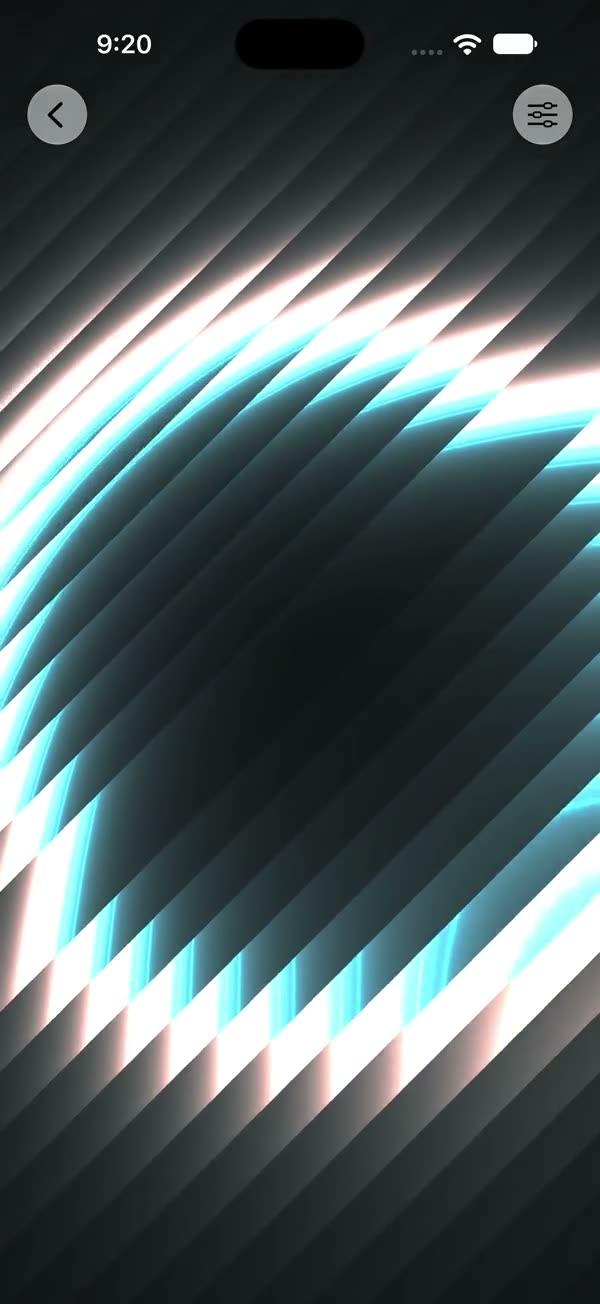
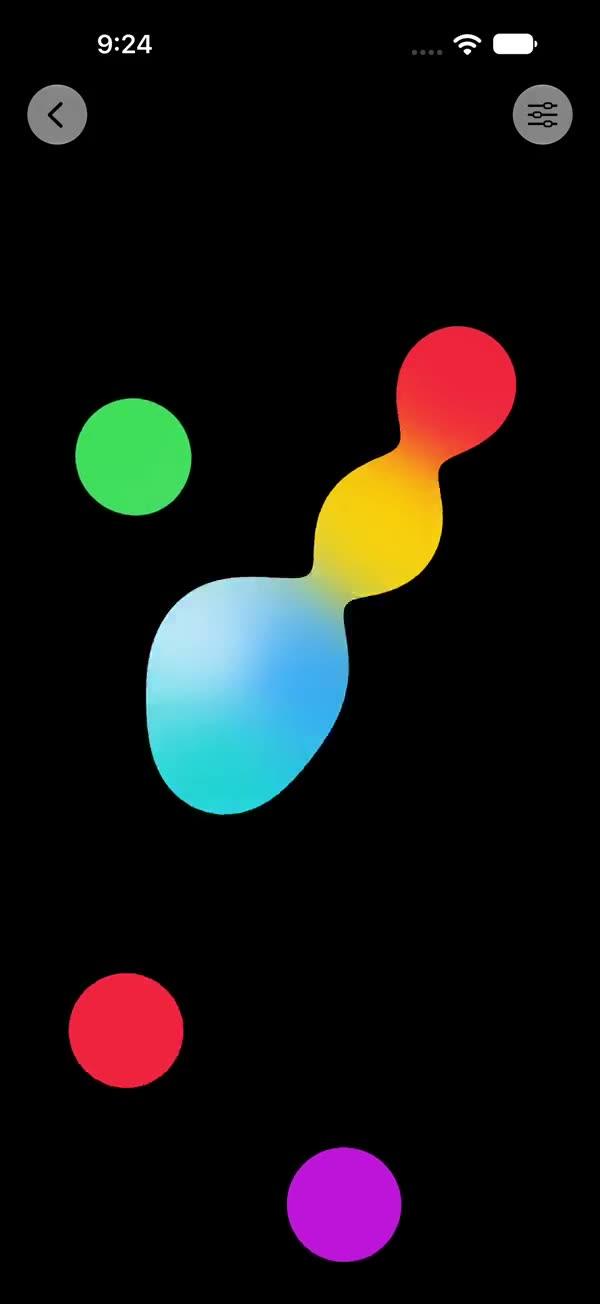
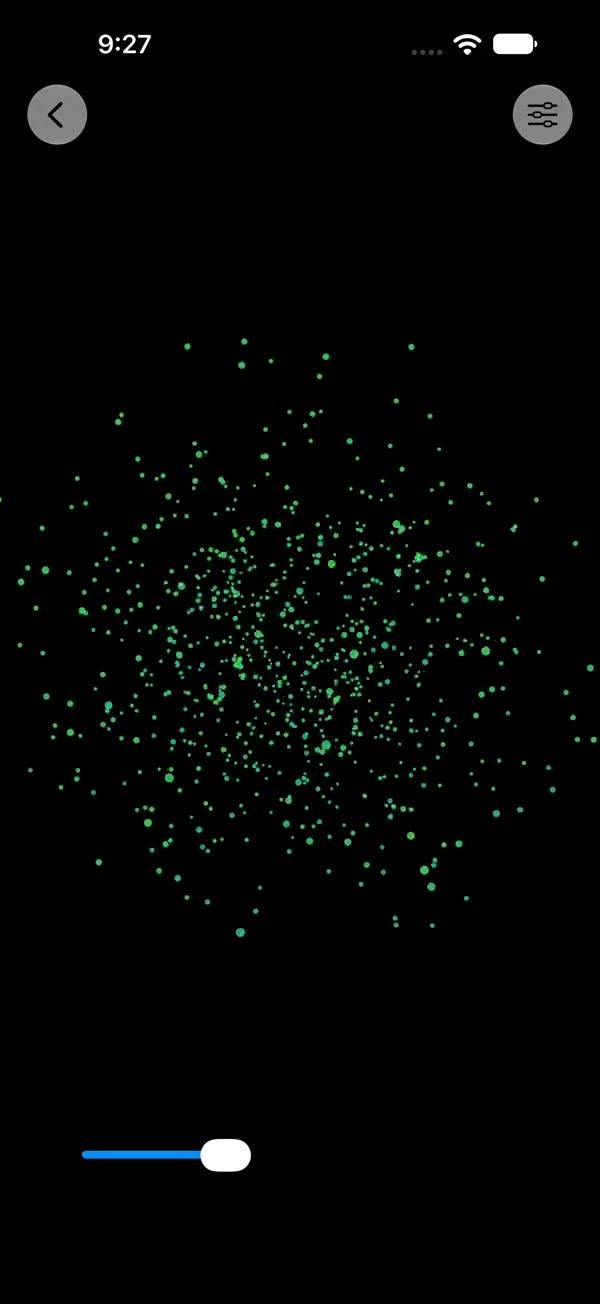
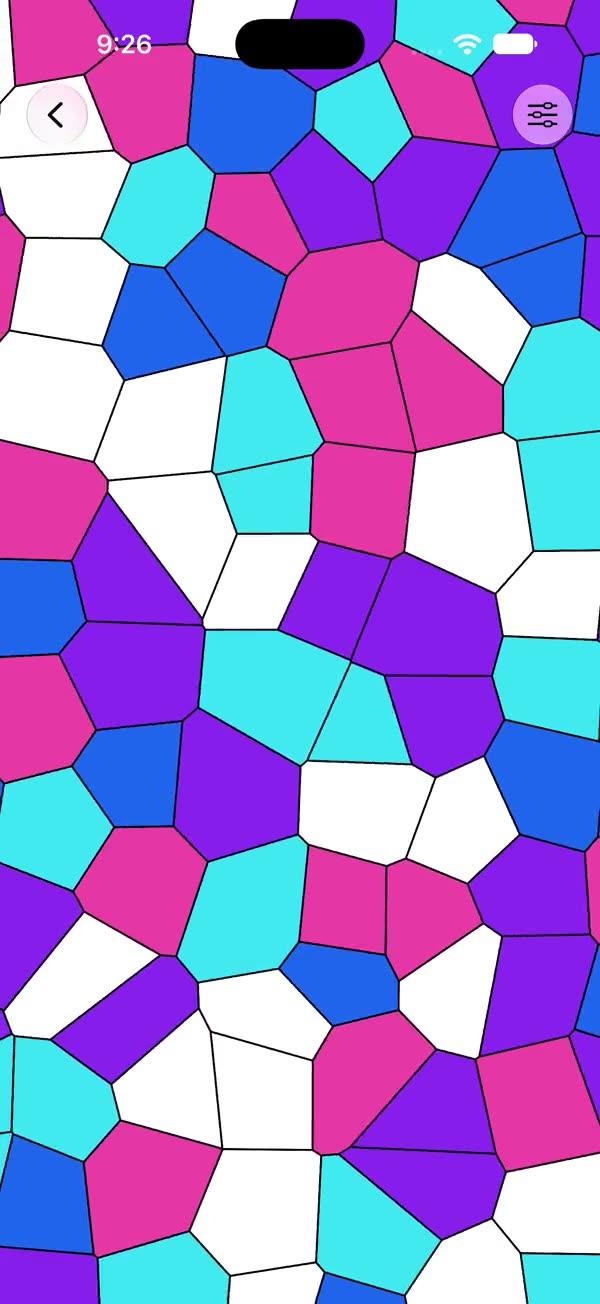
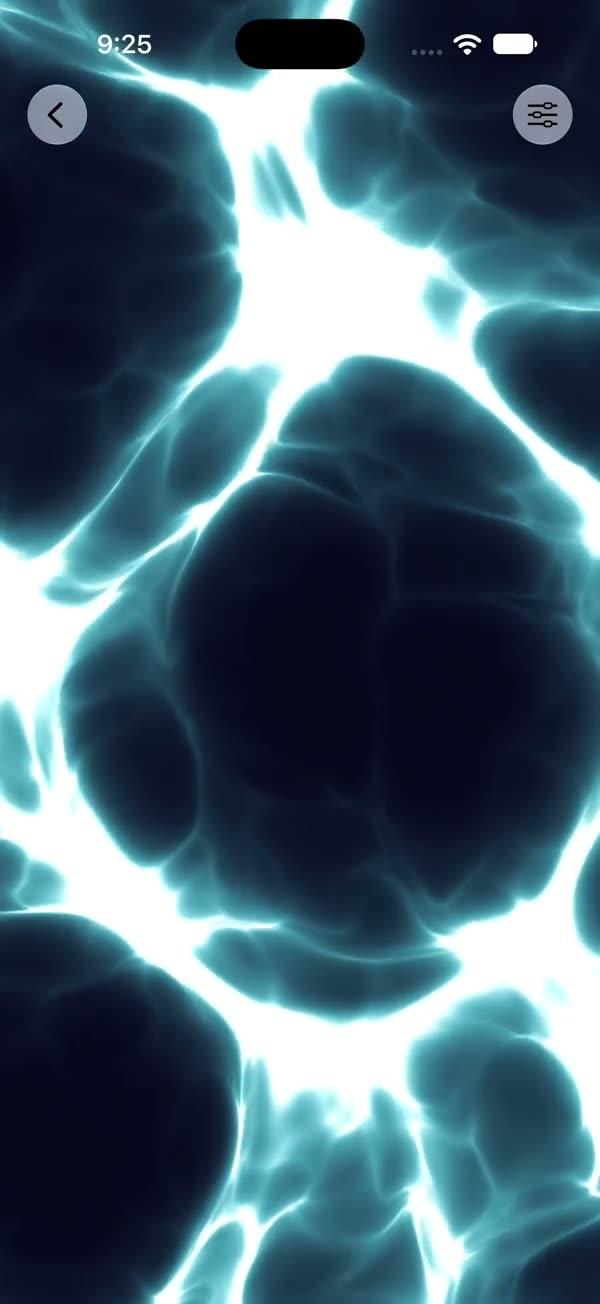
16 modern view transitions on SwiftUI's Transition protocol — boing, skid, swoosh, flip, iris, wipe, blinds, clock, glare, dissolve, flicker, film exposure and more
Copies a short instruction with your private download link. Paste it into your agent: it downloads the whole skill (the source code, the setup steps and the mistakes we already made for you) and builds the screen.
Works with
What it does
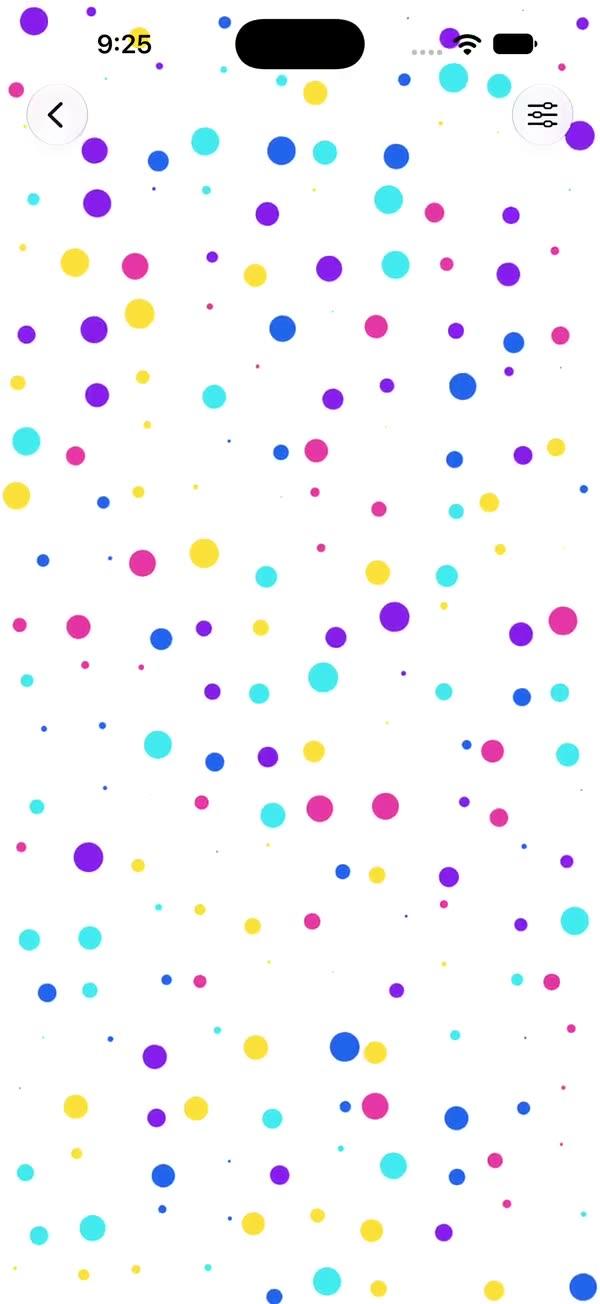
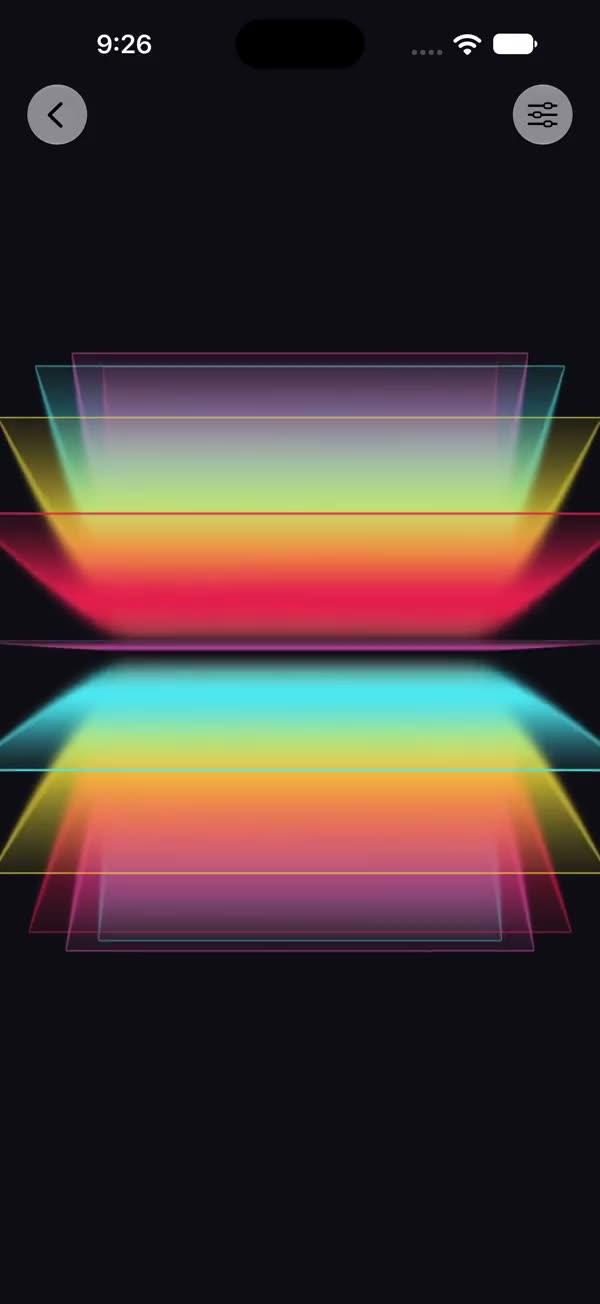
A collection of 16 view transitions built on SwiftUI's modern Transition protocol, usable via static dot-syntax exactly like the built-ins: .transition(.swBoing). Covers filter effects (blur, film exposure, snapshot flash), 3D motion (flip, rotate3D, swoosh), elastic motion (boing, skid, angle-based move), and animatable mask reveals (iris, wipe, blinds, clock, glare, flicker, pixel dissolve). Every transition is a plain value type; mask reveals interpolate custom Shape/Animatable progress, so they respect whatever animation you trigger them with.
What you get
- ✓642 lines of source code, ready to paste
- ✓Source Code
- ✓Usage
- ✓Parameters
- ✓Integration Checklist
- ✓Known Gotchas
Usage
// Insert / remove a view with a transition
if showCard {
    CardView()
        .transition(.swIris)
}
// Trigger with an explicit animation for best feel
withAnimation(.spring(duration: 0.6, bounce: 0.5)) { showCard.toggle() }

// Parameterised variants
.transition(.swWipe(angle: .degrees(45)))
.transition(.swMove(angle: .degrees(135), distance: 500))
.transition(.swIris(origin: .bottomTrailing))
.transition(.swDissolve(cellSize: 10))
.transition(.swRotate3D(angle: .degrees(120), axis: (x: 1, y: 1, z: 0)))
Recommended animations per effect:
| Effect | Animation |
|---|---|
| swBoing / swSkid / swSwoosh | .spring(duration: 0.6, bounce: 0.5) |
| swFlicker / swDissolve / swIris / swWipe / swBlinds / swClock / swGlare | .linear(duration: 0.55) or .easeInOut |
| swFilmExposure | .easeInOut(duration: 0.8) |
| everything else | .smooth(duration: 0.5) |
Parameters
| Transition | Parameter | Default | Description |
|---|---|---|---|
| swBlur | radius | 24 | Max blur radius while hidden |
| swBoing | distance | 80 | Drop-in height in pts |
| swSkid | distance | 160 | Slide-in distance in pts |
| swMove | angle, distance | —, 400 | Direction the view enters from |
| swRotate3D | angle, axis | 90°, (0,1,0) | 3D rotation angle and axis |
| swIris | origin | .center | Circle grow origin as UnitPoint |
| swWipe | angle | 45° | Sweep direction |
| swBlinds | slatHeight | 24 | Slat height in pts |
| swGlare | angle | 45° | Streak direction |
| swDissolve | cellSize | 8 | Dissolve grid cell size in pts |
Integration Checklist
- Add
SWTransition.swiftto your project (iOS 18+ / macOS 15+) - Attach
.transition(.swXxx)to a view inside anif/ForEach - Toggle the condition inside
withAnimation(...)using the recommended curve for that effect - For mask reveals (iris/wipe/blinds/clock/dissolve/flicker), prefer
.linearor.easeInOut— springs overshoot the progress (clamped, but timing feels off) - If the user can switch transitions at runtime, change the transition in its own transaction (or change the view's
.id) before removing the view
Known Gotchas
- Removal uses the last-rendered transition: SwiftUI captures the outgoing view's transition from the previous frame. If you change which transition is attached and remove the view in the same transaction, the exit plays the old effect. Either change the transition in a separate transaction first, or give the view an
.id(selection)so switching swaps the card — the old view exits with its own effect, the new one enters with the new effect. - The removal animation duration comes from the
withAnimationthat triggered it — a too-short animation truncates slower effects like film exposure. - Mask-reveal transitions draw within the view's bounds; inside
Listrows orclipped()containers they behave fine, but 3D/offset effects (boing, swoosh, move) need room to travel without being clipped by ancestors. SWSkewEffect(used by swSkid) is aGeometryEffect; it composes withoffsetbut not with.rotation3DEffecton the same layer — nest in a container if you need both.- All transitions are cross-platform SwiftUI (no UIKit); macOS 15+ works out of the box.
More in Effects and animation