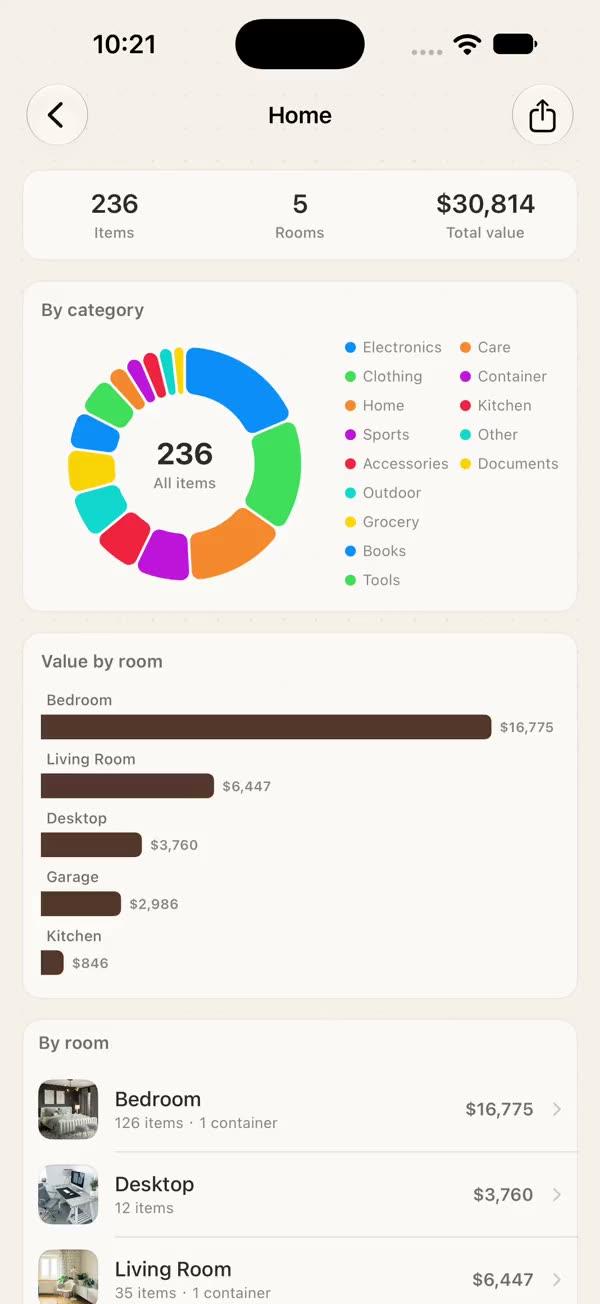
Export & Share — PDF, Image, JSON, CSV
Production-ready export system with multi-format output (PDF, PNG/JPEG, JSON, CSV), multi-page PDF rendering with metadata, UTF-8 BOM CSV for Excel compatibility, SwiftUI ShareLink integration, temp file lifecycle management, and a unified export manager — all built on ImageRenderer (iOS 16+) with zero third-party dependencies
Copies a short instruction with your private download link. Paste it into your agent: it downloads the whole skill (the source code, the setup steps and the mistakes we already made for you) and builds the screen.
Works with
What it does
Most apps eventually need to let users export their data — as a printable PDF report, a shareable image, a machine-readable JSON file, or a CSV for Excel. Each format has its own quirks:
- PDF requires CoreGraphics context management, page sizing, and metadata injection.
- Image export needs correct scale factors to avoid blurry output.
- CSV must handle UTF-8 BOM for Excel CJK compatibility and escape special characters (commas, quotes, newlines).
- JSON needs consistent date encoding and pretty-printing for human readability.
- Sharing requires bridging exported files to the system share sheet or SwiftUI's
ShareLink. - Temp files accumulate if not cleaned up after sharing.
This module provides a single SWExportManager that handles all four formats, multi-page PDF, PDF metadata, a format-selection share view, and automatic temp file cleanup — using only Apple-native APIs with zero third-party dependencies.
What you get
- ✓874 lines of source code, ready to paste
- ✓Architecture
- ✓Dependencies
- ✓Implementation
- ✓Integration Checklist
- ✓Common Customizations
- ✓Known Pitfalls
Architecture
Format Selection Guide:
| Need | Recommended Format |
|---|---|
| Printable report | PDF (ImageRenderer) |
| Social sharing | Image (PNG/JPEG) |
| API / programmatic use | JSON |
| Excel / Google Sheets | CSV (with BOM) |
| Maximum compatibility | Offer JSON + CSV |
More in Main screens